How to Organize a Messy Desk From One Photo: A Practical Reset Workflow
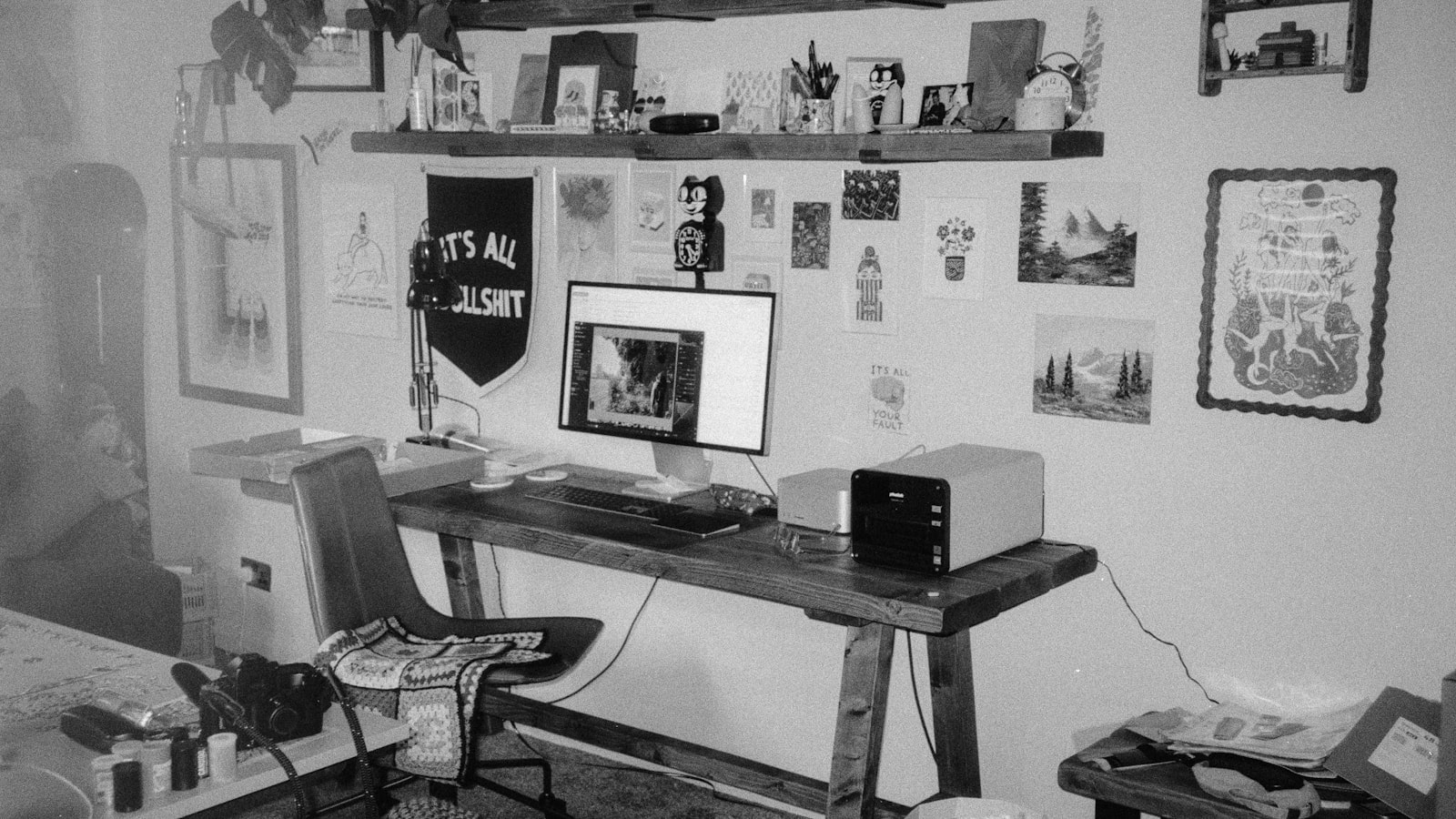
If your desk is messy enough that you do not know where to start, one full-desk photo can make the cleanup easier. A photo helps you see what is blocking the work zone, which items are just visual noise, and what deserves desk space every day. From there, the reset becomes much more practical: clear what does not belong, group what stays, route cables, and leave the center of the desk usable again.
That is the real advantage of a photo-based workflow. It does not clean for you. It reduces the number of decisions you have to make before you can begin.
TidySnap is built around that idea. You upload one messy desk photo, and it turns the current layout into a visual cleanup plan with placement cues you can actually follow.
Quick Answer: The Fastest Workflow for a Messy Desk
Use this order when the desk feels too cluttered to think clearly:
- take one photo that shows the full desktop, front edge, monitor area, side corners, and visible cables
- remove anything that is obviously not part of work
- clear the center work zone first
- group papers, tools, and accessories by function
- keep only daily-use items within reach
- move low-use objects to one side, a drawer, or a shelf
- route cables behind the monitor line or to one edge
- take an after photo so the layout is easier to repeat later
Most desks improve faster with a 20-minute first pass than with a long perfectionist cleanup.
Why a Photo Helps More Than a Generic Checklist
A messy desk is a spatial problem. A generic checklist can tell you to declutter, but it cannot see that your notebook pile is blocking the keyboard, your chargers are crossing the writing lane, or your paper is spread across the only open work area.
A photo helps because it makes the problem specific:
- what is blocking the primary work zone?
- which objects are part of the current task?
- which categories are spreading more than they should?
- what can leave the desk immediately?
That matters because visual clutter competes for attention. The more unfinished signals your workspace holds, the harder it is to start working without first negotiating with the environment.
Before You Start: Make the Photo Useful and Safe
Before using any photo-based workflow:
- move private financial, medical, or client documents out of frame
- darken or lock screens that show sensitive information
- take the photo from a normal standing or seated angle
- include the whole usable surface, not just the center
- leave the clutter visible instead of staging the desk first
The most useful image is the one that shows the real friction points.
Step 1: Clear What Obviously Does Not Belong
Start with subtraction, not optimization.
Remove:
- dishes and cups
- wrappers and packaging
- trash
- old receipts
- random household items
- anything that landed on the desk temporarily
This gives you a cleaner read on the actual workspace problem.
Step 2: Protect the Center Work Zone
The center of the desk should support the task you are doing now, not every possible task from the whole week.
Clear that space for:
- keyboard and mouse
- laptop or one active notebook
- one current document if needed
- open room to write, type, or move
If the center is used as storage, the desk feels mentally crowded before work even begins.
Step 3: Sort Objects by Use Frequency
When the desk is messy, do not ask where every object should live forever. Ask how often you actually need it.
| Group | What belongs there | Where it should go |
|---|---|---|
| Daily-use | keyboard, mouse, one notebook, one pen cup, current tools | within easy reach |
| Session-use | items needed for the current project only | one side zone or tray |
| Weekly-use | spare chargers, adapters, extra notebooks, backup tools | drawer, shelf, or back edge |
| Not-desk | dishes, trash, packaging, old mail, unrelated items | off the workspace |
This makes the cleanup easier because you are deciding what deserves prime desk space, not building a perfect storage system all at once.
Step 4: Create a Few Simple Zones
A useful desk does not need a complex layout. It needs a layout you can remember.
Use these zones:
- work zone for active work
- support zone for daily tools
- paper zone for active or review paper
- cable zone for chargers and cords
- storage edge for lower-use objects that can stay nearby
If you want a broader framework for zone planning, read How to Organize Your Workspace.
Step 5: Route Cables Before You Finish
Cables create more visual drag than people expect, especially when they cross the writing area or front edge of the desk.
A simple cable rule works well:
- keep only active cables visible
- move spare adapters off the surface
- run cords to one side
- push longer cables behind the monitor line
- keep the center of the desk free of charging paths
If cable clutter is your biggest problem, read The Ultimate Cable Management Guide.
Step 6: Use a 20-Minute Reset Instead of a Weekend Project
| Minute | Action | Goal |
|---|---|---|
| 0-2 | take the before photo | understand the current layout |
| 2-5 | remove obvious non-work clutter | clear easy friction |
| 5-9 | empty the center work zone | restore usable desk space |
| 9-13 | group papers and tools | reduce scattered visual noise |
| 13-17 | move low-use items to the side | protect reach space |
| 17-20 | route the most visible cables and set the final layout | make the desk easier to keep up |
This works because it keeps the goal realistic. The point is to make the desk usable now.
What to Do if Paper Is the Main Mess
Sometimes the desk is not really messy because of objects. It is messy because paper keeps spreading.
Use this rule:
- active paper stays visible
- paper that needs action goes into one review pile
- reference paper moves off the main surface
- old paper leaves the desk entirely
If paperwork is the real issue, read How to Organize Office Paperwork Without Letting It Take Over Your Desk.
Where TidySnap Fits
A lot of people already understand the general advice. They know they should clear the desk, group similar items, and keep the center open. The hard part is applying that logic to the actual setup in front of them.
That is where TidySnap helps:
- it starts from your real desk photo
- helps identify overcrowded zones
- makes it easier to separate daily-use items from overflow
- turns general advice into a visual placement plan
- gives you an after-state you can revisit when the desk drifts again
If you want a companion guide for the bigger-picture workspace problem, read How to Organize a Messy Workspace When You Do Not Know Where to Start.
Common Mistakes When Resetting a Messy Desk
The most common mistakes are:
- trying to organize before clearing obvious non-work clutter
- making too many categories too early
- leaving paper spread flat across the desk
- keeping low-use tools within reach
- treating cables as a finishing detail instead of an early fix
- filling every inch of the desk instead of reserving room to work
Final Takeaway
If you want to organize a messy desk faster, start with one real photo and focus on restoring function first. Protect the center, group what stays, move what does not, and make the layout repeatable.
That is what turns cleanup from a one-time effort into a system you can actually keep. If you want help turning your own photo into a practical visual plan, try TidySnap.