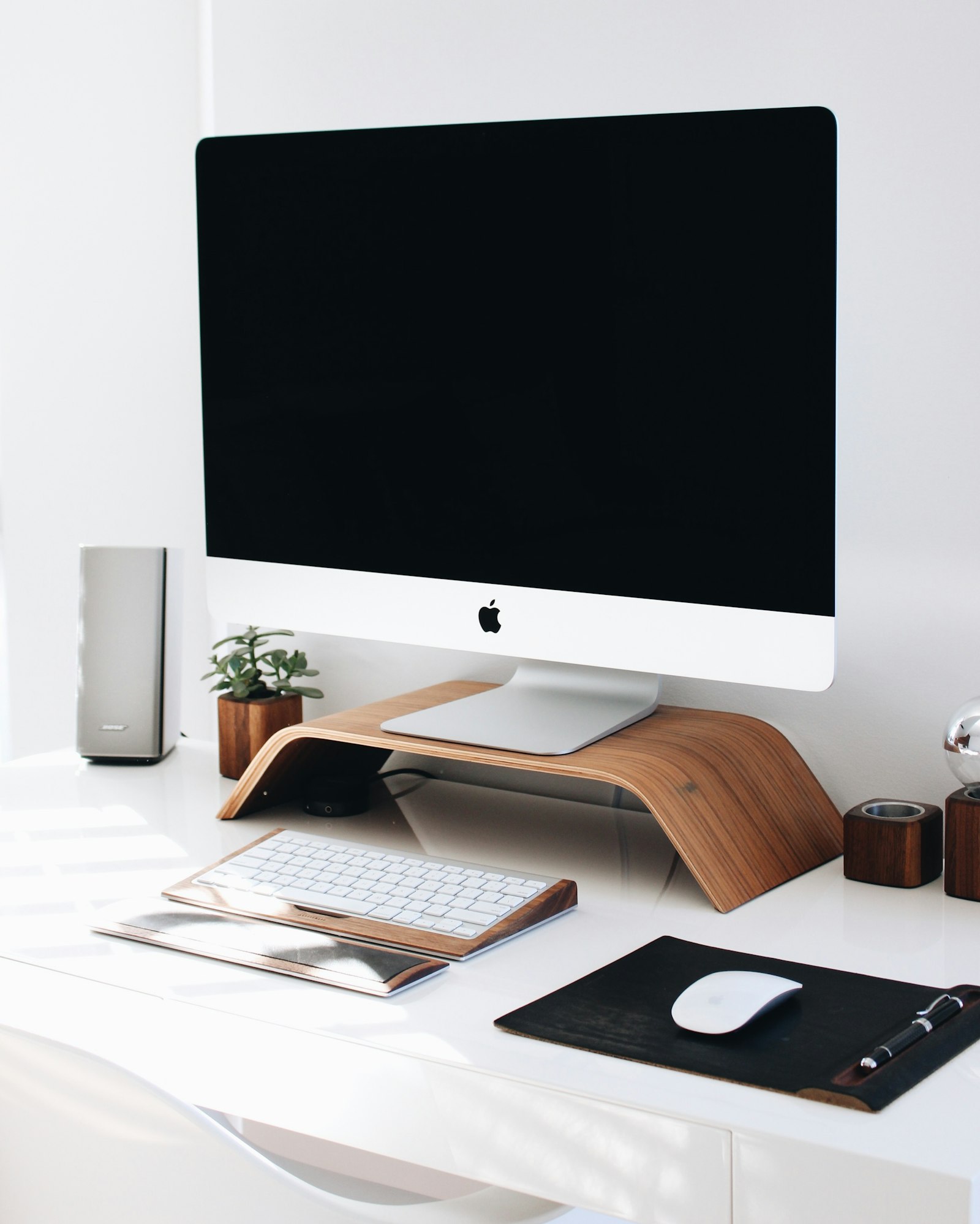
How to Organize Your Workspace: 7 Practical Steps That Actually Stick
If you want to organize your workspace quickly, start by removing obvious trash, keeping only daily-use tools on the surface, creating simple zones, and leaving part of the desk intentionally empty. The goal is not a perfect desk. The goal is a workspace that is easy to start and easy to reset.
If you want help deciding what should stay, what should move, and where each item should go, TidySnap can turn one messy desk photo into a visual cleanup plan.
Quick Answer: How Do You Organize Your Workspace?
To organize your workspace fast:
- remove trash and non-work items
- keep only daily-use tools within reach
- move low-use items into nearby storage
- create clear zones for work, support, and temporary items
- route cables away from the center of the desk
- leave open space for writing and active work
- do a 3-minute reset at the end of the day
If you do only those seven things consistently, most workspaces become easier to maintain within a few days.
Why Most Workspaces Get Messy Again
Most people do not struggle because they are lazy. They struggle because the workspace has no default logic.
Common reasons include:
- daily-use and low-use items are mixed together
- papers do not have one holding place
- chargers and cables live wherever they land
- the center of the desk becomes storage
- there is no short reset routine at the end of the day
If there is no default layout, clutter always comes back.
Step-by-Step: How to Organize Your Workspace
1. Clear the surface before you try to optimize it
Do not start by buying containers or moving one object at a time. Start by getting a clean read on the actual problem.
Clear:
- trash
- dishes and bottles
- packaging
- old receipts
- random items that belong in another room
This gives you enough visual contrast to see what is truly part of the workspace and what is just leftover friction.
2. Decide what deserves desk space every day
Desk space should be treated like premium real estate. Only daily-use items should stay on the main surface.
Keep on the desk:
- laptop or monitor
- keyboard and mouse
- one active notebook
- one pen cup or tool holder
- one drink if space allows
Store nearby:
- backup chargers
- extra notebooks
- external drives
- spare accessories
- reference papers you do not need this hour
Archive elsewhere:
- old paperwork
- duplicate tools
- seasonal items
- unrelated personal clutter
If an item does not help with today’s work, it usually should not live in the center of the desk.
3. Create three clear zones
Most people do not need a complicated organization system. They need a simple one that is obvious at a glance.
A practical workspace usually has:
- a primary work zone for keyboard, mouse, and current task
- a support zone for notebook, headphones, and charger
- a parking zone for temporary paper and loose items
When every object belongs to a zone, cleanup stops feeling like a series of decisions and starts feeling like a reset.
4. Fix the cable edge early
Cable mess makes a workspace look more chaotic than it really is.
The fastest cable rules are:
- keep only active cables on the desk
- route charging cables to one side
- push longer cables behind the monitor line
- avoid letting cables cross the center work area
For many people, cable control is the difference between a desk that looks manageable and one that feels mentally noisy.
5. Use nearby and vertical storage before buying more gear
A lot of workspace clutter is really a placement problem, not a storage shortage.
Before you buy anything new, try:
- one tray for temporary paper
- one drawer or shelf for low-use tools
- vertical storage for notebooks and folders
- one container for small accessories
This is especially useful for home offices and small desks. If you need a setup designed for remote work, read How Remote Workers Can Build an Efficient Workspace Without Buying More Gear.
6. Leave empty space on purpose
Many people organize every object and still feel crowded because they forget to reserve space for actual work.
Your desk should keep some surface intentionally open for:
- writing
- quick task switching
- temporary active items
- device movement
An organized workspace is not a full workspace. It is a workspace with room to think and move.
7. Build a 3-minute reset you can actually keep
The most effective organization systems are the ones you can repeat when you are tired.
A simple end-of-day reset looks like this:
- throw away trash
- return pens and tools to one holder
- move unused tech accessories off the surface
- put notebook and keyboard back in position
- clear cups, wrappers, and loose paper
This is what keeps the workspace from collapsing again tomorrow.
What Should Stay on a Work Desk Every Day?
People often search for workspace organization advice when what they really want is a rule.
A good daily workspace usually includes only:
- your main computer
- one input setup
- one active notebook or planning surface
- one light source
- one holder for essential small tools
- one or two personal items at most
Everything else needs a reason to stay.
What Should Not Stay on a Work Desk?
These are the items that create clutter fastest:
- spare chargers
- unopened packages
- duplicate stationery
- random cables
- old paperwork
- extra headphones
- too many decorative objects
- dishes and bottles left from earlier tasks
Removing these first usually gives the biggest visible improvement.
How to Organize Your Workspace at Home
Home workspaces get messy faster because they often do more than one job. The desk becomes a work station, charging zone, storage surface, and dining table all at once.
If you work from home, focus on:
- keeping the center clear for your main task
- giving temporary clutter one holding place
- making your video-call background calmer
- resetting the desk before you stop for the day
If your main question is closer to “how do I organize my office at home,” the same logic still works. You just need stronger boundaries around what belongs on the desk.
Where TidySnap Helps
Most workspace guides explain what good organization looks like. The hard part is deciding what to do with your desk right now.
That is where TidySnap helps:
- it starts from your real desk photo
- identifies visible clutter zones
- shows which items should stay, group, stack, or move
- gives you a visual target instead of generic advice
If you want the full explanation of how the AI side works, read How AI Desk Organization Works.
Common Workspace Organization Mistakes
The mistakes that slow people down most are:
- trying to organize without clearing first
- treating the whole desk as one zone
- keeping low-use items within arm’s reach
- letting cables cut through the work area
- optimizing for aesthetics instead of repeatability
- creating a system that takes too long to maintain
If your setup takes 20 minutes to restore, it is not really organized yet.
Final Takeaway
If you want to organize your workspace quickly, do not start with perfection. Start with visibility, zones, and daily-use rules.
The most practical system is simple:
- keep daily tools visible
- move low-use items away
- reserve the center for active work
- control cables early
- reset the desk in three minutes
And if you want a faster way to decide what goes where, TidySnap can turn one desk photo into a visual organization plan you can actually follow.
FAQ
What is the fastest way to organize your workspace?
The fastest way is to throw away trash, remove non-work items, keep only daily-use tools on the desk, create clear zones, and do a short reset at the end of the day.
How do I keep my workspace organized every day?
Use a 3-minute reset. Return tools to one holder, move low-use items off the surface, clear dishes and paper, and leave tomorrow’s workspace ready before you stop working.
What should stay on a desk every day?
Usually only your main computer, one input setup, one active notebook, one tool holder, and a few truly essential items should stay on the desk every day.
Can AI help me organize my workspace?
Yes. A photo-based tool like TidySnap can help you see clutter hotspots, separate daily-use items from low-use items, and generate a visual plan for where things should go.
Is this only for home offices?
No. These workspace organization rules work for home offices, student desks, studio setups, and small office workstations. The exact objects change, but the logic stays the same.