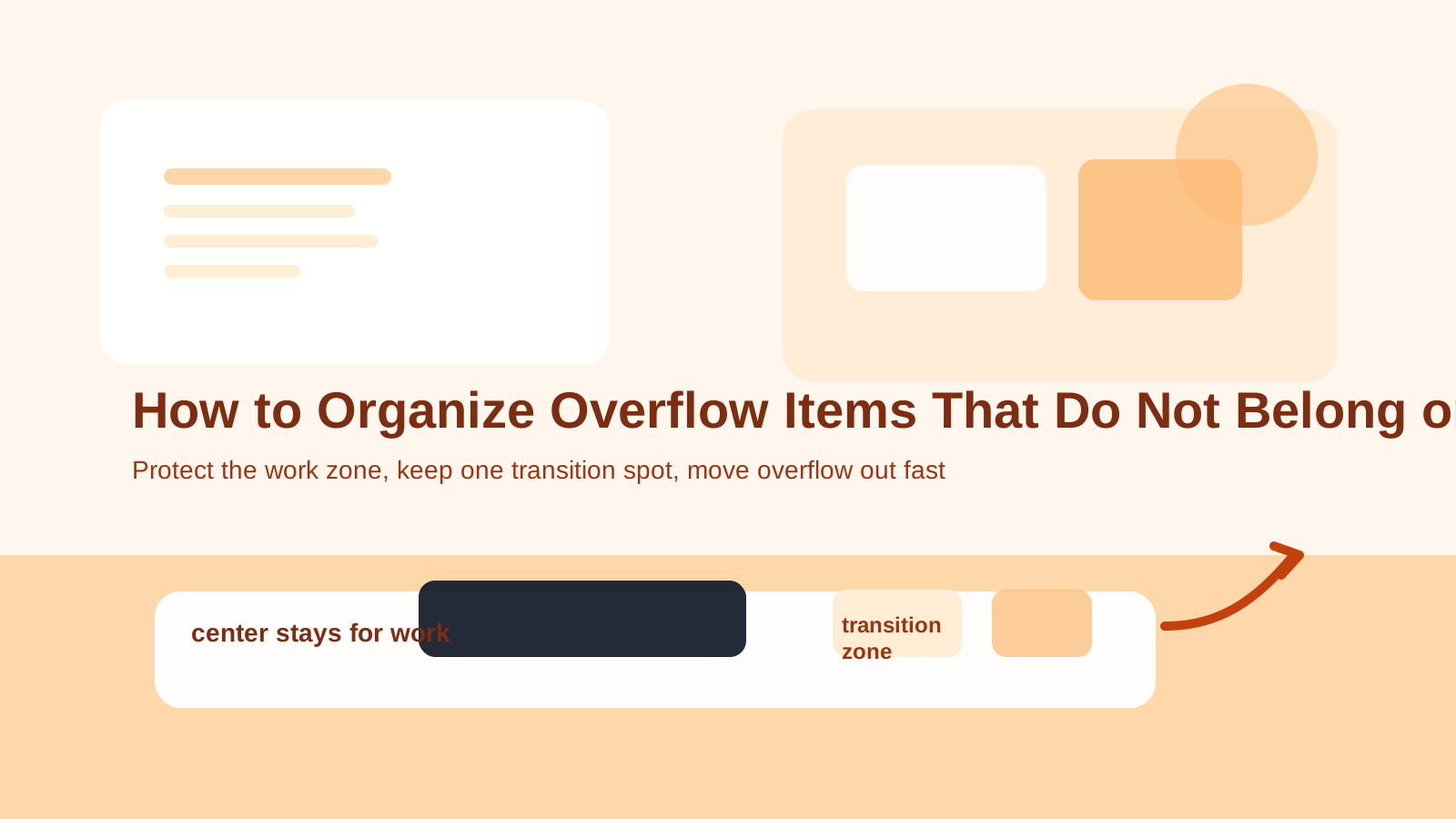
How to Organize Overflow Items That Do Not Belong on Your Desk
Some desk clutter is real work clutter. A notebook you are using, a document you need today, or a charger that powers your setup belongs in the conversation.
Overflow clutter is different.
It is the pile of things that landed on the desk because there was nowhere easier to put them in the moment. Mail, receipts, headphones, return items, paperwork, supplies, tech accessories, random objects from other rooms, and half-finished decisions all start collecting around your actual work.
That is when the desk stops feeling like a workspace and starts feeling like the room’s emergency landing pad.
TidySnap can help when that boundary is hard to see. A desk photo makes it easier to spot what belongs to active work, what is waiting for another decision, and which areas are carrying too much overflow weight.
Quick Answer
If your desk keeps filling with overflow items that do not belong there:
- separate active work from temporary holding items
- group overflow by next action, not by appearance
- remove anything that belongs in another room first
- give paper, tech, and personal items different exit paths
- keep one small transition zone instead of letting the whole desk become one
- clear unresolved items on a regular schedule
- protect the center of the desk for actual work only
The desk gets better when overflow has somewhere to go, not when it gets stacked more neatly.
What Counts as Overflow on a Desk?
Overflow is anything using desk space without supporting the work you are doing there.
Common examples include:
- incoming mail
- receipts and paperwork waiting for review
- chargers that are not currently in use
- packages to return
- items borrowed from another room
- spare stationery
- personal care items
- tech accessories with no active task
- random objects you plan to deal with later
These items may matter. They just do not all belong on the desk at the same time.
Why Overflow Keeps Taking Over
Overflow builds up when the desk becomes the easiest neutral surface in the room.
That usually happens because:
- items do not have a clear next destination
- the desk is visible and convenient
- temporary items are not reviewed quickly
- paper and small objects blend into background clutter
- there is no limit on what can pause there
So the real problem is not just clutter. It is unfinished movement.
Use a Better Sorting Rule: Work, Transition, Elsewhere
A useful way to control overflow is to sort by what happens next.
| Category | What it includes | What should happen |
|---|---|---|
| Work | items supporting the task you are doing now | stay on the desk |
| Transition | items waiting for one clear next step | stay in one small contained spot briefly |
| Elsewhere | items that belong in another room, shelf, bag, or archive | leave the desk completely |
This keeps the desk from becoming a permanent middle state.
Step-by-Step: How to Organize Overflow Items That Do Not Belong on Your Desk
1. Pull out everything that belongs in another room
Start with the easiest category.
Remove things like:
- kitchen items
- household tools
- personal accessories
- shopping bags
- unopened packages
- objects you carried in and never carried back out
These items are not desk clutter in the true sense. They are misplaced room clutter.
2. Separate active paper from delayed paper
Paper creates overflow fast because it spreads flat and quietly stays visible.
Use a simple distinction:
- active today
- needs action this week
- reference later
- done and removable
If all four types stay mixed together, the desk will keep feeling unfinished.
3. Give tech overflow its own exit path
Overflow on desks is often partly digital-life overflow in physical form.
That can include:
- spare cables
- adapters
- old devices
- external drives
- earbuds
- batteries
Do not let those items live as a loose side pile. They need a separate home away from the main work area.
If cables are the main culprit, How to Organize a Desk With a Docking Station and Too Many Cables helps with the active setup side.
4. Keep one transition zone, not five mini-piles
A realistic desk can have a small place for items that are on their way somewhere else.
What does not work is letting every corner become a different waiting area.
A better rule:
- one small transition stack or tray
- only items with a clear next action
- cleared on a regular rhythm
This works because overflow is supposed to move, not settle in.
5. Stop using the back edge as silent storage
Many desks look almost fine from the front while the back edge tells a different story.
Watch for:
- stacked unopened mail
- old notebooks
- spare cords
- supplies you do not use daily
- random items that feel too useful to throw away
That area often becomes invisible storage, which is why it keeps refilling.
6. Protect the center of the desk
Overflow feels especially stressful when it enters the main working zone.
Keep the center reserved for:
- laptop and keyboard
- current notes
- one active document
- temporary hand space
When overflow crosses into the center, every task starts with moving things around first.
7. Set a recurring overflow reset
Overflow returns because it is made of postponed decisions.
A quick reset helps prevent accumulation:
- clear transition items at the end of the day
- review paper twice a week
- move misplaced room items immediately when possible
- throw away expired or low-value items fast
The point is not a perfect desk. It is keeping overflow from turning permanent.
Where TidySnap Helps
Overflow is tricky because every item has a reason for being there. That makes it harder to notice which objects are creating the most drag.
TidySnap helps by showing:
- where overflow is crowding active work space
- which piles are really transition piles
- which objects belong somewhere else entirely
- what the desk would look like if the true work zone were protected again
That kind of visual feedback is often what makes desk resets feel more obvious and less exhausting.
A 12-Minute Overflow Reset
| Minute | Action | Goal |
|---|---|---|
| 0-3 | remove items that belong in another room | cut obvious overflow fast |
| 3-5 | split paper by next action | stop flat spread |
| 5-7 | collect spare tech and accessories | reduce side clutter |
| 7-9 | shrink overflow into one transition zone | stop multi-pile creep |
| 9-12 | clear the center and set tomorrow’s work items | restore real desk function |
FAQ
Why does my desk collect things that have nothing to do with work?
Because it is usually a visible, reachable flat surface. When items do not have an immediate home, the desk becomes the default landing spot.
Should I keep a tray for overflow items?
A small transition zone can help, but only if it stays limited and gets cleared regularly. If the tray becomes permanent storage, it is just a nicer-looking pile.
What is the difference between clutter and overflow?
Clutter includes things that may belong on the desk but are not controlled well. Overflow includes things that do not belong there in the first place or only belong there temporarily.
A desk becomes easier to manage when it stops serving as the room’s backup surface and goes back to being a place where work can actually happen.