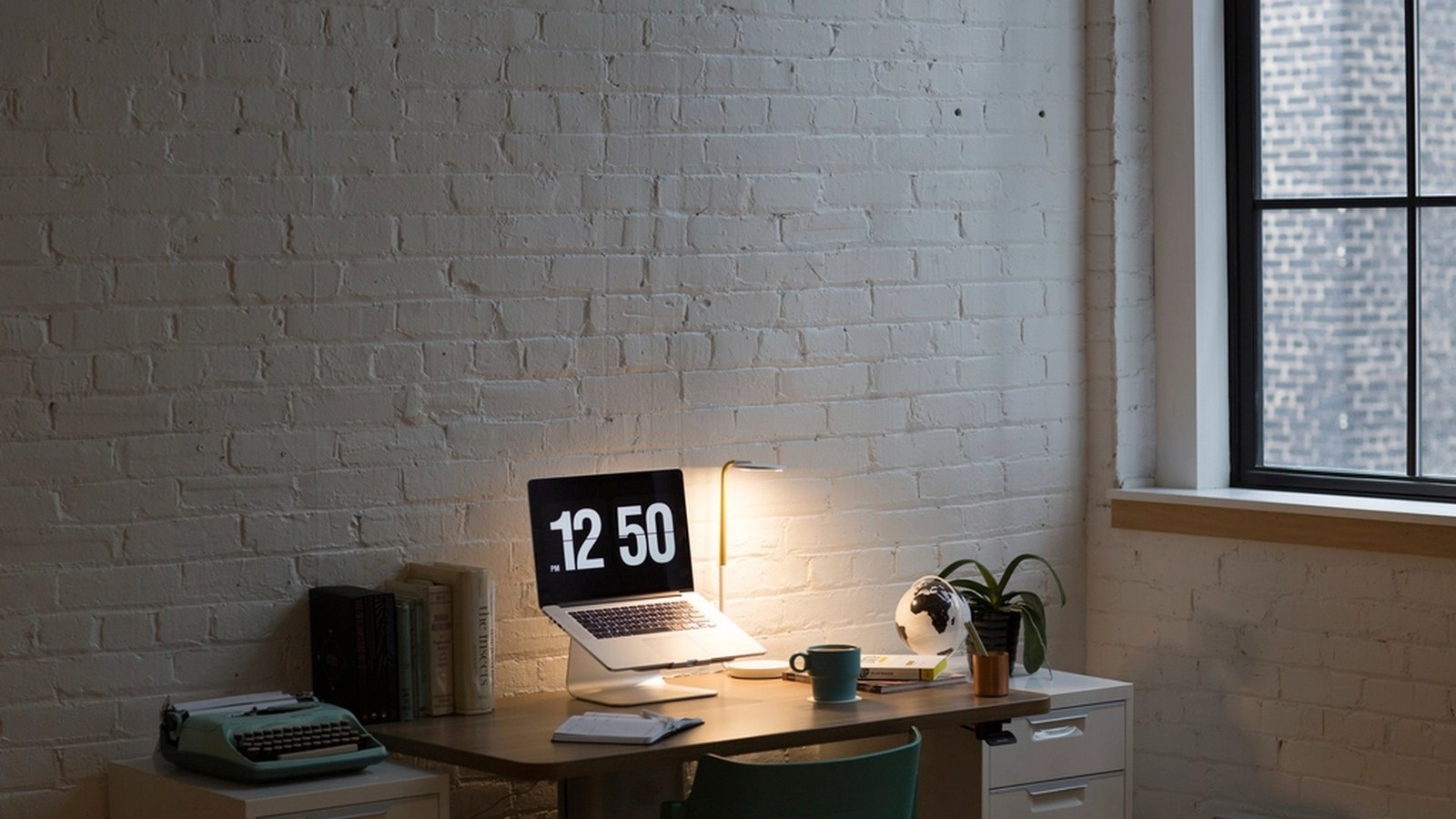
How to Organize a Living Room Workspace That Still Feels Like a Living Room
A living room workspace gets hard to manage for one simple reason: the room is always visible.
Even a small amount of work clutter can change how the whole space feels. A laptop left open on a side table, charging cables crossing the floor, notes drifting onto the coffee table, and a chair that slowly turns into a gear drop zone can make the room feel like work never fully ends.
That is why this kind of setup needs more than a tidy desk. It needs boundaries that help the room switch back to living mode.
TidySnap helps when you can see that the room feels crowded but cannot quickly tell what should stay out, what should move, and which nearby surfaces are quietly making the whole setup feel heavier than it needs to.
Quick Answer
If you want to organize a living room workspace that still feels like a living room:
- keep the work setup smaller than a full office setup
- define one clear work zone and stop spread early
- keep only daily-use items visible
- protect coffee tables and side tables from work overflow
- contain paper and chargers in one support area
- make shutdown fast enough to do every evening
- leave part of the room visually empty on purpose
That usually matters more than buying more storage.
Why Living Room Workspaces Feel Bigger Than They Are
The problem is often not the desk itself. It is the spill.
A living room workspace usually starts feeling stressful when:
- work tools spread onto shared furniture
- charging cables stay visible across walkways
- paper sits out because there is no obvious home for it
- remote controls, notebooks, and work accessories mix together
- the room never gets a clean visual reset
Because the room is used for relaxing, clutter reads louder here than it would in a dedicated office.
Give the Room Three Clear Zones
A living room setup feels calmer when the room has simple role boundaries.
| Zone | What belongs there | Why it helps |
|---|---|---|
| Work zone | laptop, keyboard, one notebook, one current task item | keeps work contained |
| Support zone | charger, headphones, pen cup, one paper folder | keeps tools close without spreading them |
| Living zone | remotes, decor, blankets, household items | stops the room from mixing into the desk |
If the work zone has no edge, the whole room becomes the edge.
Use a Smaller Default Setup Than You Think You Need
A living room workspace usually works better when it is lighter than a normal desk setup.
For many people, the true daily setup only needs:
- one laptop or one main screen
- one notebook or task pad
- one charger
- one pair of headphones
- one drink
- one small tray or caddy for support items
The setup often starts feeling crowded when backup tech, unopened mail, hobby items, and spare cables stay visible all week.
Protect Nearby Surfaces Early
One of the biggest mistakes in a living room workspace is assuming the clutter will stay on the desk.
It usually spreads onto:
- the coffee table
- a side table
- the sofa cushion beside you
- an ottoman
- the floor near the outlet
- a media console shelf
Make one rule: nearby furniture is not backup desk space.
That single rule does a lot to preserve the feeling of the room.
Keep Paper and Cables From Becoming Background Noise
Flat paper and visible cables make a living room workspace feel busier than it really is.
Use a simple paper rule:
| Paper type | Better home |
|---|---|
| active now | one visible notebook or one current page |
| needed later today | one slim folder |
| useful this week | nearby contained storage |
| finished | recycle, file, or archive immediately |
Use a simple cable rule:
- keep only active cables out
- route them toward one side only
- avoid crossing the room visually
- store spare adapters off the main surface
If paperwork is the main issue, read How to Organize Office Paperwork Without Letting It Take Over Your Desk.
Make the Evening Reset Extremely Easy
A living room workspace only stays manageable if you can shut it down without friction.
A good reset usually includes:
- one place for the laptop
- one small caddy or tray for loose items
- one folder for current paper
- one cable path that is easy to unplug or reduce
- one quick sweep of nearby surfaces
If shutdown takes ten steps, work will stay visible all night.
A Practical 10-Minute Reset
| Minute | Action | Goal |
|---|---|---|
| 0-2 | remove trash, cups, and obvious non-work clutter | clear visual noise |
| 2-4 | return the desk to its default layout | protect the work zone |
| 4-6 | gather chargers and accessories into one container | stop spread |
| 6-8 | clear the coffee table and side tables | restore the room boundary |
| 8-10 | close or put away what does not need to stay visible | return to living mode |
Where TidySnap Helps
A lot of people know the advice in theory but still get stuck on their actual room.
TidySnap helps from a real photo of the setup. It can help you identify which objects are making the room feel like work is always present, what should stay visible, what should move off nearby surfaces first, and what a calmer reset version of the room should look like.
Final Thought
A better living room workspace does not look like a tiny office squeezed into the corner. It looks like work has a clear place, clear limits, and a clean ending.
That is what helps the room still feel like a living room when the day is over.