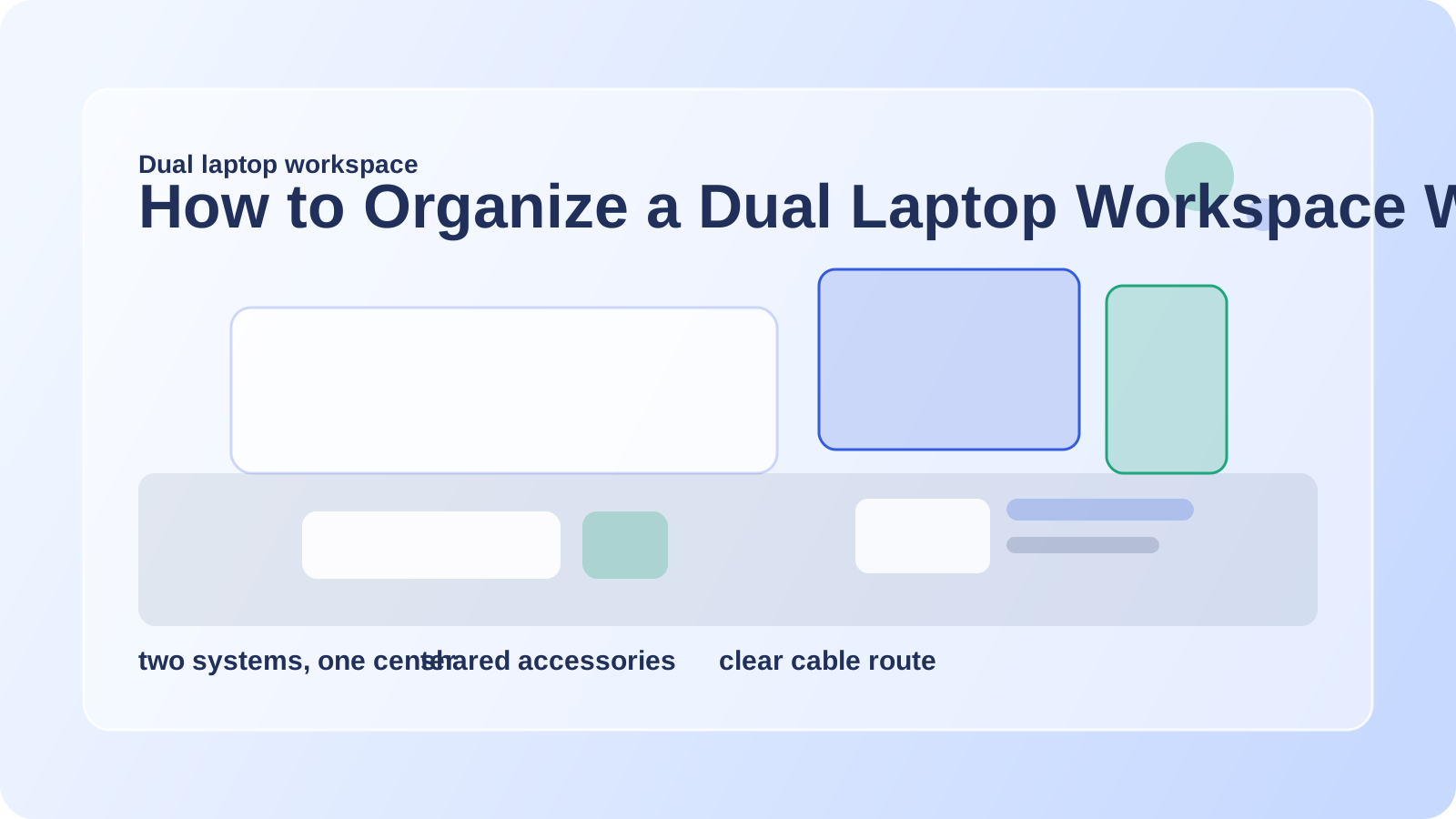
How to Organize a Dual Laptop Workspace Without Letting Both Systems Take Over
Two laptops can be practical for work, consulting, school, or keeping separate roles apart. They can also make one desk feel strangely crowded even before you add much else.
The challenge is not only space. It is duplication. Two chargers, two screen positions, two login routines, two sets of accessories, and often two different reasons each machine feels like it should be the main one.
A dual laptop desk works best when it acts like one coordinated workspace rather than two separate desks awkwardly sharing a surface.
TidySnap can help if your two-laptop setup technically functions but still feels spread out. A real photo makes it easier to see which machine should lead, which accessories can be shared, and where the cable sprawl is really starting.
Quick answer
To organize a dual laptop workspace:
- decide which laptop is primary for the current season of work
- avoid centering both machines equally
- share as many accessories as possible
- keep the second laptop in a support position when not actively used
- route both charging paths to one side or rear line
- protect one open area for notes and hand space
The desk gets easier when one system leads and the other supports.
Why two laptops create so much visual clutter
Even if both machines are slim, the setup adds:
- two power paths
- two screen footprints
- duplicate mice or adapters if you let them accumulate
- a stronger temptation to keep everything open all the time
- less room for paper and physical work
Without clear hierarchy, the desk feels indecisive.
Pick a primary machine
For most people, one laptop is more central than the other even if both matter.
Ask:
- which one do you use longer each day?
- which one handles the task that needs the best posture and focus?
- which one would you keep open if the desk suddenly had to shrink?
That laptop usually belongs in the primary position.
The second laptop can then be:
- off to the side
- slightly elevated
- closed and docked when not in active use
- opened only during certain blocks of the day
This prevents the center line from being swallowed by equal competition.
Share accessories on purpose
Dual-laptop clutter often comes from duplicate support tools.
You usually do not need two of each on the surface:
- two mice
- two notebooks
- two pen cups
- two charging stations
- multiple headphone sets
Keep one shared accessory cluster whenever possible. That cluster can support both systems without making the desk look split in half.
Protect a true neutral zone
A two-laptop desk still needs one place that is not owned by either machine.
Use that neutral zone for:
- one active notebook
- quick writing
- reading a document
- brief task transitions
If both laptops expand until they touch the center, the desk stops feeling usable for anything beyond screens.
Keep cables from telling two different stories
Dual systems can look tangled fast if their chargers and adapters run in different directions.
Better defaults:
- send both chargers toward one rear edge or one side wall
- keep spare adapters off the desk
- let only the active connection for each machine stay visible
- avoid a cable crossing between the laptops through the middle
If the desk also uses a dock or monitor, How to Organize a Desk With a Docking Station and Too Many Cables is a good companion article.
Consider time-based organization too
Some dual-laptop desks improve more from schedule choices than from furniture changes.
Examples:
- the second laptop stays closed until a meeting block starts
- one machine moves off the desk after hours
- only one laptop keeps its charger on the surface full-time
The fewer active elements you need at once, the calmer the setup feels.
Where TidySnap helps
Two-laptop layouts are hard to judge because they often feel normal once you have adapted to them. TidySnap can help you spot:
- whether both machines are fighting for the same zone
- where shared accessories could replace duplicate clusters
- which cable route is making the surface feel busiest
- how to reclaim room for paper or handwriting
That can make a multi-system desk feel much more intentional.
FAQ
Should both laptops stay open all day?
Usually only if you actively need both at the same time. Otherwise the second machine can often take a support position or stay closed part of the day.
What should go between two laptops?
Ideally nothing bulky. Protect that center area for hand space, quick notes, or one small shared tool.
How do I stop dual laptop clutter from doubling everything?
Share accessories and create a primary-secondary relationship instead of treating both setups as separate desks.
A dual laptop workspace works best when the layout has a clear leader, a shared support cluster, and one part of the desk that still belongs to you instead of the hardware.