How to Organize a Desk With a Printer on It Without Losing Your Main Work Area
A desk printer feels convenient until it starts taking up the space you actually need to work.
The machine itself is only part of the issue. Once the printer moves onto the desk, it tends to bring paper, cables, envelopes, misprints, and supply overflow with it. The setup still functions, but the useful center of the desk shrinks.
That is why organizing a desk with a printer on it is mostly about protecting primary work space. The printer can stay. It just cannot be allowed to become the star of the surface.
TidySnap can help if your desk works in theory but feels cramped in practice. A real photo makes it easier to see whether the printer placement, paper flow, or accessories are the part stealing the most room.
Quick answer
To organize a desk with a printer on it:
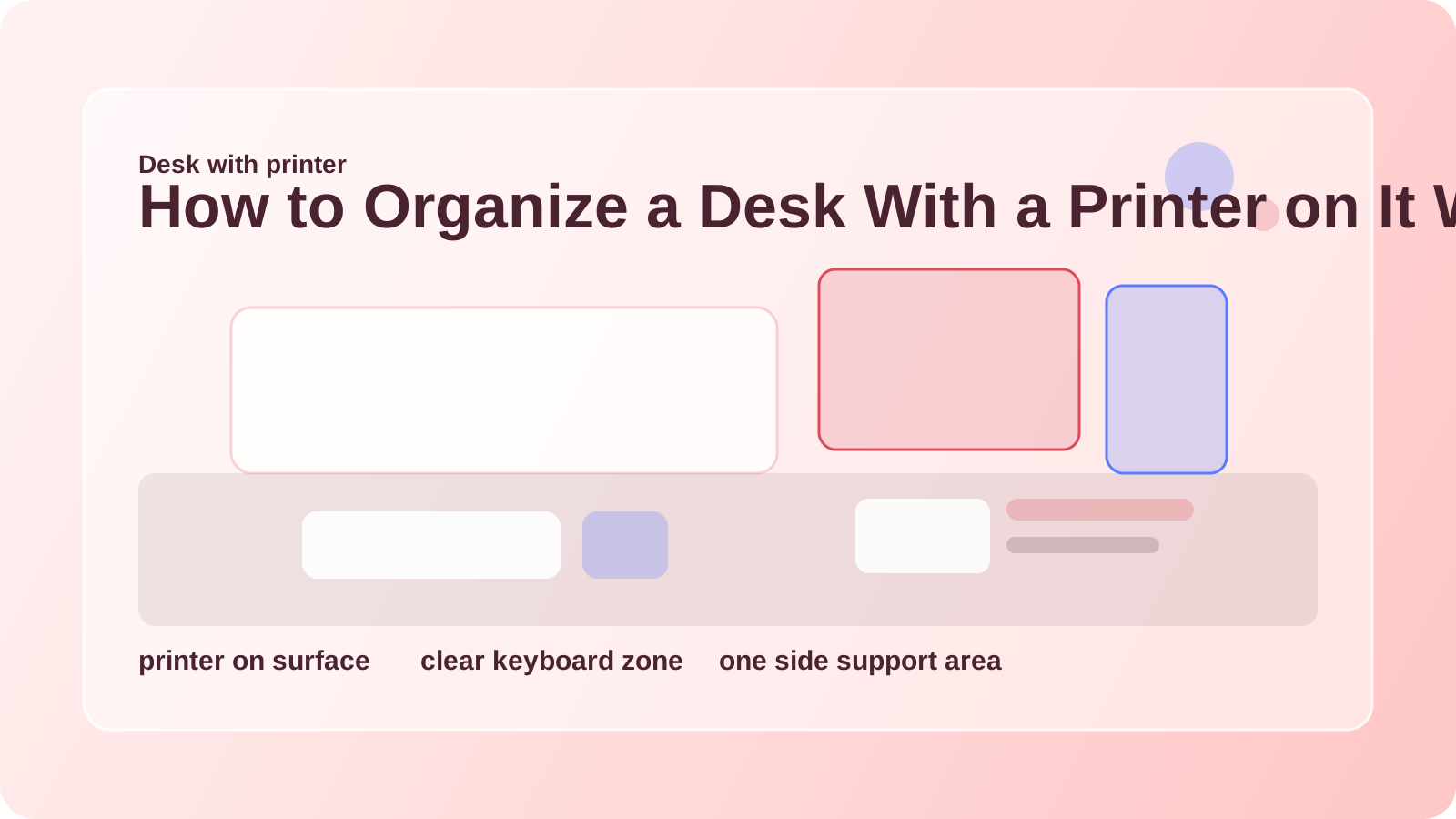
- move the printer to the less-active side of the desk
- keep the center reserved for keyboard, writing, and hand space
- store paper vertically or nearby instead of in loose stacks
- keep only one active print pile out
- route printer cables behind the desk line
- stop using the printer top as a catch-all shelf
The desk feels better when the printer acts like a side tool, not a second workstation.
Why this setup feels crowded fast
Printers have a bigger footprint than people expect. Even compact models create supporting clutter:
- printed pages waiting to be picked up
- backup paper
- envelopes
- toner or ink
- power and data cables
- the habit of setting other things on top of the machine
On a desk, those extras are much more noticeable because they compete directly with your work surface.
Put the printer on the support side
If possible, the printer should live on the side of the desk that is not your main writing or mouse area.
Good placements usually:
- keep the machine reachable without blocking the keyboard zone
- allow the paper tray to open cleanly
- avoid pushing the monitor too far off-center
- leave enough empty room to collect a printout briefly
What usually feels worst is placing the printer in the center line or directly under your main monitor.
Protect the main zone like it is smaller than it looks
The most important part of the desk is the area directly in front of you.
That zone needs to support:
- keyboard and mouse movement
- one active notebook or document
- comfortable forearm space
- quick task switching
If the printer forces you to work around its footprint, the desk will feel cramped no matter how tidy it looks.
Keep printer supplies off the main surface
A printer on the desk does not mean every print supply belongs there too.
Keep nearby but off the center surface:
- backup paper
- extra ink or toner
- envelopes
- label sheets
- spare cables
A side shelf, small drawer unit, or file holder usually works better than flat desk stacks.
If the printer issue is part of a broader paper problem, How to Organize Office Paperwork Without Letting It Take Over Your Desk can help.
Do not let the top become storage
One common mistake is treating the printer top as bonus real estate. It starts with one envelope or one paper stack, then becomes a permanent holding zone.
Keep the top mostly clear. If you need a temporary landing place for fresh printouts, use one defined tray beside the printer instead.
Simplify the cable path
Printer cables make a desk feel busier because they often run diagonally through the setup.
Cleaner defaults:
- route the power cable behind the desk
- keep the printer connection close to the machine side
- avoid letting cords cross your notebook or mouse zone
- move spare adapters off the desk completely
Less cable crossover makes the printer feel more integrated and less intrusive.
Where TidySnap helps
Desk printers are one of those problems that look normal until you compare them with the space you actually use. TidySnap can help you spot:
- whether the printer is crowding the center line
- where paper and misprints are spreading
- which accessories should move off the desk first
- how to reclaim a more comfortable work patch
That is often enough to make the setup feel workable again.
FAQ
Is it okay to keep a printer on the desk?
Yes, if the desk is large enough and the printer stays on the support side. The key is protecting the main work area.
Where should printer paper go?
Active paper can stay nearby, but backup stock usually works better in vertical storage or a side shelf rather than in flat desk piles.
Why does my desk feel crowded even after I clear it?
Because the printer may still be taking up the most valuable surface zone. Layout matters as much as object count.
A desk with a printer on it works best when the printer is easy to use but clearly secondary to the work you do in front of it.