How to Organize a Cubicle Desk Without Making It Feel Boxed In
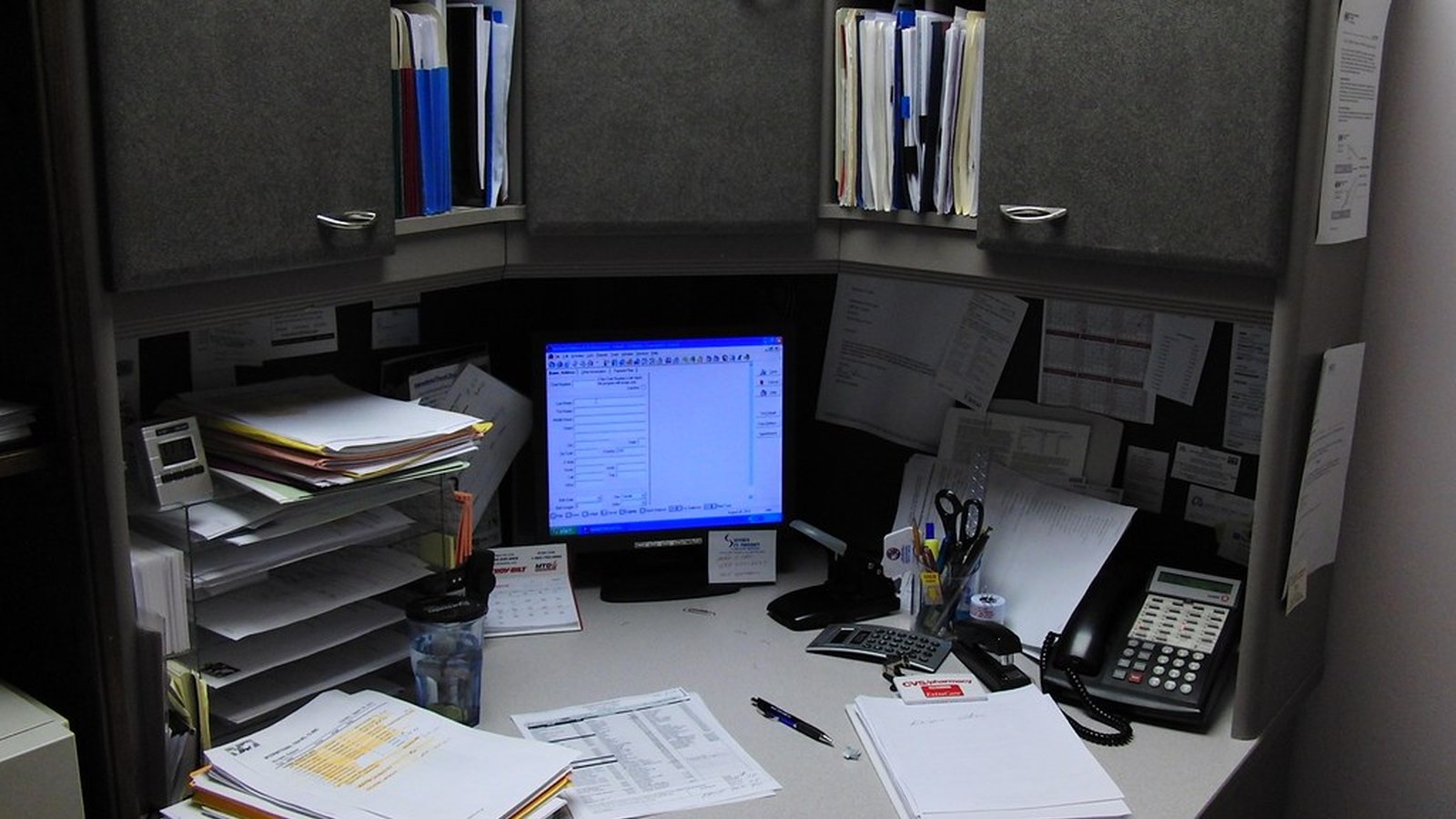
A cubicle desk gets messy in a different way from a home office. The problem is not usually lack of furniture. It is that too many tools, papers, reminders, and personal items end up competing inside a small visual frame.
That is why a cubicle can feel crowded even when the desk itself is not that full. Walls, shelves, pinned notes, office supplies, screens, cables, and paper all stay in your line of sight at the same time.
If you want a cleaner plan based on your real setup, TidySnap can turn one desk photo into a visual organization plan that helps you see what should stay on the surface, what should move upward, and what is creating unnecessary visual pressure.
Quick Answer
If you want to organize a cubicle desk, start here:
- keep the center of the desk for active work only
- limit visible supplies to one compact support zone
- stop using cubicle walls as overflow storage
- keep paper in one working boundary instead of multiple piles
- route cables away from the front edge and writing space
- leave some open visual space on purpose
- reset the desk before you leave so it is easier to start tomorrow
For most people, that works better than adding more desktop organizers.
Why Cubicle Desks Feel Crowded So Fast
A cubicle concentrates clutter because everything stays close to your eyes.
Common reasons include:
- too many small supplies left visible all day
- sticky notes spreading across walls and monitor edges
- paper piles building in more than one spot
- snacks, bottles, chargers, and office tools sharing the same surface
- personal items mixing with active work tools
- the desk trying to handle both storage and daily work
A cubicle feels calmer when fewer categories stay visible at once.
What People Usually Mean When They Want to Organize a Cubicle
Most people are not trying to make their desk look empty.
They usually want:
- enough clear space to work comfortably
- a desk that looks professional without feeling sterile
- faster access to what they actually use
- less visual pressure from paper and supplies
- an easier reset at the end of the day
That makes this more of a workspace-friction problem than a decoration problem.
Protect the Center of the Desk First
The center of a cubicle desk should stay dedicated to current work.
Usually that means room for:
- keyboard and mouse
- laptop or monitor setup
- one active notebook or current document
- enough open space to write, review, or sign something briefly
What usually does not need to sit in the center:
- extra supplies
- backup notebooks
- snacks
- spare chargers
- old meeting notes
- decorative items that have drifted inward
If the center becomes general storage, the whole cubicle feels smaller immediately.
Use One Support Zone Instead of Surface Scatter
Cubicle desks get messy when useful items are spread into little clusters everywhere.
A better approach is one compact support zone for nearby but non-active tools.
That zone might hold:
- one pen cup
- one notepad
- one headset stand or resting spot
- one tray for small office items
- one charging point
| Surface area | What belongs there | Goal |
|---|---|---|
| center zone | active work only | protect usable work space |
| support zone | useful nearby tools | reduce scatter |
| off-surface / drawer / overhead | low-use or backup items | reduce visual load |
If every object gets its own mini-home on the main surface, the desk starts looking busy even when it is technically organized.
Be Careful With Cubicle Walls
People often try to solve desk clutter by moving everything upward. That can help, but it can also create a visual wall of reminders, papers, and supplies.
Use cubicle walls for a few things only:
- one short reference list
- one calendar or planning sheet if you truly use it
- one or two items that support daily workflow
Avoid turning the walls into storage for:
- old notes
- duplicate reminders
- random printouts
- supply overflow
- visual clutter you stopped noticing
A cubicle feels more open when the walls are selective instead of crowded.
Give Paper One Clear Boundary
Paper is one of the fastest ways to overwhelm a cubicle desk.
Use a simple rule:
- active paper stays visible
- paper needing action gets one stack or tray
- finished paper leaves the desk
- reference paper should move to a file area, cabinet, or another storage zone
If paper is your main problem, also read How to Organize a Desk With Too Much Paper Without Letting It Spread Again and How to Organize Office Paperwork Without Letting It Take Over Your Desk.
Keep Personal Items Intentional
A cubicle should feel human, not generic. But too many personal objects make the desk harder to use.
A good rule is to keep only a small number of personal items visible, such as:
- one photo
- one small decorative object
- one mug or bottle in a consistent spot
The goal is not to remove personality. It is to stop personal items from competing with work tools for prime desk space.
Fix the Cable Path Early
Cables make cubicles feel busier because the desk usually already has monitors, docks, phones, or office equipment nearby.
Try these defaults:
- keep only active cables visible
- route them behind the screen line or to one side
- avoid crossing the writing zone
- move spare chargers and adapters out of sight
- keep one obvious charging position instead of several
If your desk setup is especially cable-heavy, also read The Ultimate Cable Management Guide: Say Goodbye to Tangled Charging Cables.
A Better Cubicle Layout for Common Work Styles
Admin-heavy cubicle
Best approach:
- one strong paper boundary
- one support zone for supplies
- active documents only on the main surface
- finished paper moved out quickly
Meeting-heavy cubicle
Best approach:
- slim notebook setup
- fewer visible accessories
- one headset spot
- easy reset between calls and desk work
Focus-work cubicle
Best approach:
- minimal visible categories
- cleaner monitor area
- fewer pinned notes
- protected keyboard and writing space
If your main challenge is staying mentally clear while you work, also read How to Organize Your Workspace for Better Focus Without Overhauling Everything.
Where TidySnap Helps
A lot of people know their cubicle feels crowded, but they do not know which part is doing the most damage.
TidySnap helps from a real desk photo. It can help you:
- spot what is stealing work surface first
- see whether your walls are adding too much visual noise
- separate active tools from support items
- reduce paper spread
- build a layout you can reset back to easily
That makes cubicle organization easier to act on in the real space you already have.
A 10-Minute Cubicle Reset
| Minute | Action | Goal |
|---|---|---|
| 0-2 | remove trash, cups, and unrelated items | cut fast visual noise |
| 2-4 | clear the center work zone | restore usable surface |
| 4-6 | stack paper into one boundary | stop pile drift |
| 6-8 | group supplies into one support zone | reduce scatter |
| 8-10 | route cables and clear old notes | make the desk feel lighter |
Common Mistakes
The most common cubicle mistakes are:
- filling every wall with notes and reminders
- keeping every useful supply visible
- letting paper live in multiple piles
- using the desk center as overflow space
- adding organizers without reducing categories
- making the desk look full before the workday even starts
A better cubicle is usually not one with more containers. It is one with fewer competing signals.
Final Takeaway
If you want to organize a cubicle desk, the goal is not to make it look empty. The goal is to make it feel less boxed in while still supporting real work.
Protect the center, limit visible categories, use one support zone, control paper, and keep the walls more selective. That is what makes a cubicle desk feel clearer, more professional, and easier to use every day.
And if you want help applying that to your own layout, TidySnap can turn one desk photo into a visual organization plan you can actually follow.
FAQ
How do I organize a cubicle desk without making it look bare?
Keep the center clear for work, group supplies into one compact support zone, and limit personal items to a few intentional pieces instead of scattering them across the whole desk.
What should stay on a cubicle desk every day?
Usually only your active computer setup, one notebook or current paper set, and a small support zone for the tools you use often.
How do I make my cubicle feel less cramped?
Reduce the number of visible categories, keep cubicle walls selective, control paper piles, and protect some open desk space on purpose.