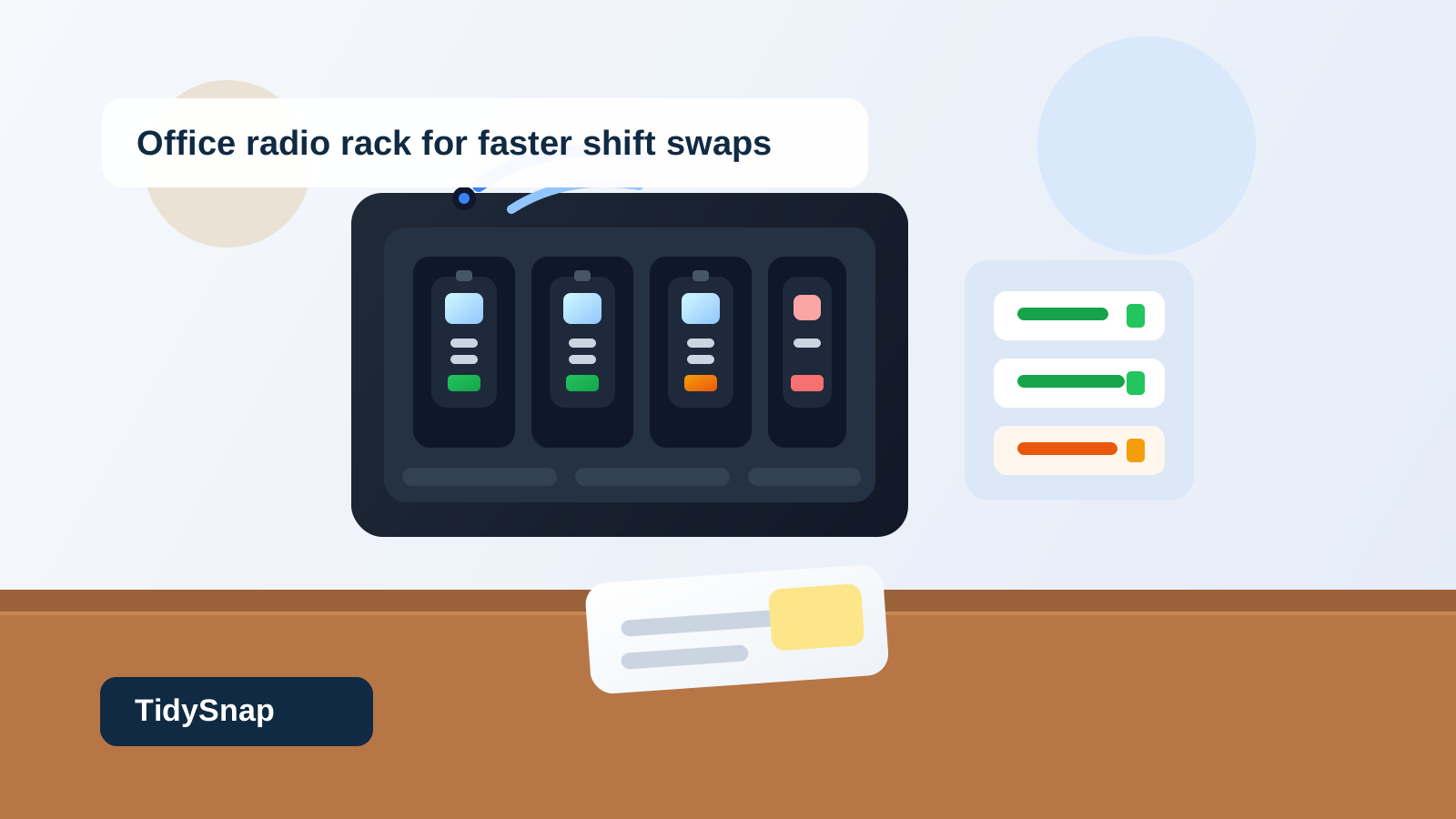
Office Walkie-Talkie Charging Rack Organization for Radios, Spare Batteries, and Shift Swaps
A radio charging rack usually looks controlled right up until a shift change starts.
One walkie-talkie is docked but not actually charging. Another came back with a dead spare battery clipped to it. Someone leaves a note saying channel 3 keeps cutting out, but the note slides behind the next return. A supervisor grabs the only radio near the front edge because it looks ready, then finds out halfway across the building that it was waiting for a battery swap.
That kind of mess is different from a normal device shelf. It is not just about charging cables or shared tech. It is about live communication gear that people need immediately, often while they are moving, covering breaks, or trading shifts.
If you want to organize an office walkie-talkie charging rack, the goal is not making every radio line up perfectly. The goal is making it obvious which units are ready now, which ones are charging, which batteries are actually usable, and which radios need attention before they go back into circulation.
What a good radio rack needs to do
A useful radio rack should answer four questions at a glance:
- which radios are ready to grab now
- which radios are charging or waiting on a battery
- where spare batteries belong
- where problem units go so they do not get picked up by mistake
If the rack cannot answer those questions quickly, people will start making workarounds. They will stash spare batteries on top of docks, leave returns on the nearest counter, or keep one questionable radio in circulation because nobody wants to decode the whole setup during a busy handoff.
Why walkie-talkie racks get messy faster than other shared gear
Shared radios create a specific kind of clutter because the station has to handle both equipment and readiness.
A tablet shelf or laptop cart can tolerate a little uncertainty. A radio rack usually cannot. Staff need to know whether a unit works now, not whether it might be fine after another hour on the charger.
The clutter usually grows from a mix of:
- radios that are docked but not truly charged
- spare batteries with no clear priority order
- damaged or inconsistent units mixed into the live row
- handwritten handoff notes about channel problems or missing clips
- borrowed chargers or battery packs that never make it back to the right slot
- returns left on a nearby counter instead of in the rack workflow
That is why radio clutter feels operational so quickly. The mess hides status.
Organize the rack by readiness first
Many radio stations are arranged by unit number alone. Radio 1 goes in slot 1. Radio 2 goes in slot 2. That seems logical, but it fails during real use if the rack does not show readiness clearly.
A better setup gives different statuses a physical home:
| Zone | What belongs there | What stays out |
|---|---|---|
| ready row | fully charged radios cleared for use | fresh returns, dead batteries, repair notes |
| charging row | radios actively charging or waiting on battery recovery | spare clip packs, paperwork, unrelated gear |
| battery lane | labeled spare batteries that are tested and ready | drained batteries waiting to be checked |
| review lane | radios with weak audio, broken clips, bad batteries, or unclear notes | anything someone might assume is available |
That structure works because the station stops pretending every docked radio is equivalent.
Stop returns from landing straight back in the ready row
This is where most shared radio areas lose control.
A returned radio often gets dropped into the nearest open slot because the person bringing it back is busy. That is understandable, but it creates bad information. A radio that just came back may need charging, a battery swap, a wipe-down, a clip replacement, or a quick audio check.
Treat returned as its own step.
A simple return flow looks like this:
- place the radio in the return or charging row, not the ready row
- check whether the battery is actually charging
- move any issue note into one visible review spot
- pair the radio with the correct spare battery or accessory if your team uses one
- move it to ready only after it is clearly usable
That pause is short, but it prevents the rack from lying to the next shift.
Keep spare batteries separate from uncertain batteries
Batteries are often the real source of confusion.
A station may technically have plenty of spare power, but if drained batteries, partially charged batteries, and reliable backups are all sitting in one tray, staff still feel like they are gambling.
Give the battery area its own rules.
For most offices, that means:
- one visible lane for ready spare batteries only
- one temporary spot for drained batteries that are charging or waiting to be tested
- one rule that loose batteries do not sit on top of radio docks
- one label or numbering system that makes mismatches obvious
The key is that a spare battery should either be trusted or not trusted. It should not sit in a vague middle category beside the radios people are rushing to grab.
Give faulty radios a quarantine lane
One unreliable radio can waste time for an entire team.
Maybe the battery drops too fast. Maybe the belt clip is cracked. Maybe reception gets weak near one part of the building. Maybe somebody wrote a warning note that is now half hidden under another dock.
If that unit stays mixed into the normal rack, the next person repeats the same discovery.
Use one narrow review lane for radios that are:
- charging but not holding power well
- missing a clip or label
- producing weak audio or unreliable transmission
- waiting for a battery test
- reported as inconsistent during the last shift
The important part is visibility. A problem radio should look different from a ready radio without anyone needing to read three sticky notes.
Keep handoff notes short and tied to the exception lane
Radio stations attract tiny paper clutter because the issues feel temporary.
A note says one unit was dropped. Another says a charger blinked red. A third says security borrowed two extras for an event. If those notes stay all over the rack, people stop trusting what they see.
Keep only active exception notes near the station, and keep them attached to the review lane instead of the ready row.
That way the rack still communicates clearly:
- ready radios are ready
- charging radios are not ready yet
- review radios have a known reason for being held back
Protect the charging surface from overflow gear
Radio racks often become a parking spot for anything adjacent to communication work.
That might include:
- flashlights
- badge reels
- extra earpieces
- sign-out sheets
- keys
- desk supplies from the nearest counter
Those things may matter, but they should not sit inside the active radio footprint by default. The charging area should support radio readiness first. Once the front edge fills with unrelated gear, people stop seeing whether the actual radios are usable.
Build a two-minute shift-swap reset
Radio stations stay reliable through short resets, not occasional deep cleanups.
A practical shift-swap reset usually looks like this:
- move all fresh returns out of the ready row
- confirm each docked radio is really charging
- move tested spare batteries into the ready battery lane
- pull questionable radios into review with one clear note
- remove loose gear that drifted onto the rack surface
- leave the front-most row showing only radios someone can trust immediately
That reset is fast enough for real use, and it keeps the next handoff from starting with guesswork.
A layout that works for most office radio racks
If you need a simple starting point, try this:
- front row: ready radios only
- second row or side docks: charging now
- small side tray: ready spare batteries
- narrow marked section: review or repair-needed units
- drawer or nearby bin: backup clips, extra earpieces, retired batteries, and cleaning supplies
This layout works because it favors instant decisions. People should be able to walk up, grab a ready unit, return a used one, or flag a problem without disturbing the entire rack.
Where TidySnap helps
A walkie-talkie rack is hard to improve from memory because every battery, charger, and note seems temporarily justified. One photo usually shows the real pattern faster: ready radios mixed with returns, spare batteries parked in the wrong place, and review items still sitting in the grab zone.
TidySnap helps you turn that real rack photo into a practical plan for separating ready units, charging units, battery storage, and review items so the station supports faster shift swaps instead of dead-battery surprises.
Final thought
A radio rack should communicate readiness, not just storage.
When ready units stay separate from returns, spare batteries are easy to trust, and faulty radios leave the main row quickly, the whole station becomes easier to use under pressure. That is the real win: people get the right radio fast without spending the first minute of a shift figuring out what is actually usable.