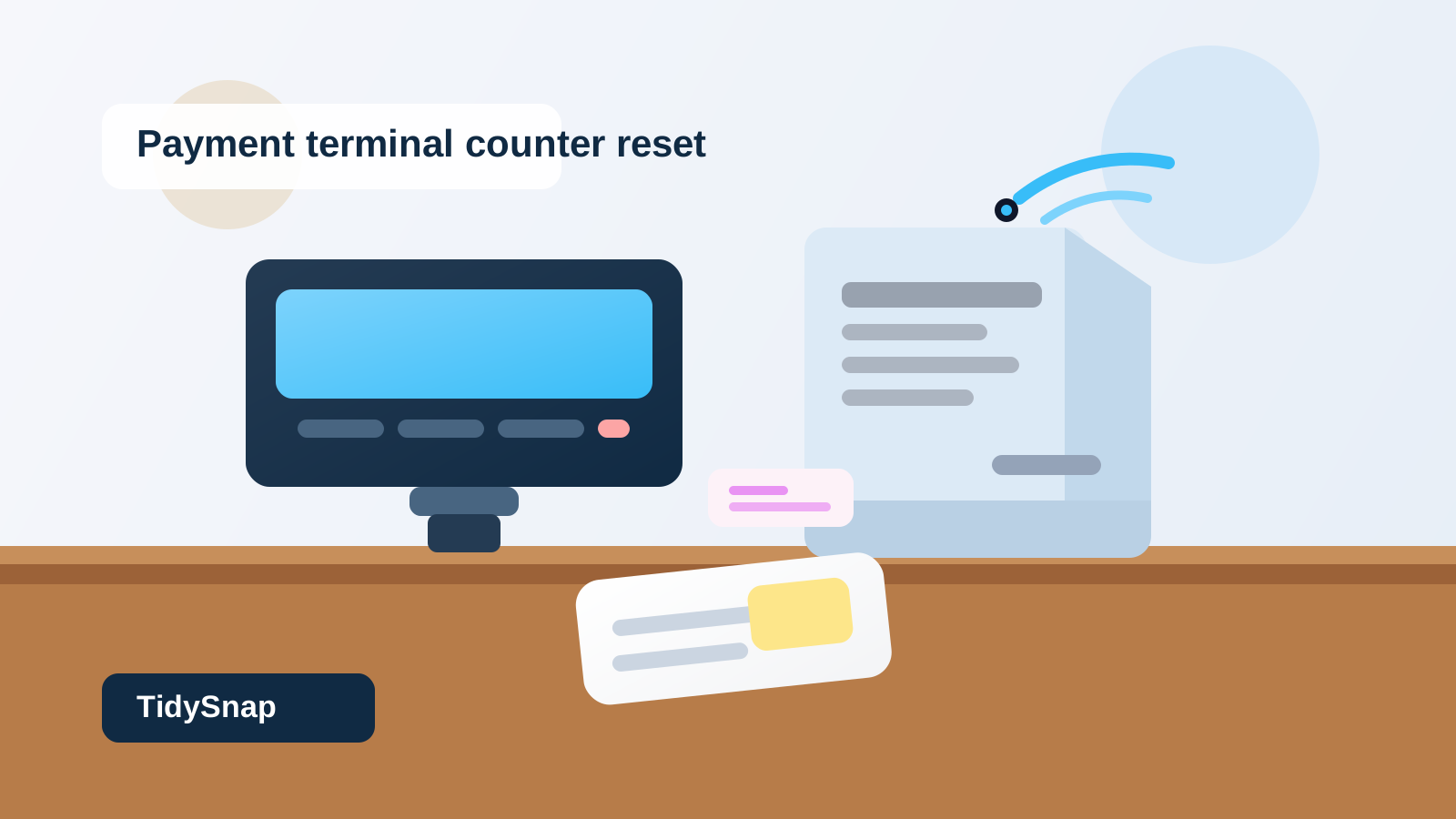
Office Service Counter Payment Terminal Organization for Tap Pay Cables and Signature Slips
A payment terminal can make one small part of an office counter feel messy far beyond its size.
The terminal itself is compact. The clutter grows from everything that forms around the transaction. A signature slip stays out because someone may come right back. A charger cable gets rerouted after the battery warning shows up. A roll of receipt paper lands beside the screen because nobody wants to be caught empty during a rush. A sticky note about a split payment or balance due stays near the card reader because it feels connected to the next customer. Soon the payment corner is carrying more workflow than the rest of the counter.
If you want to organize an office service counter payment terminal, the goal is not making the terminal disappear. The goal is making payment steps readable enough that staff can collect payment, confirm the result, handle one exception, and reset the space before the next person walks up.
Quick answer
An office service counter payment terminal works better when you separate the area into four functions:
- live payment space for the terminal and the customer hand position
- staff confirmation space for the receipt check or one short note
- support items like charging cable, spare receipt roll, or cleaning cloth
- follow-up items for disputed charges, callback needs, or payment issues that should leave the counter quickly
That usually means keeping the terminal zone physically clear, moving backup supplies off the immediate payment path, and refusing to let old signature slips or tiny exception notes stay parked beside the machine.
Why payment terminal areas turn into clutter magnets
A payment terminal creates a different kind of mess than a phone station, reception badge tray, or visitor check-in tablet.
The counter has to support a live handoff with another person standing right there. That means even a few extra objects can make the area feel slow and awkward.
The clutter usually builds from a mix of:
- receipt paper or printed transaction slips
- charger cables that do not have one stable path
- styluses or pens used only for certain signatures
- disputed or failed payment notes
- tiny backup supplies parked too close to the terminal
- customer-facing signs or prompts that multiply over time
None of those items are large. Together, they turn one narrow payment point into a catch-all for every small transaction-related decision.
Start by defining the payment footprint
The payment footprint is the area that should stay easiest to understand for both staff and the person paying.
That footprint usually includes:
- the payment terminal itself
- enough cable slack for normal use, but not a loose coil on the counter
- one obvious customer-facing angle
- one small nearby spot for the transaction that is happening now
Everything else should prove that it belongs there.
If a spare roll, old note, promo sign, stack of forms, or office supply does not help with the payment in progress, it should not live inside the payment footprint.
Keep the customer handoff area empty on purpose
Many service counters feel cluttered because the payment terminal sits in the same area where paperwork, pens, and backup supplies drift all day.
That creates friction fast. People have to move a paper aside before tapping a card. The cable drags over a counter sign. A half-used notepad blocks the natural place where someone would rest their hand.
Protect one clean handoff area around the terminal instead.
That does not mean the whole counter has to be empty. It means the transaction zone should not also be the place where spare tools wait by default.
Separate active receipts from old transaction leftovers
Printed slips and small payment notes become clutter because they all look temporary.
One is still needed. Another has already been handled. A third belongs with a customer’s paperwork but never got moved. By the end of the day, they all look equally active.
A better setup is to give active transaction paper one short-lived review lane.
Use that lane only for:
- the receipt or signature slip from the current transaction
- one payment exception that still needs a same-day action
- one quick balance or callback note that has not been transferred yet
Once the transaction is complete, that paper should either move into the customer’s packet, into the office record flow, or into a defined follow-up system away from the payment corner.
Move backup supplies out of the live payment path
Receipt rolls, charging accessories, wipes, and backup pens matter, but they do not need front-row placement.
When backup stock stays beside the payment terminal, staff gradually start using the payment zone as a general support shelf. That is how the area gets crowded even when the terminal itself is small.
Keep only what supports the next few minutes of work near the device.
Good nearby items:
- one charging path that stays connected and predictable
- one working pen or stylus if signatures are still required
- one discreet cleaning cloth or wipe source
Better moved just outside the zone:
- extra receipt rolls
- backup cables and power bricks
- extra signage
- extra pens
- office supplies unrelated to payment
Give failed or unusual transactions a fast exit path
The messiest payment counters are often carrying too many exceptions.
A declined card note sits beside a completed receipt. A customer wants to call back with another card. Someone needs a manager to approve a charge. A refund question gets written down on the same scrap used for a normal transaction.
Those items should not keep living beside the terminal.
Create one separate follow-up destination for transaction exceptions. The payment area should answer one question clearly: what is happening right now? It should not also store every unresolved payment issue from the day.
Keep the charging path deliberate
Payment terminal cables are easy to ignore until they start causing visual noise or slow interactions.
A cable that loops across the front edge of the counter makes the area look improvised. A charger that gets borrowed for another device creates low-battery stress later. A terminal dock that has no stable landing spot turns every close-of-day reset into guesswork.
Treat the charging path as part of the workstation, not as an afterthought.
That usually means:
- one reliable route for power
- no loose extra cable piled beside the terminal
- no borrowing the terminal charger for phones or tablets
- one obvious dock or rest position if the reader moves
Reduce visual prompts that compete with the terminal
Service counters often collect too many tiny payment-related signs.
A tap-pay sticker stays up even though the terminal already prompts for tap. A note about accepted cards sits next to a note about receipts. A handwritten sign about temporary issues remains long after the problem is gone.
Each extra sign adds one more object in a very small area.
Keep only the prompts people still truly need. If the terminal already communicates the next step clearly, the counter does not need three separate reminders saying the same thing.
Build a one-minute payment reset
The payment terminal area does not need a deep clean every time. It needs a quick predictable reset.
A practical reset usually looks like this:
- clear old slips and move active paper to the right record or follow-up spot
- return the terminal to its normal angle or dock
- reconnect or straighten the charging path if needed
- remove any unrelated counter items that drifted into the payment zone
- confirm one working pen or stylus is present if your workflow still uses one
That reset matters because the next transaction always arrives faster than people expect.
Common mistakes that keep payment counters messy
A few habits create repeat clutter even in otherwise organized offices:
Treating the terminal zone like spare counter space
If the payment area is flat and empty for ten minutes, people will start parking unrelated items there.
Letting exception notes pile up beside the reader
A payment corner should not become a mini follow-up system.
Storing all backup supplies beside the device
Being prepared is good. Turning the payment point into a storage pocket is not.
Sharing the charger with other devices
That almost always leads to a low-battery surprise exactly when the counter gets busy.
Keeping too many prompts visible
Too many tiny signs make the area feel busier and harder to read.
A better layout for most office service counters
If you want a simple starting point, set up the counter like this:
- center or customer edge: payment terminal only
- staff-side narrow lane: current receipt or signature slip
- nearby support spot: one pen or stylus and one cleaning item
- off-counter or side drawer/bin: receipt rolls, backup charger, extra signage, and issue supplies
- separate admin follow-up spot: disputed charges, callbacks, refunds, or unresolved payment notes
That layout keeps the live transaction visible without asking the payment zone to carry the entire office process around it.
Where TidySnap helps
A payment counter often feels harder to fix than it should because the clutter is small, mixed, and constantly moving.
TidySnap helps you organize that kind of workspace by turning one real photo into a practical reset plan. Instead of guessing where the payment terminal, receipt lane, support tools, and follow-up items should go, you can see a layout based on your actual counter shape, traffic pattern, and nearby clutter.
If your office service counter keeps getting stuck in payment-side mess, start with the live transaction path. Once that zone is easier to read, the whole counter usually gets easier to manage.