Office Projector Cart Organization for Cables, Remotes, and Next-Meeting Setup
A projector cart usually gets messy because it supports one of the most interruption-heavy jobs in the office.
People borrow an adapter from it, leave a remote on a table, plug in the wrong charger, add a spare cable “for later,” and wheel the cart back half-reset because the meeting already ran long. After a few rounds, the cart still looks stocked, but nobody trusts it. The next presenter has to test everything from scratch.
If you want to organize a workspace like this, the fix is not packing the cart with more accessories. It is defining what the cart needs for the next meeting, what counts as backup only, and what should never stay on the cart after the room is reset.
Quick answer
Organize your office projector cart by meeting readiness, not by cable type alone.
Keep the top shelf limited to the items someone needs in the next two minutes: projector, remote, power, one primary display cable, and one clearly labeled backup adapter. Put secondary supplies on the lower shelf, keep replacement batteries and cleaning basics in a small support bin, and remove dead tech, mystery dongles, and leftover handouts after every meeting.
Why projector carts become unreliable so quickly
A projector cart is a shared support station, not a storage unit.
That difference matters. When people treat the cart like rolling storage, it starts carrying every maybe-useful item from past meetings:
- extra remotes that do not belong to this projector
- cables nobody has tested recently
- dongles for laptops the office no longer uses
- printed agendas and markers that belong in the room, not on the cart
- drained batteries mixed with fresh ones
The real problem is not volume. It is uncertainty. If nobody can tell what is live, what is backup, and what is trash, the cart slows every setup.
Build the cart around the first five minutes of a meeting
The cart should support the most common setup path without digging.
For most offices, that means the presenter should be able to roll the cart in and immediately find:
- projector power
- the projector remote
- one primary video connection
- one labeled backup adapter
- one simple place for the presentation laptop during setup
If those five things are obvious, the cart already feels more organized than one that technically holds more gear.
Give each shelf a single job
Mixed-purpose shelves are what turn projector carts into cable piles.
A simple layout works better:
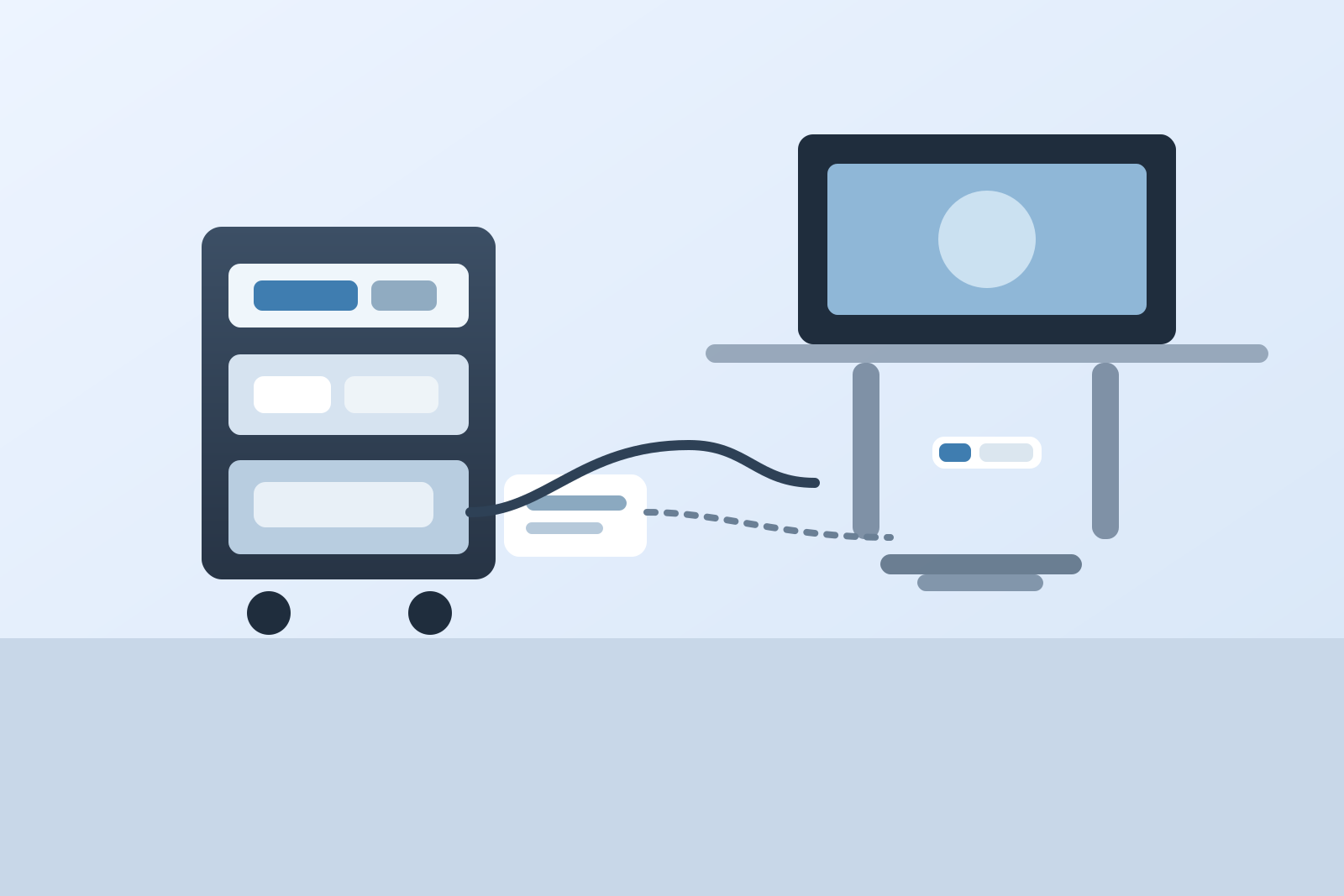
Top shelf: live meeting gear
Use the top shelf only for the items needed during active setup and presentation.
Keep it to:
- projector
- remote in a small tray or dock
- one coiled primary cable
- one labeled backup adapter
- one microfiber cloth if the lens or control panel gets wiped regularly
Do not let the top shelf become the place for extra batteries, old remotes, training handouts, or random office supplies.
Middle shelf: tested backup gear
This is where backup items live, but only if they are real backups, not clutter with a better story.
Good middle-shelf items include:
- a second tested HDMI cable
- a clearly labeled adapter pouch
- spare power strip or extension cord if the cart genuinely needs one
- presenter clicker if it is still actively used
If an item is never used and no one would notice it disappearing, it probably does not belong here.
Lower shelf: support and reset supplies
The bottom shelf can hold low-frequency support items that still matter.
Examples:
- fresh batteries in a labeled box
- basic cable ties or wraps
- a short cleaning kit for the projector surface
- a small bin for items found after meetings that need to be returned elsewhere
This shelf should support reset work, not become the permanent home for abandoned tech.
Keep cable choices intentionally small
Most shared AV carts become harder to use because they offer too many connection options.
A better office setup is usually:
- one default cable everyone expects
- one or two clearly labeled backup adapters
- one backup cable stored separately from the primary one
That is enough for most rooms. If the cart carries seven nearly identical cables, people stop rewinding them properly, grab the nearest one, and leave the rest in knots.
When you organize your office equipment, fewer tested options beat a bigger pile every time.
Store the remote like a tool, not like a loose accessory
The remote is usually the first thing that disappears and the first thing people blame.
Give it one visible home on the cart:
- a shallow tray
- a labeled cup
- a hook-and-loop mount
- a small lidded box that opens quickly
The important part is that everyone can see where it returns. Do not bury it in the same pouch as spare batteries and adapters. The remote is live gear and needs a live location.
Separate active AV gear from room supplies
This is one of the easiest mistakes to fix.
If the cart also carries whiteboard markers, sticky notes, printed handouts, tissues, and cleaning spray, it stops being a projector cart and becomes a floating meeting junk drawer.
Room supplies should stay in the room. Presentation gear should stay on the cart. Once those two jobs mix together, reset quality drops fast because people are never sure what belongs where.
Add one clear ready-state check
The cart should be easy to verify at a glance before the next meeting.
A practical ready-state checklist can be as simple as:
- projector present
- remote present
- primary cable coiled
- backup adapter pouch present
- fresh batteries stocked
- no leftover personal devices or papers
You can keep that checklist inside a cabinet door, on the side of the cart, or in the tech closet where the cart is parked. The point is not bureaucracy. It is reducing the number of things someone has to remember when they are already in a hurry.
Create a parking rule for returned leftovers
After meetings, small leftovers tend to ride around on the cart because nobody wants to decide what they are.
That is how you end up with:
- mystery USB dongles
- pens from another room
- printed agendas from yesterday
- someone else’s charger
- dead batteries that look usable
Instead of letting those linger, give the cart one tiny review bin labeled something like return or review. Empty it on a schedule. This prevents the rest of the cart from getting polluted by items that are only there because they were inconvenient for thirty seconds.
Use TidySnap when the cart looks stocked but still feels unreliable
A projector cart can be hard to troubleshoot because the problem is often visual, not technical.
You may have all the right items and still be storing them in a way that hides the ready path. TidySnap can help you look at the cart as a workflow: what should stay visible, what should move down a shelf, and what should leave the cart entirely so the next meeting setup feels simpler.
Final thought
The best projector cart is not the one with the most backup gear. It is the one a coworker can roll into a room and trust immediately.
If you organize the cart around next-meeting readiness, keep cable choices tight, and separate live AV tools from room leftovers, the whole setup becomes easier to maintain. That is what makes an office support station actually useful instead of merely full.