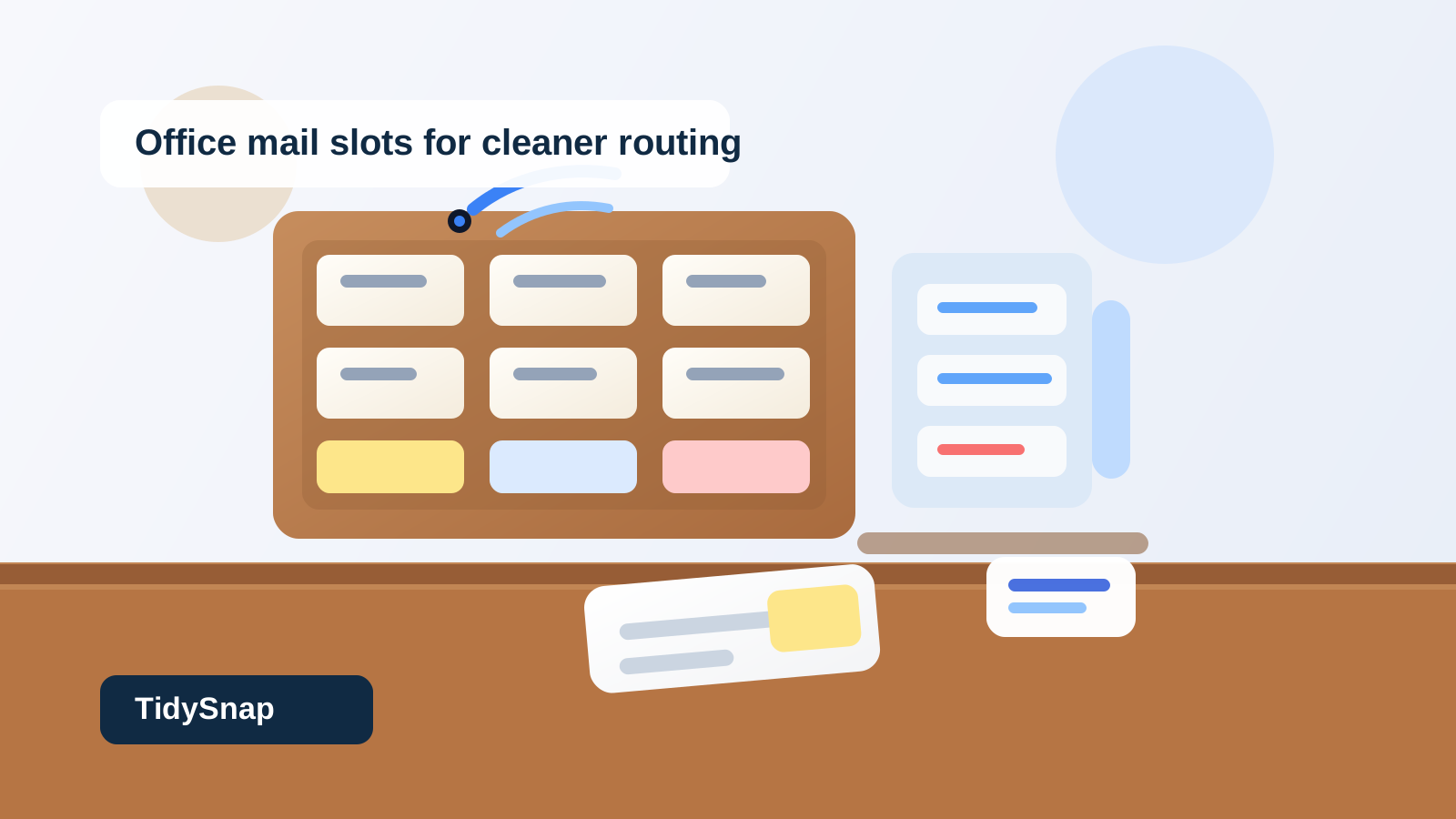
Office Mail Slots Organization for Department Sorts, Misroutes, and End-of-Day Overflow
Office mail slots usually look organized right up until nobody can trust what is sitting in them.
One cubby holds today’s internal envelopes. Another has a packet that was meant for a different team but got parked there for later. A third keeps collecting papers that have already been seen but never fully claimed. Then the sorter fills up just enough that people start laying extra pieces on the counter below it. At that point, the problem is no longer mail storage. It is that the office has lost the line between sorted, unsorted, and stuck.
If you want to organize office mail slots, the goal is not making the wall of cubbies look symmetrical. The goal is making it obvious which items are correctly routed, which ones still need a decision, which slots are active pickup points, and which papers should not still be sitting there at the end of the day.
Quick answer
Office mail slots work better when you treat them as a routing system, not as passive storage. That usually means:
- giving each slot one owner, team, or route purpose
- separating truly sorted mail from items that still need a decision
- creating one visible exception spot for misroutes and unclear pieces
- keeping overflow off the counter below the sorter
- clearing stale slot contents before they turn into long-term paper parking
The best setup makes it easy to tell what is ready for pickup right now and what still needs attention before it belongs in a cubby at all.
Why office mail slots become messy even when they look structured
Mail slots create a very specific kind of clutter.
From a distance, the system looks organized because every cubby has a boundary. But those boundaries only help if the contents mean something consistent. In many offices, the same sorter ends up holding:
- internal mail that is correctly routed
- forms waiting for one department handoff
- envelopes with incomplete names or outdated recipients
- print packets someone dropped there because they felt mail-related
- old items that were never picked up
- small overflow stacks placed on top of, below, or beside the sorter
That is why a slot wall can look tidy and still feel unreliable. The problem is not the furniture. The problem is mixed status.
Organize the slots by ownership first, then by exceptions
A good mail-slot setup starts with one basic rule: a normal cubby should mean the item already knows where it belongs.
That means each standard slot should point to something stable, such as:
- one person
- one department
- one work area
- one recurring route category
What should stay out of the normal slots:
- pieces with missing names
- items addressed to someone who no longer sits there
- packets that still need sorting
- papers waiting for explanation
- abandoned leftovers from previous days
If an item still needs interpretation, it should not disguise itself as sorted mail.
Create one exception lane instead of hiding mistakes in random cubbies
This is the difference between a slot system that stays readable and one that slowly rots.
Misrouted mail usually does not look dramatic. It is one envelope with an old extension. One packet for a teammate who changed departments. One form that could belong to two different people. Because each item seems small, people tuck it into the nearest maybe-right slot and hope someone else will notice.
That habit makes the whole sorter harder to trust.
A better setup gives unclear items one exception lane only. That can be:
- one labeled cubby for address issues
- one slim tray beside the slots
- one short review folder for unresolved internal mail
The rule should be simple: if the next stop is uncertain, it goes to the exception lane and nowhere else.
Keep pickup-ready slots separate from temporary holding behavior
Mail slots are supposed to shorten handoffs.
They fail when they start behaving like miniature backlog shelves. A department slot should not become the place where old notices, duplicate copies, and half-relevant packets sit for days just because nobody wanted them on a desk.
A useful mail-slot system treats each cubby as a pickup point, not a storage bin.
That means:
- current routed items stay visible
- stale leftovers get cleared on a schedule
- bulky packets that need another workflow get moved elsewhere
- one person’s slot does not become a general holding place for “things they should probably see”
If a cubby keeps acting like a maybe-later shelf, the office is using the sorter to avoid other decisions.
Stop the counter below the slots from becoming the real mail system
A lot of offices technically have organized mail slots and still feel messy because the counter underneath is doing half the work.
That surface starts collecting:
- overflow that did not fit in a cubby
- unsorted incoming envelopes
- thick department packets
- pickup piles for people who rarely check their slots
- supplies like labels, pens, and routing sheets
Once the counter becomes part of the process, the slot wall stops being the system people trust.
Protect the lower surface by giving it one narrow job only. In many offices, that means it supports quick sorting or temporary set-downs during delivery rounds, but it does not hold parked paper all day. If an item can stay there for hours, the boundary has already failed.
Use slot labels that answer pickup questions fast
Labels help only when they reduce hesitation.
A sorter becomes slower when labels are tiny, inconsistent, outdated, or overloaded with too much detail. People start second-guessing whether they are using the right cubby, especially after team moves or role changes.
Useful labels are usually:
- short
- current
- easy to scan from standing height
- consistent across the whole sorter
If several people share similar names or teams, add just enough context to prevent misroutes. The goal is not fancy labeling. The goal is making the correct slot easier than the nearest slot.
Give bulky handoffs a rule so they do not hijack the sorter
Mail slots struggle when large packets and small envelopes are treated exactly the same.
A thick packet for signatures, a stack of forms for one department, or a folded training handout can block a cubby so smaller items stop fitting. Then people start balancing mail on top of the sorter or wedging things halfway into openings.
Set one rule for bulky handoffs:
- if it fits cleanly without hiding other items, it can use the slot
- if it blocks visibility or creates overflow, it goes to a separate handoff shelf, tray, or pickup lane
This keeps the slot wall focused on readable routing instead of awkward storage.
Clear stale contents faster than you think you need to
The biggest mail-slot problem is usually old paper that still looks potentially important.
A week-old envelope, a duplicate memo, a packet already reviewed, a routing slip someone forgot to remove—none of these items look urgent enough to clear right away. Together, they make every active piece harder to spot.
A short reset prevents that buildup:
- remove items that were already picked up or resolved
- pull anything clearly misrouted into the exception lane
- move bulky leftovers to the proper handoff area
- clear abandoned papers that no longer belong in a live cubby
- confirm the counter below the sorter is not carrying slot overflow
That reset matters because slot systems fail gradually. By the time the wall looks obviously messy, people have already stopped trusting it.
A simple office mail slot layout that works
For many offices, a practical setup looks like this:
| Zone | What belongs there | What stays out |
|---|---|---|
| labeled person or department slots | correctly routed envelopes, memos, and small handoff papers | unsorted mail, stale leftovers, and bulky packets |
| one exception slot | unclear recipient items, misroutes, address questions | normal routed items |
| one bulky handoff spot nearby | thick packets, oversized department drops, multi-document sets | small everyday mail that fits the sorter |
| one short sorting surface | active delivery-round handling only | all-day overflow and unclaimed piles |
That setup keeps the sorter honest. Each space answers a different routing question.
When TidySnap can help
If your office mail slots still feel full even after you clear them, TidySnap can help you review a photo of the sorter and surrounding surface so you can see whether the real problem is misrouting, stale pickup piles, oversized packets, or counter overflow around the slots.
That is especially useful when the cubbies look organized at first glance but people still keep missing handoffs or creating side piles nearby.
Final thought
The best office mail-slot system is not the one with the most cubbies. It is the one that makes routing decisions visible.
When sorted items, exception items, bulky handoffs, and counter-level overflow each have their own rule, the sorter becomes easier to trust. That is what keeps department mail moving without letting the surrounding workspace turn into backup paper storage.