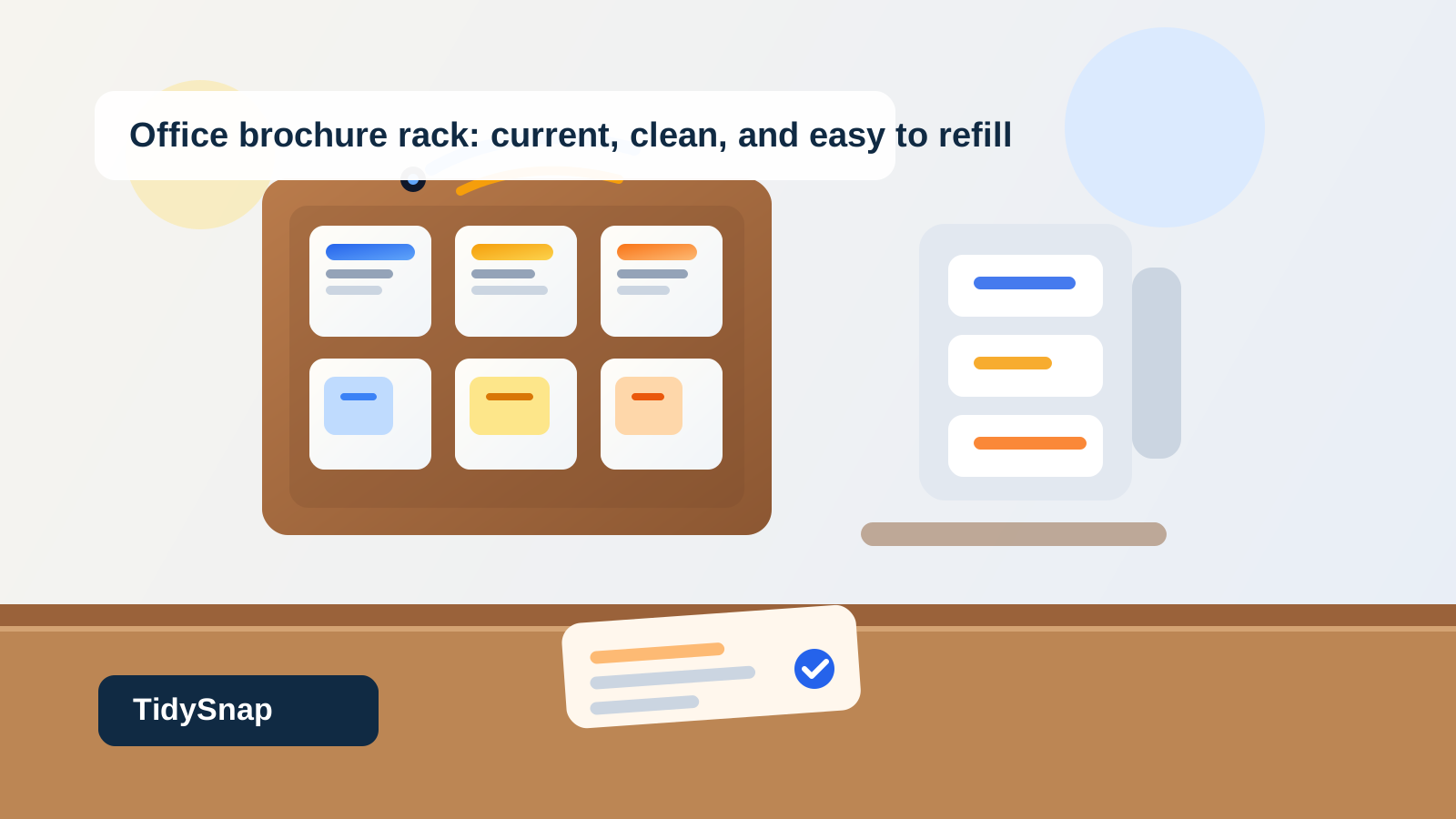
Office Lobby Brochure Rack Organization for Current Flyers, Refill Stock, and Outdated Copies
A brochure rack can make the front of an office look informed right up until nobody knows which handouts are still supposed to be there.
One pocket holds the current welcome sheet. Another still has event flyers from last month because there were only three left. A thicker packet gets jammed into a slot made for tri-fold brochures, so the next visitor bends the whole stack pulling one out. Refill copies live on the counter behind reception because they need to stay close, but now the front desk is carrying the overflow from the display. From a distance the rack looks full and useful. Up close it feels stale.
If you want to organize an office lobby brochure rack, the goal is not filling every slot. The goal is making it obvious which materials are current, which pockets are display-ready, where refill stock belongs, and how outdated copies leave the area before they make the whole entrance feel neglected.
Quick answer
An office lobby brochure rack usually works better when you separate four jobs clearly:
- display-ready materials that visitors can take right now
- refill stock kept nearby but not mixed into the visible rack
- oversize or special-format handouts stored in the right holder instead of forced into the wrong slot
- review copies that are outdated, damaged, or low-confidence and should not stay in public view
That usually means trimming the visible selection, keeping each pocket tied to one current handout, and giving old or extra copies a fast exit instead of letting them linger because they still look almost usable.
Why brochure racks get messy in a public-facing way
A brochure rack creates a different kind of clutter than a reference shelf, mail sorter, or office forms station.
Those areas mostly fail by slowing staff down. A lobby brochure rack fails by broadcasting mixed signals to visitors. If the display includes curled corners, duplicate topics, empty refill promises, or outdated event dates, the office starts looking less current even when the rest of the workspace is fine.
The clutter usually builds from a few repeat patterns:
- current brochures mixed with old versions that never got pulled
- refill stacks stored visibly because staff want them close
- pockets carrying more than one topic at a time
- oversized packets shoved into narrow slots
- half-empty sections left untouched because they still look usable from far away
- handouts for internal use drifting into the public display
That is why brochure-rack clutter feels different. It is not just storage clutter. It is trust clutter.
Organize by display status before topic
Many offices sort brochures by subject only: services together, forms together, events together, community information together.
That sounds sensible, but it breaks down when the rack is also holding extra stock, old versions, and things waiting for a decision.
Start with status first:
- live display for materials visitors should take now
- refill stock for clean backup copies staff can reload from
- review lane for expired, bent, mismatched, or uncertain materials
Then organize the live display by topic or audience. That way each visible pocket means something consistent.
Keep each pocket to one promise only
A brochure pocket should answer one question quickly.
If one slot contains a welcome sheet, a services flyer, and two unrelated half-size handouts because they all sort of fit, visitors have to browse the pocket itself instead of trusting the rack layout. Staff then keep straightening the same slot without solving the real problem.
A better rule is simple: one pocket, one handout type, one clear label or visual identity.
That means:
- no mixing current and previous versions in the same slot
- no combining different flyers just because both stacks are short
- no parking temporary extras in a pocket that already has a main job
A lobby rack feels easier to use when each slot makes one clean promise.
Move refill stock close, but out of public view
A lot of brochure-rack clutter actually comes from the backup copies, not the display itself.
Reception teams understandably want refill stock nearby so they can top up quickly. But when extra bundles sit on the counter, under the rack, or behind the sign-in area, the entrance starts looking like a paper staging zone instead of a clean handout point.
Keep refill stock one layer away:
- in one nearby drawer
- in one labeled shelf behind the desk
- in one side cabinet organized by the same display order as the rack
The rule is that the public-facing rack shows the current handout. The backup pile should support the rack, not become part of the visible setup.
Pull outdated copies before they become invisible to staff
Outdated brochures often stay too long because they disappear into familiarity.
Everyone at the office stops noticing the expired workshop date, the old pricing sheet, or the flyer for a program that changed months ago. Visitors, meanwhile, see it immediately.
Create one short review lane for anything that is:
- date-sensitive and no longer current
- replaced by a new version
- visibly bent, faded, or dog-eared
- too low in quantity to justify staying out if the refill stock is somewhere else
- unclear about whether it still belongs in the lobby
The important part is removal speed. Public displays degrade when almost-right materials stay on show for too long.
Do not force every handout into the same rack format
Brochure racks get awkward when offices try to make one fixture hold every kind of paper.
A tri-fold slot is not a good home for thick packets. A shallow acrylic pocket is not the right place for stapled application bundles. A large one-page leave-behind can look sloppy if it sags over a small lip.
Instead, separate formats on purpose:
| Material type | Best home | What to avoid |
|---|---|---|
| tri-fold brochure | standard rack pocket | mixing several brochure topics in one slot |
| single-sheet flyer | wider literature pocket or neat stacked holder | folding it to fit a narrow brochure slot |
| thick packet or application set | side holder, tray, or ask-at-desk pickup point | jamming it into the public rack |
| staff-only reference copy | drawer or back counter | leaving it in the visitor display |
When the format matches the holder, the whole rack looks more current and easier to maintain.
Keep the front desk from becoming the real brochure system
A brochure rack stops working when the materials around it carry more logic than the display itself.
That often looks like:
- refill stacks spread behind reception
- a small pile of “new ones we still need to add”
- outdated copies waiting on the side counter
- special handouts that staff verbally explain because the rack no longer covers them clearly
If the desk is doing all the sorting, the rack is only pretending to organize the information. The lobby display should handle the obvious self-serve materials cleanly, while the desk supports exceptions only.
Build a weekly display reset instead of waiting for a full overhaul
Brochure racks drift slowly. That is why they benefit from a light recurring reset more than a rare big cleanup.
A practical reset looks like this:
- pull anything outdated, bent, or nearly empty from the public rack
- confirm each pocket still holds one current handout only
- refill from backup stock without overstuffing the slots
- move special-format materials to the right holder or desk-pickup point
- clear the counter of extra stacks that do not belong in view
- leave a little empty breathing room instead of trying to make every pocket look full
That reset keeps the rack looking intentional instead of abandoned.
A layout that works for most office lobbies
If you need a simple starting point, try this:
- top or eye-level pockets: the two to four most important current handouts
- middle pockets: secondary brochures that are still active and visitor-facing
- separate wide holder or side tray: larger flyers or packets that should stay neat
- behind-desk refill zone: backup copies organized in the same order as the display
- review lane: outdated or questionable materials waiting for removal or confirmation
This layout works because it favors clarity over fullness. Visitors should not have to decode the rack to find the right paper.
Where TidySnap helps
Brochure racks are easy to ignore once they blend into the lobby. A current photo often reveals the real issues faster: duplicate handouts in one slot, outdated flyers still facing forward, refill stacks creeping onto the desk, or packets sagging in holders that were never meant for them.
TidySnap helps you turn that real entrance display into a clearer plan for live handouts, backup stock, special-format materials, and quick review removals based on the rack you actually have.
Final thought
A good office brochure rack should communicate confidence, not leftovers.
When each pocket shows one current handout, refill stock stays nearby but offstage, and outdated copies leave before they go stale in public view, the whole lobby feels easier to trust. That is the real win: visitors find the right information quickly, and the office looks more current without adding more paper to the entrance.