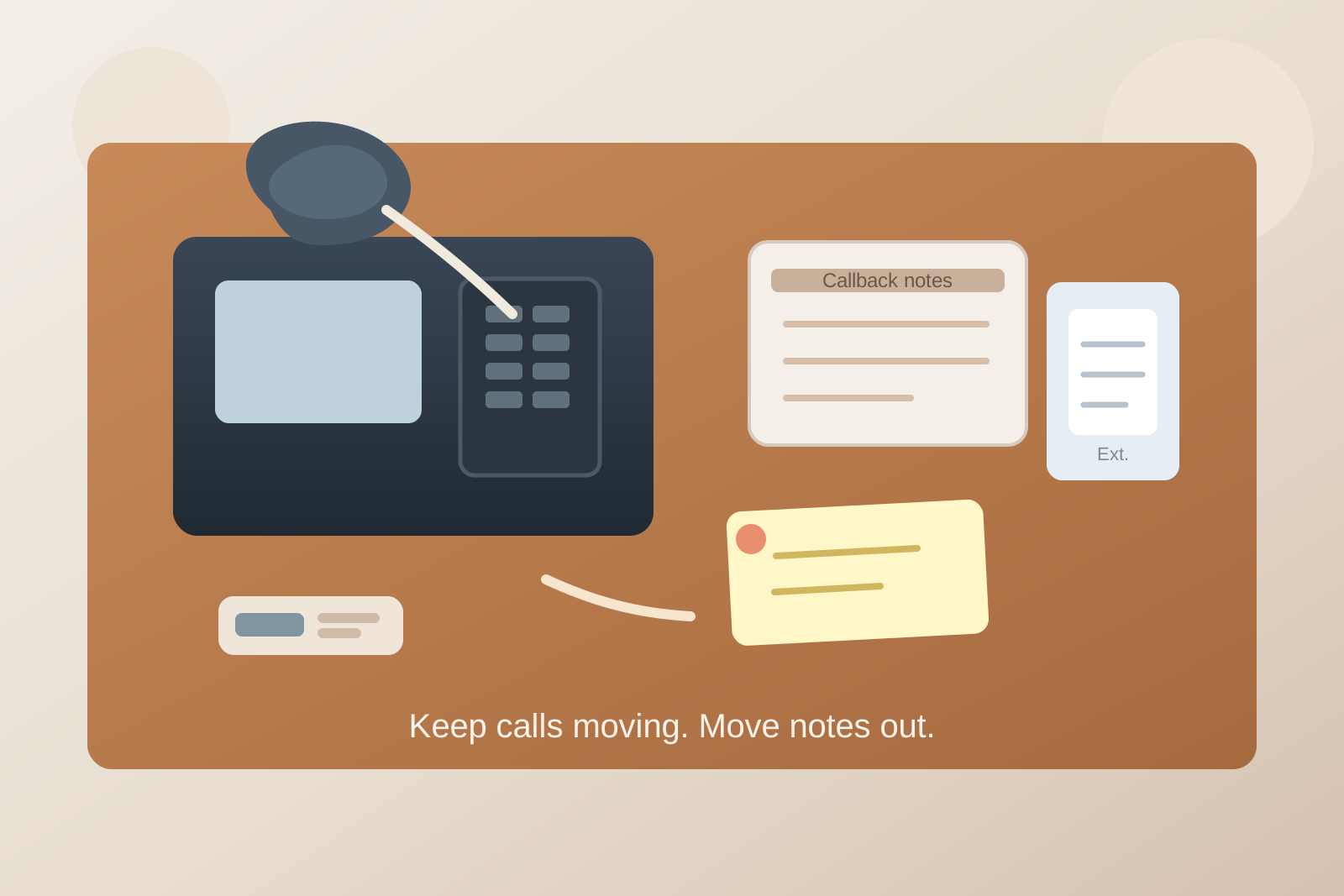
Office Front Desk Phone Station Organization for Transfers, Message Slips, and Callback Notes
A front desk phone station gets messy for a reason that is easy to miss.
The phone itself does not take up much space. The clutter comes from everything that gathers around it while someone is trying to answer quickly, transfer a call, jot down a name, confirm an extension, and remember who needs a callback. One sticky note turns into six. A printed directory curls under the handset. Pens drift off. A headset charger shows up because it felt related. Soon the small area around the phone is carrying more workflow than the rest of the reception counter.
If you want to organize an office front desk phone station, the goal is not making the phone corner look empty. The goal is making it obvious where live-call tools go, where message items wait, and what needs to leave the station as soon as the call ends.
Quick answer
A front desk phone station works better when you separate the space into three functions:
- live call tools you need during the call
- follow-up items that exist because of the call
- reference items that support the station but should not sprawl into the working area
That usually means keeping only the phone, one reliable pen, and one small note pad in the immediate reach zone; giving callback notes a defined outbound spot; and moving directories, chargers, and backup supplies just outside the main answering path.
Why front desk phone areas become clutter magnets
Phone clutter is usually decision clutter in disguise.
The person answering is doing fast micro-decisions all day long. Is this a transfer, a message, a quick answer, a vendor call, or something that needs a manager? Does the note need to stay visible for two minutes or two hours? Is that extension sheet still current? Does the headset stay here or travel with the person covering lunch?
When those decisions do not have homes, everything stays on the counter just in case. That is why front desk phone stations fill up with message slips, sticky notes, outdated directories, extra cords, badge holders, and unrelated paperwork. The area becomes a parking lot for unresolved call fragments.
Organize the station by call stage, not by supply type
Most front desks work better when the station is laid out in the order a call happens.
Think in stages:
- answer: handset or headset, one pen, one small note surface
- route: extension list, transfer cheat sheet, quick directory
- capture: message slip or callback card
- release: place where finished notes leave the station immediately
This approach is better than grouping all paper together, all pens together, or all accessories together. A phone station is a workflow point. It should be organized around what the receptionist needs in the next few seconds, not around generic supply categories.
Keep the live-call zone almost empty
The live-call zone is the small footprint you can reach without shifting your body or moving other objects.
That zone should hold only:
- the phone or console
- one dependable writing tool
- one compact note surface for active calls
- one short reference item if it is used constantly
That is it.
If extra pens, tape, chargers, unopened note pads, visitor forms, and delivery slips share that same space, the station stops feeling fast. Every incoming call starts with a tiny search.
A good rule is that nothing should need to be lifted or shuffled before you can answer and write down a name.
Separate callback notes from active call notes
This is where many front desk setups quietly fail.
Active notes belong close to the phone because they support the call that is happening right now. Callback notes belong in a different place because they represent work that continues after the call.
If both types of notes stay mixed beside the handset, the station never resets. The same scraps sit there all day, and nobody knows whether they are still live.
Use a simple split:
- active note area: for the current call only
- callback or handoff slot: for items that must go to someone else
Once the call ends, the note should either move to the handoff slot, get entered into your normal system, or get thrown away. It should not keep camping next to the phone.
Shrink the extension list so people actually use it
A giant printed directory often creates more clutter than clarity.
If the front desk phone station depends on a thick staff list, people stop checking it carefully. They rely on memory until they are unsure, then keep multiple versions on the desk because they no longer trust which one is current.
Keep one short, current quick-reference sheet for the numbers used most often. Store the fuller directory nearby but outside the live-call zone.
For many offices, the most useful reference is not a complete list. It is a small sheet with:
- common extensions
- transfer rules for a few key teams
- after-hours or urgent routing notes
- the one or two numbers that are easy to forget under pressure
Do not let chargers and headset gear colonize the phone corner
Anything with a cable tends to stay once it arrives.
That is how front desk phone stations end up holding headset chargers, spare USB cables, adapters, battery packs, and personal phone cords that have nothing to do with answering calls well. The area starts as a communication zone and slowly turns into a charging zone.
If a headset is part of the normal setup, give it one deliberate parking spot. If charging is necessary, keep the charger positioned so the cable does not cross the writing area or tangle with the handset path.
What you want to avoid is a half-permanent cable nest under the excuse that the items are all “phone related.”
Keep message-taking tools consistent, not abundant
More supplies do not make a phone station easier to use. Reliable supplies do.
One pen that always writes is better than a cup full of mixed pens. One message pad in the same place every day is better than three partial note pads stacked under random paper.
Consistency reduces hesitation. When the call volume picks up, nobody wants to choose between note systems or test five pens.
If multiple people cover the front desk, the station should feel obvious to the next person in under ten seconds.
Give finished messages a clear exit path
The phone station should not become long-term storage for completed communication.
Create one next-step path for finished messages:
- a small tray for callbacks that still need action
- a folder for items that must be delivered physically
- a digital-entry habit followed by immediate paper discard
The exact method matters less than the rule: finished messages leave the phone zone.
Without that rule, the station fills up with proof of old calls instead of tools for the next one.
What to move away from the phone station
If your front desk feels crowded, these items are often better nearby rather than directly at the phone:
- extra notepads
- backup pens
- full staff directories
- badge supplies
- delivery paperwork
- visitor handouts
- spare chargers and adapters
- unopened office supplies
They can still be close. They just should not compete with the answering space.
A simple front desk phone reset to use between busy stretches
You do not need a big cleanup routine. You need a 30-second reset that returns the station to ready state.
Try this sequence:
- throw away dead note scraps
- move callback items to the handoff spot
- return the pen to its home
- straighten the active note pad
- clear anything unrelated to calls
- confirm the phone surface is ready for the next answer
That reset matters more than decorative organizers because it protects the workflow the station exists to support.
When TidySnap can help
If your office front desk phone station still feels cramped even after you simplify it, TidySnap can help you see what is competing for the same few inches of space.
Upload a photo of the counter, and TidySnap can help you spot where live-call tools, reference sheets, callback notes, and unrelated front-desk items are mixing together. That makes it easier to decide what should stay in the phone zone, what needs a separate handoff area, and what should move off the station completely.
Final thought
A good front desk phone station is not defined by how little it holds. It is defined by how quickly someone can answer, route, note, and reset.
When the phone area has a clear live-call zone, a separate path for follow-up notes, and fewer “just in case” items hanging around, the whole front desk feels calmer. That is usually the difference between a phone corner that always looks busy and one that actually works.