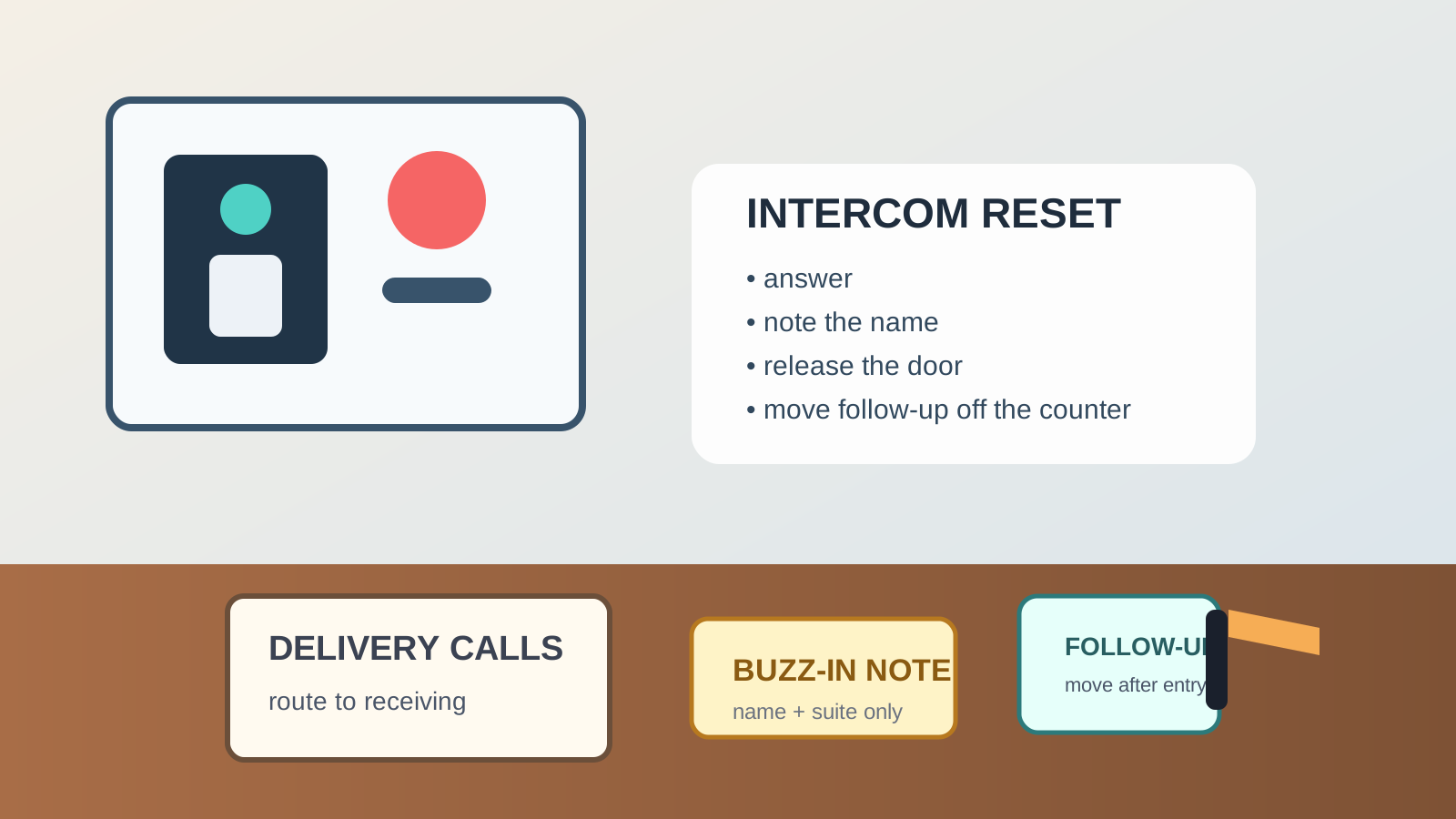
Office Front Desk Intercom Station Organization for Buzz-Ins, Delivery Calls, and Door Releases
An office intercom station gets messy because the interruptions are small, fast, and constant.
Someone buzzes from the front door while a package is being signed for. A courier says they are leaving two boxes in the lobby, so a sticky note gets parked beside the release button. A visitor asks who they are here to see, then the message pad stays open because another person is already waiting outside. Soon the area around the intercom is carrying scribbled names, outdated delivery notes, spare pens, and little reminders that never fully leave the counter.
If you want to organize an office front desk intercom station, the goal is not hiding the intercom or making the entry feel sterile. The goal is making it easy to answer, confirm, release, and reset without letting every buzz-in create a new mini pile.
Quick answer
An office intercom station works better when you divide it into four simple functions:
- live entry control for the intercom, release button, and one writing tool
- short-message capture for names, suite numbers, or quick delivery notes
- follow-up parking for anything that must leave the station after the door is opened
- support items like a current extension list or building-contact reference kept nearby but out of the hand path
That usually means keeping the release area physically clear, limiting note-taking supplies to one tiny set, and refusing to let solved buzz-ins stay parked beside the intercom.
Why intercom stations turn into clutter faster than expected
An intercom creates a different kind of counter mess than a phone station or visitor tablet.
The interaction is shorter, but it is more interrupt-driven. Whoever answers has to decide quickly whether to open the door, call someone, give directions, or capture one detail for later. Because each interruption feels temporary, people leave small leftovers behind.
The clutter usually comes from a mix of:
- handwritten names or suite numbers
- delivery notes that feel too useful to throw away yet
- one printed contact list with newer notes written on top
- pens borrowed from elsewhere because the usual one wandered off
- access instructions that stay out long after they stop being current
- unrelated items parked near the intercom because the station already looks like an admin corner
That is why the problem feels bigger than the hardware. The intercom becomes a landing zone for unresolved micro-decisions.
What a good front desk intercom setup should make obvious
A strong setup should answer four questions in one glance:
- can I respond to the person at the door right now
- where do I write one short note if I need to
- what has to leave this zone after the door is released
- what reference item is current enough to trust
If those answers are fuzzy, the counter starts collecting leftovers from every entry interaction.
Keep the live intercom area almost empty
The immediate hand zone should stay lean.
That means the intercom handset, speaker panel, or release control gets the cleanest reach path. If the person answering has to move a stack of delivery slips, an old visitor list, or a charging cable before opening the door, the station is already doing too much.
Try to keep only these items in the direct action area:
- the intercom or entry panel
- one dependable pen
- one small note pad or message slip stack
- the release control if it is separate
Everything else should be close, but not resting against the buttons, speaker, or writing space.
Separate short capture from real follow-up
A lot of intercom clutter happens because every note gets treated like it still belongs at the station.
Most buzz-ins create one of two note types:
- a short capture note you need for the next minute or two
- a follow-up note that belongs with someone else once the door question is handled
For example, a visitor name waiting for confirmation can stay in the short-capture spot. A package note for another team should move out of the intercom zone as soon as the handoff is done. If both note types sit together, yesterday’s delivery message ends up living beside today’s door call.
Give delivery calls their own tiny rule
Deliveries are one of the fastest ways to wreck an otherwise simple intercom station.
The issue is not the intercom itself. It is that package arrivals create extra decisions: who is receiving this, where should it go, does someone need to come down, and is there a signature step after the door release.
A useful rule is to let the intercom area hold only the note needed to finish the current door action. Anything about routing, receiving, or pickup should move to the office receiving spot, package shelf, or front-desk handoff area immediately after entry.
That keeps the intercom from turning into a mini receiving station.
Keep building and staff references readable, not layered
Most offices keep at least one reference near the entry point.
It may be a staff extension list, building contact sheet, visitor routing note, or door-hours reminder. The problem starts when people keep updating the same page by handwriting over old information.
Instead:
- keep one current reference sheet only
- remove expired notes instead of stacking revisions
- place the reference upright or just outside the writing zone
- avoid using the reference as scrap paper for temporary messages
If a reference must stay visible, it should help the station move faster, not make it look busy.
Stop the intercom area from becoming a supply magnet
Once a front desk corner already has a pen and notepad, people start treating it like general office storage.
Extra badge sleeves, charger cables, scissors, tape, unopened mail, and returned keys start appearing nearby because the spot feels staffed and convenient. That is how an intercom station slowly stops being about entry control.
A simple fix is to define one physical boundary for intercom work only. That might be one tray, one shelf section, or one narrow counter strip. If an item does not help with answering, confirming, releasing, or capturing one short message, it does not belong there.
Use a fast reset at natural transition points
The station does not need a big cleanup routine. It needs a quick reset that actually happens.
Good reset moments are:
- after a delivery rush
- after lunch coverage changes
- before the last visitor window of the day
- right before the front desk closes or hands off to another person
During that reset, clear old message scraps, test the working pen, remove unrelated supplies, and move follow-up notes where they belong. The goal is to make the next buzz-in feel easy, not inherited.
A practical layout that works in small offices
If your office has only a little front-desk space, try this layout:
- center or wall zone: intercom panel and release control
- dominant-hand side: one note pad and one pen
- just outside the hand zone: one current contact or routing reference
- separate outbound spot: one tray or slot for follow-up notes that must leave the station
That creates a readable path: answer, note, release, move on.
Mistakes that make an intercom station harder to use
Watch for these common problems:
- keeping old delivery notes beside the panel because they might matter later
- storing multiple pens and markers in the same tiny space
- leaving building instructions out after a temporary event ends
- mixing intercom notes with visitor badges, keys, or mail
- using the intercom area as overflow for front-desk supplies
Most intercom clutter does not come from one large mistake. It comes from tiny exceptions that never get cleared.
When TidySnap helps
If the front desk intercom area feels cluttered, TidySnap can help you spot the small objects and repeated leftovers that keep turning a simple entry station into a mixed-use drop zone.
You can upload a photo of the setup and use the AI-generated outline to decide what should stay in the live intercom zone, what should move to follow-up handling, and what should leave the counter entirely.
Final thought
A good office intercom station should feel calm even during interruptions.
If the area around the release button keeps collecting notes, delivery reminders, and random supplies, the fix is usually not more containers. It is giving entry control, short message capture, and follow-up work separate rules so every buzz-in does not leave a trace behind.