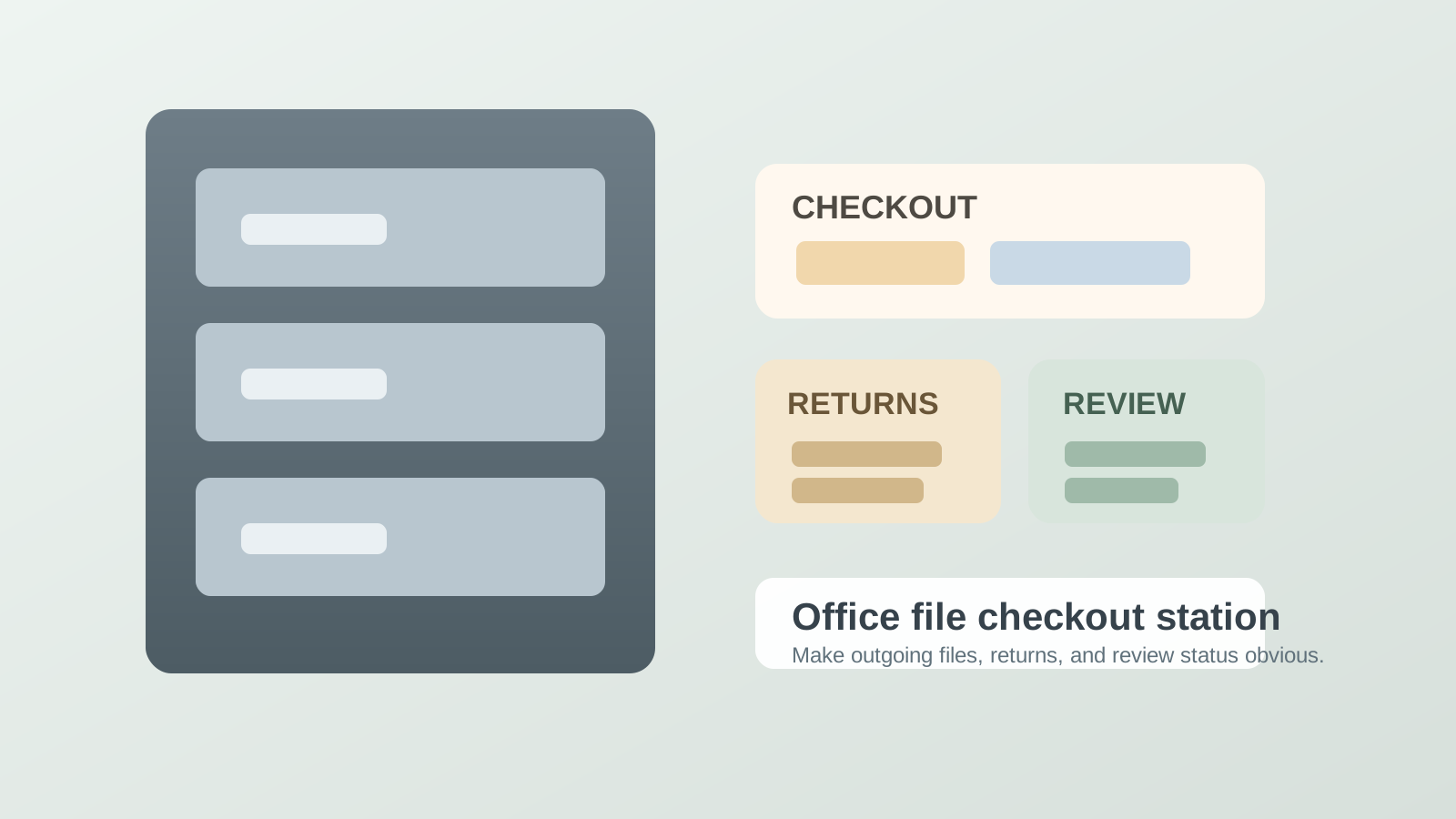
Office File Checkout Station Organization for Sign-Out Cards and Returns
A shared file area gets messy the moment borrowed files stop having a visible way to leave and come back.
One folder is out for a manager review. Another was taken to a conference room and never signed out properly. A return lands on top of the cabinet because nobody wants to guess which drawer it belongs in yet. A placeholder card was supposed to mark the missing file, but it slid under another stack. Then one more person pulls a folder because they need it quickly and assumes they will put it back later. Soon the problem is not only filing. It is that the office no longer trusts where active records are.
If you want to organize an office file checkout station, the goal is not making the cabinet look more formal. The goal is making file pickup, sign-out, temporary holds, and returns happen through one readable workflow so borrowed folders do not dissolve into desk piles and hallway memory.
Quick answer
An office file checkout station usually works better when you:
- keep one clear pickup point for files leaving the cabinet
- use one visible sign-out method that stays with the missing-file space
- separate returning files from ready-to-shelve files
- give problem returns and unclear ownership their own review lane
- keep labels, cards, and routing notes in one tight support zone instead of across the filing area
That usually helps more than adding another tray while borrowed folders, placeholder cards, and returns are still mixing together beside the drawers.
Why file checkout areas create a different kind of office clutter
A file checkout station is not just storage. It is a control point.
The clutter appears when the office is trying to manage several statuses in one small footprint:
- files that are still in the drawer and ready to pull
- files that are out with a person or team
- files that came back but are not re-shelved yet
- files with missing cards, missing dates, or unclear borrowers
- support materials such as sign-out cards, routing slips, labels, and shelf markers
When those states blur together, people stop trusting the cabinet. That is when they start holding files on desks longer than necessary because returning them feels like one more uncertain task.
Start by making the missing-file signal obvious
The hardest part of a shared file system is not putting folders away. It is making an absent folder legible.
If someone removes a file and the drawer only shows an empty gap, the next person has to guess whether the folder is misfiled, borrowed, being copied, or sitting on a nearby desk. That uncertainty creates extra searching, extra duplicate notes, and extra hesitation about returning anything.
A better setup gives every checked-out file one obvious placeholder or sign-out signal that answers the next question quickly:
- who took it
- when it left
- where it is expected back from
- whether it is in active review, copy work, or simple temporary use
The placeholder matters because it keeps missing files from turning into mysteries.
Use one file pickup lane instead of multiple informal grab spots
Many offices create file clutter because files can leave from anywhere.
Someone pulls a folder and carries it straight to a desk. Someone else drops one on top of the cabinet while waiting for a signature. A third person borrows a file from a side stack instead of from the drawer itself. The result is that nobody can tell what counts as formally checked out versus temporarily moved.
The cleaner approach is to define one pickup lane beside the cabinet or file bank. Any folder leaving the main storage area passes through that lane long enough for the sign-out step to happen. That keeps the checkout action short, but visible.
Separate returns from re-shelving work
This is where many file systems quietly fail.
A returned file is not the same thing as a re-shelved file. If folders come back and land in the same visual area as active drawer work, people assume the return is done when it is only half done. Then the cabinet starts growing a small horizontal pile of folders that are technically back, but not findable yet.
Use a simple split:
| Zone | What belongs there | What stays out |
|---|---|---|
| checkout lane | files leaving the drawer and the live sign-out step | random loose paperwork, completed returns |
| return lane | files that came back and still need re-shelving | outgoing files, blank cards, inactive archive boxes |
| review lane | unclear returns, damaged folders, missing cards, files with borrower questions | straightforward files ready to refile |
| support zone | sign-out cards, labels, pencils, routing notes, drawer guides | borrowed folders waiting on someone’s desk |
That structure works because it treats return handling as a real step instead of a side effect.
Keep sign-out cards with the cabinet, not in a separate admin corner
A checkout system breaks fast when the tracking tool lives somewhere else.
If sign-out cards, checkout slips, or routing notes are stored at another desk, people skip the step when they are in a hurry. If the cards are stuffed in an overfull drawer, people borrow one mentally and plan to fill it out later. If the file marker is too hard to reach, the drawer gap stays blank.
Keep the tracking materials exactly where the folder leaves the system. The easier it is to mark the file out in the same motion as pulling it, the more reliable the whole station becomes.
Give problem returns one holding lane instead of letting them re-enter the cabinet badly
Not every returned file should go straight back.
Sometimes the tab is damaged. Sometimes the folder came back with loose papers sticking out. Sometimes the borrower removed a routing note or left the sign-out card incomplete. Sometimes the return seems correct, but nobody is sure which drawer or sequence it belongs to anymore.
If those files go straight back into the cabinet anyway, the filing problem turns into a retrieval problem later.
A small review lane fixes that. It gives questionable returns a temporary place to wait for a real decision without contaminating the main drawers.
Stop the cabinet top from becoming the unofficial checkout station
This is a common office pattern.
The top of the cabinet feels convenient, so it becomes the place for:
- one folder waiting to leave
- two returned files not yet re-shelved
- a stack of blank sign-out cards
- a note about who borrowed something yesterday
- a packet that “belongs with the files”
Once that starts, the office has built a second file system without meaning to. The real checkout station should be smaller and stricter than that. It should support one live action at a time, not become a paper ledge for everything related to records.
Build a quick reset for borrowed-file traffic
A file checkout station usually works better with a tiny daily reset than with a big weekly cleanup.
A good reset looks like this:
- re-shelve straight returns from the return lane
- check whether every missing file still has a visible sign-out marker
- move unclear returns into review instead of leaving them in the return pile
- tighten blank cards, labels, and pencils back into the support zone
- clear any loose paperwork that drifted into the checkout surface but does not belong to file movement
That reset keeps the system trustworthy for the next person instead of waiting until the whole cabinet feels confusing.
Signs the station is organized poorly even if the drawers look neat
People ask where a file is before they check the drawer gap
That usually means the missing-file signal is not doing enough.
Returned files keep sitting on top of the cabinet for hours or days
That usually means returns do not have a true lane of their own.
Staff hold files longer than needed because putting them back feels annoying
That usually means the return step is too vague or too far from the drawer.
Sign-out cards are often blank, partial, or missing
That usually means the tracking materials are not placed where the checkout action really happens.
A practical layout for most shared file areas
If your office uses one cabinet bank or shared records wall, a simple pattern often works:
- drawer face or immediate gap: placeholder card for the missing file
- adjacent small surface: checkout lane with one writing tool
- next small section: return lane for files that came back today
- one narrow side pocket or tray: review lane for unclear returns
- one compact support holder: blank cards, labels, and routing notes
That keeps the workflow close enough to use without making the whole filing area look like a desk.
Where TidySnap helps
Shared file areas often look almost under control until one photo shows the real problem: returns stacked on top of the cabinet, blank cards hidden under folders, drawer gaps with no signal, and support supplies spreading into nearby paperwork.
TidySnap can help you turn that real setup into clearer zones for checkout, returns, review, and support so borrowed files stop leaking into the rest of the workspace.
Final thought
A good office file checkout station should answer one question quickly: if this file is not here, where is it in the process?
When outgoing files have a visible sign-out step, returns do not pretend to be re-shelved, and unclear folders get their own review lane, the cabinet becomes easier to trust again. That is what keeps shared records from turning into desk clutter somewhere else in the office.