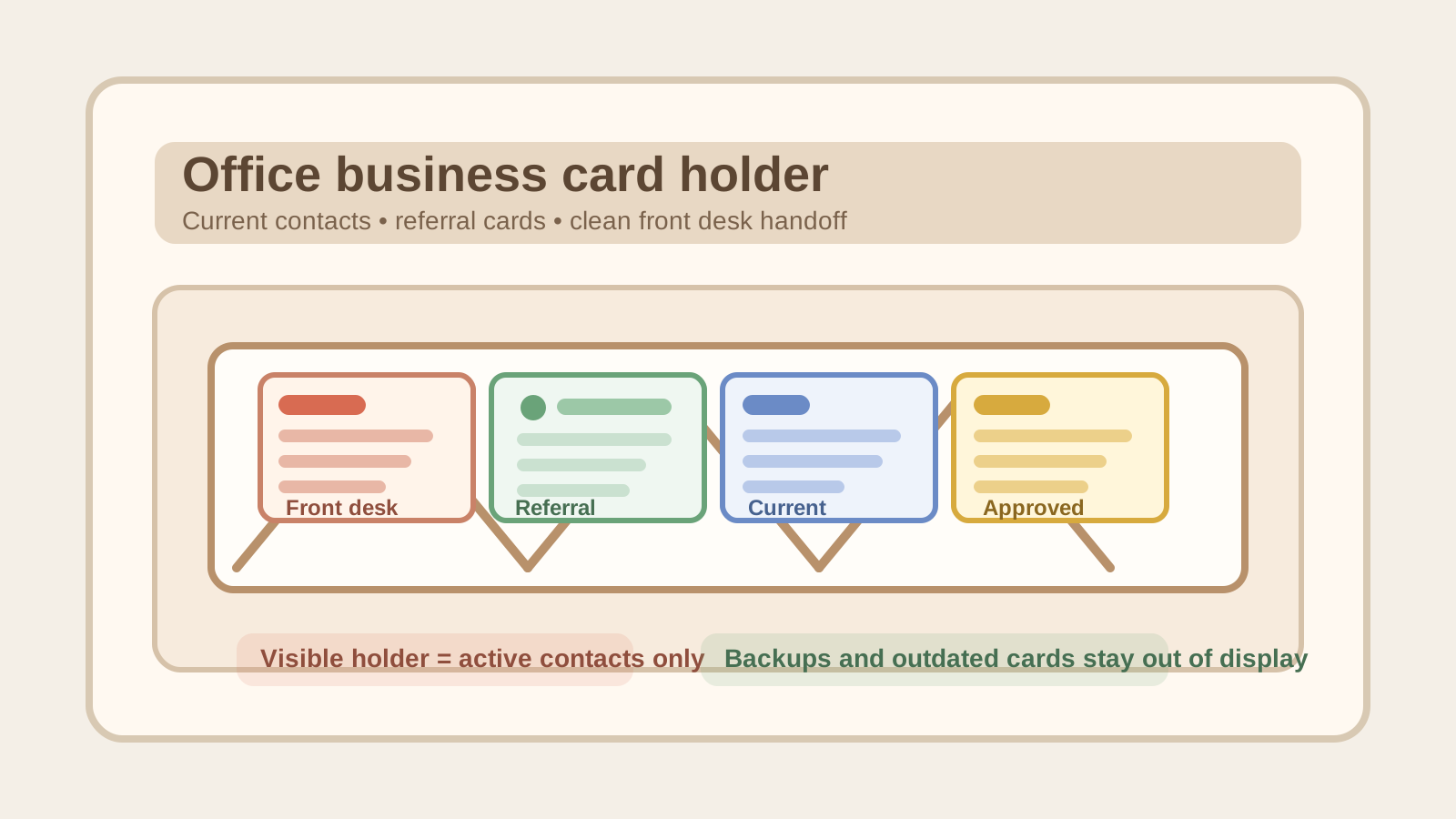
Office Business Card Holder Organization for Front Desk Referrals and Current Contacts
A business card holder looks too small to become a real office problem.
That is exactly why it gets ignored.
One slot still holds cards for a vendor nobody uses anymore. Another has three copies of the same local contact because someone kept refilling it without clearing the old stack first. A few staff cards are bent from being stuffed behind older ones. Then somebody at the front desk needs to hand a visitor the right phone number fast, but the holder is really a mix of active contacts, leftovers, and maybe-useful cards that never got reviewed.
If you want to organize an office business card holder, the goal is not making a tiny desktop display look neater. The goal is making sure the cards people can grab first are current, relevant, and easy to trust without turning the front desk into a stale-contact parking spot.
Quick answer
An office business card holder usually works better when you:
- keep only current, still-useful contacts in the visible holder
- separate display-ready cards from backup stacks and old extras
- group cards by referral use, not by whoever dropped them off first
- remove outdated, duplicate, or damaged cards before the holder looks full
- give one person or team a simple review habit so expired contacts do not linger for months
That setup works because a business card holder is not supposed to be an archive. It is supposed to help someone grab the right contact quickly.
Why office business card holders turn messy so quietly
Business card clutter builds in a low-drama way.
The cards are small. They feel official. They seem harmless to keep just in case. So offices rarely question what is sitting in the holder unless somebody notices a wrong number, a former employee, or a card for a service the office stopped recommending long ago.
That slow buildup usually creates a mix like this:
- current staff or department cards
- approved local referral contacts
- vendor cards left from one visit or meeting
- old cards with outdated phone numbers or branding
- duplicate stacks shoved behind the front row
- bent or handwritten cards that stayed because no one wanted to decide
That is why the holder can look orderly and still fail its real job. The issue is not card storage. The issue is trust.
Organize by active referral purpose first
A lot of offices let business cards accumulate in the order they arrive.
That is convenient in the moment and confusing later.
A better holder starts with one question: Why would someone at this desk hand out this card?
For many offices, the visible holder works best when it is limited to a few practical referral groups such as:
- office or department contact cards
- frequently requested local referrals
- building or site-related service contacts people actually ask for
- one small slot for current community or partner contacts if that is part of the desk’s job
If a card does not support a real front-desk or office referral need, it probably should not live in the main holder.
Separate display cards from backup stock
This is where a lot of tiny holders become stuffed little archives.
People often treat the visible holder as both the display and the storage bin. That leads to thick stacks crammed behind the front cards, mixed print batches, and no clear sense of which copies are actually ready to hand out.
A better split is simple:
| Zone | What belongs there | What stays out |
|---|---|---|
| visible holder | a small working set of current cards | old versions, bent cards, and bulk extras |
| backup supply | clean extra copies of cards still in use | one-off cards nobody has chosen to keep active |
| review or discard lane | outdated cards, duplicates, mystery leftovers, damaged copies | any card still trusted for handout |
That way the display stays readable, and the backups stop disguising themselves as active stock.
Remove outdated cards faster than you think you need to
A business card holder usually becomes unreliable long before it becomes obviously crowded.
One old phone number, one former employee, or one service provider the office no longer recommends is enough to make the whole holder feel questionable. Once that happens, staff start second-guessing the display or keeping their own private contact notes somewhere else.
Review cards for:
- people who changed roles or left
- vendors or partners the office no longer sends people to
- cards with old branding, addresses, or extensions
- duplicate stacks that only make the holder look fuller than it needs to
- damaged cards that make the station look neglected
The visible holder should earn trust quickly. If a card needs a story to explain why it is still there, move it out.
Keep handwritten notes off the holder itself
Business card holders often attract small paper clutter that is not really about cards at all.
A receptionist scribbles “best after 2 pm” on a sticky note and tucks it behind a dentist card. A coworker writes “new rep” on the back of a vendor card and puts it back into the same slot. Someone leaves a loose note with a corrected extension because the cards have not been reprinted yet.
That turns a clean contact display into a mixed-information zone.
If contact details need updates, use one short review note elsewhere and fix the working set properly. The holder should answer a fast handoff question, not preserve a trail of half-updated paper.
Keep the holder small enough that every slot means something
A business card station gets harder to use when every open slot gets filled simply because space exists.
More visible cards do not always create a better referral setup. They often create hesitation.
A smaller, tighter holder usually works better because it forces a decision about:
- which contacts are still current
- which referrals people ask for often enough to deserve display space
- which cards belong in backup storage rather than in public reach
- which categories are too vague to keep visible at all
The goal is not to showcase every contact the office has ever collected. The goal is to make the next useful card easy to find.
Place the holder where referrals happen, not where spare flat space exists
A business card holder is often placed in a random reception corner just because it fits there.
But location changes whether it stays usable.
The holder works best when it sits:
- near the part of the desk where people naturally ask for contact information
- outside the tightest phone, badge, or sign-in movement zone
- far enough from drink spills, package drop-offs, and loose office supplies
- close enough that staff can restock or review it without treating it as decor
If it lives too close to active clutter, the cards start collecting notes, pens, receipts, and unrelated paper just because the holder looks like a convenient small organizer.
A simple office business card holder setup that works
For many offices, a practical setup looks like this:
- keep one compact visible holder with only current handout cards
- group the visible cards by real referral use, not by arrival order
- store extra clean copies in one labeled backup envelope or drawer section nearby
- keep one short review pile for outdated, duplicate, or questionable cards
- do a quick check whenever a vendor changes, a staff role changes, or the holder starts feeling crowded
That setup keeps the display from turning into a tiny museum of old contacts.
FAQ
How many cards should stay in the visible holder?
Usually only enough to support the next stretch of normal use. If the holder is so full that cards bend, hide behind each other, or make people thumb through several options, it is carrying too much.
Should we keep vendor cards at the front desk?
Only if the office still actively gives those contacts out. Cards from one-time visits or old sales conversations usually belong in review or discard, not in the visible holder.
Where should extra copies go?
Keep them in one nearby backup spot, such as a labeled envelope, drawer section, or small file pocket. The visible holder should stay a working set, not the full inventory.
What if a contact is useful but the card is outdated?
Do not leave an outdated card in the active holder with a verbal explanation. Replace it with current information or move it out until the details are accurate.
When TidySnap can help
If your front desk or office counter still feels cluttered after you clear the card holder, TidySnap can help you review a photo of the area and spot whether the bigger issue is stale contact displays, mixed reception tools, backup paper drift, or unrelated supplies crowding the same small surface.
Final thought
The best office business card holder is not the one with the most contacts in it. It is the one people can trust without thinking twice.
When the visible cards are current, grouped by real referral use, and separated from extras and outdated leftovers, the holder stops acting like a tiny paper archive and starts doing its actual job.