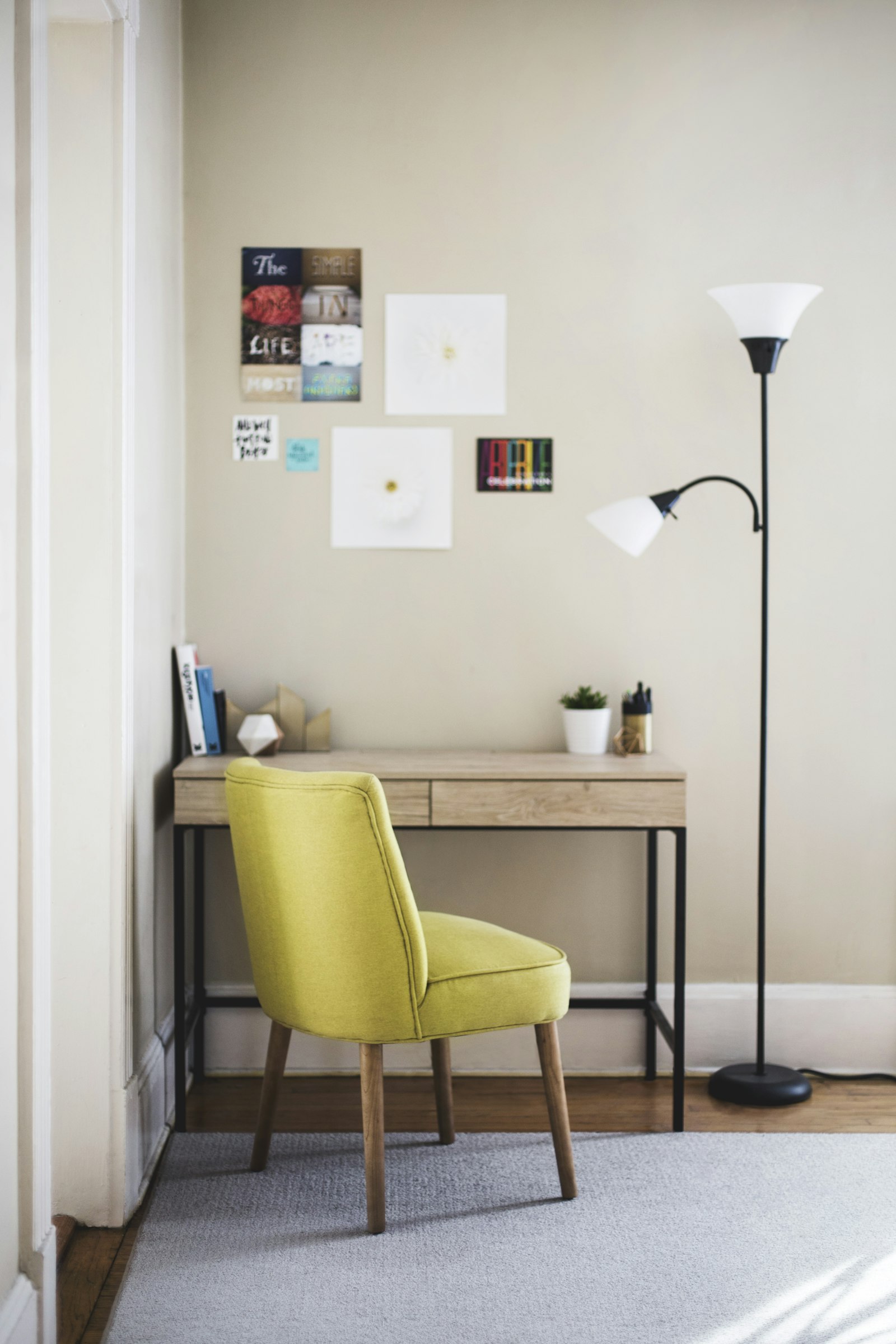
How to Organize Your Workspace When Your Desk Is Too Small
If your desk feels too small, the real problem is usually not size alone. It is that too many different jobs are happening on one surface at the same time. The desk is trying to be a laptop station, a paper tray, a charger hub, a storage shelf, and a catch-all for whatever landed there last.
That is why the best way to organize your workspace on a small desk is not to force everything to fit. It is to decide what deserves the surface, what should move nearby, and what should leave the workspace completely.
TidySnap helps when that decision feels hard in real life. You upload a photo of your actual desk, and it turns the clutter into a visual plan you can follow instead of another vague reminder to be tidier.
Quick Answer: How Do You Organize a Workspace on a Small Desk?
If your desk feels cramped, start here:
- remove anything that is not part of today’s work
- keep only one active task in the center of the desk
- move low-use items off the surface
- group small tools into one container instead of several loose piles
- route cables to one edge
- use vertical or nearby storage before adding more desk accessories
- protect one open area for writing, typing, or active work
For most people, that is enough to make a small desk feel usable again without replacing the furniture.
What People Usually Mean When They Say the Desk Is Too Small
Most small-desk frustration is really one of these problems:
- the center disappears under papers and accessories
- chargers and adapters take up more room than expected
- the desk stores backup items instead of supporting current work
- one surface is doing double duty for work and home life
- there is no clear rule for what gets to stay visible
In other words, the desk often feels too small because the layout has no boundaries.
Start by Defining What the Desk Is Actually For
A small desk works better when you give it one primary job.
For example:
- focused computer work
- writing and note-taking
- calls and meetings
- study sessions
- light creative work
That does not mean you can only do one thing there forever. It means the layout should support the main use first, and everything else should adapt around it.
If the desk is optimized for storage instead of work, it will always feel undersized.
The Three-Layer Rule for a Small Workspace
When people try to organize a small desk, they often treat every item as equal. A better approach is to divide the setup into three layers.
| Layer | What belongs there | Where it should live |
|---|---|---|
| Active layer | items needed for the current task | center and easy-reach zone |
| Support layer | daily tools that help but do not need the center | one side zone or one holder |
| Storage layer | backup items, extras, and rarely used supplies | drawer, shelf, cart, or nearby storage |
Once you use this rule, the desk starts to feel bigger because fewer objects are competing for the same visible space.
Step-by-Step: How to Organize a Small Desk for Work
1. Clear the desk all the way down to the real essentials
Before you organize, remove:
- trash and packaging
- dishes or mugs from earlier
- spare chargers
- unopened mail
- duplicate pens and stationery
- anything that belongs in another room
On a small desk, even a few unnecessary items can make the whole surface feel blocked.
2. Keep only one active project visible
A small workspace gets overwhelmed quickly when multiple tasks stay open at once.
Try this rule:
- one active notebook or document
- one main device setup
- one immediate tool group
If older notes, extra books, or yesterday’s materials stay spread out, the desk shrinks fast.
3. Create one support zone, not several mini-piles
Small desks do not handle scattered categories well. Instead of leaving pens in one corner, sticky notes in another, and cables in a third, create one support zone for nearby essentials.
That zone might include:
- one pen cup
- headphones
- one charger
- one notebook
- one small tray for temporary items
The goal is to reduce spread, not just reduce quantity.
4. Get cables off the center line early
On a large desk, cables are annoying. On a small desk, they are space thieves.
The fastest cable rules are:
- keep only active cables visible
- run them along one side or behind the monitor line
- move spare adapters off the desk
- avoid letting charging cables cross the writing or mouse area
If you need a deeper reset for tech clutter, see The Ultimate Cable Management Guide: Say Goodbye to Tangled Charging Cables.
5. Use height and nearby storage before buying more desk organizers
A small desk usually does not need more things on top of it. It needs fewer things living there full time.
Before buying new accessories, try:
- storing extra notebooks vertically
- moving weekly-use tools to a nearby drawer or shelf
- using one wall hook or side hook for headphones
- keeping reference materials beside the desk instead of on it
- assigning a nearby box or basket for overflow items
This matters because desk organization products can accidentally make a small desk feel even busier.
6. Leave part of the desk empty on purpose
This is the rule people skip most often.
An organized small desk still needs open space for:
- writing
- quick task switching
- setting down one temporary item
- moving your keyboard or notebook comfortably
If every inch is filled, the desk may look organized for a photo, but it will not feel easy to use.
A Better Layout for Common Small-Desk Setups
Here is a simple model that works for many people:
| Zone | What goes there | Why it works |
|---|---|---|
| Center | keyboard, laptop, or current notebook | protects the main work area |
| Dominant-hand side | mouse or writing room | keeps movement friction low |
| Non-dominant side | pen cup, headphones, one charger | keeps tools close without crowding the center |
| Back edge | lamp, monitor stand base, one small decorative item | uses shallow space without blocking work |
| Off-desk nearby | spare accessories, backup paper, archive items | prevents the surface from turning into storage |
You do not need a perfect Pinterest setup. You need a layout that keeps the center clear and makes reset easy.
Where TidySnap Helps
A lot of small-desk advice sounds simple until you look at your actual setup. Then the questions become more specific:
- which items are stealing the most usable space?
- what should stay within reach, and what should move nearby?
- which cable path is making the desk feel crowded?
- what can leave the surface without making work harder?
TidySnap helps answer those questions from a real photo of your workspace. Instead of only giving general desk organization advice, it can help you:
- spot overcrowded zones
- protect the center work area
- separate daily-use items from backup items
- see where cables are cutting across usable space
- create an after-state you can repeat tomorrow
That is especially useful when the desk is not dramatically messy, just small enough that every bad placement decision matters.
A 15-Minute Reset for a Small Desk
If you want a realistic reset, use this order:
| Minute | Action | Goal |
|---|---|---|
| 0-3 | remove trash, dishes, and non-work items | clear easy friction |
| 3-6 | empty the center of the desk | restore usable work space |
| 6-9 | group pens, paper, and accessories into one support zone | reduce spread |
| 9-12 | move low-use items off the desk | protect the surface |
| 12-15 | route the most visible cables and reset the main work position | make the desk feel calmer immediately |
This works because a small desk improves quickly once the layout stops fighting your task.
Mistakes That Make a Small Desk Feel Smaller
The most common ones are:
- storing backup items on the main surface
- keeping more than one active project open
- using several small containers that fragment the desk
- letting paper spread flat instead of stacking it
- leaving chargers and adapters visible by default
- filling every open inch with decor or accessories
A small desk does not need to be empty. It needs a reason for every visible item.
Final Takeaway
If your desk feels too small, the answer is usually not to organize more things onto it. The answer is to protect the desk from becoming storage.
Keep the center for active work, move low-use items nearby, group tools into one support zone, control cables early, and leave open space on purpose. That is how you organize your workspace so even a small desk feels calmer and easier to use.
And if you want help turning your real setup into a layout you can follow, TidySnap can turn one desk photo into a visual organization plan built around the space you actually have.
FAQ
How do I organize my workspace if my desk is very small?
Start by removing anything that is not part of today’s work, keep only one active task visible, group essential tools into one side zone, and move low-use items off the surface. Small desks work best when they support the current task instead of storing everything.
What should stay on a small desk every day?
Usually only your main computer or notebook setup, one active notebook or document, one holder for essential tools, and a few true daily-use items should stay on the desk. Everything else should earn its place.
How do I make a small desk look less cluttered?
The fastest fixes are to clear the center, contain small items in one holder, move spare cables away, and keep backup supplies off the surface. Reducing spread matters more than making everything perfectly minimal.
Should I buy organizers for a small desk?
Not first. A lot of small-desk clutter is a placement problem, not a product problem. Start by reducing what lives on the desk, then add one simple organizer only if it supports the layout instead of crowding it.
Can TidySnap help with a small workspace?
Yes. TidySnap can analyze a photo of your actual desk and help you see which areas are crowded, which items should stay within reach, and which objects should move off the surface so the desk feels more usable.