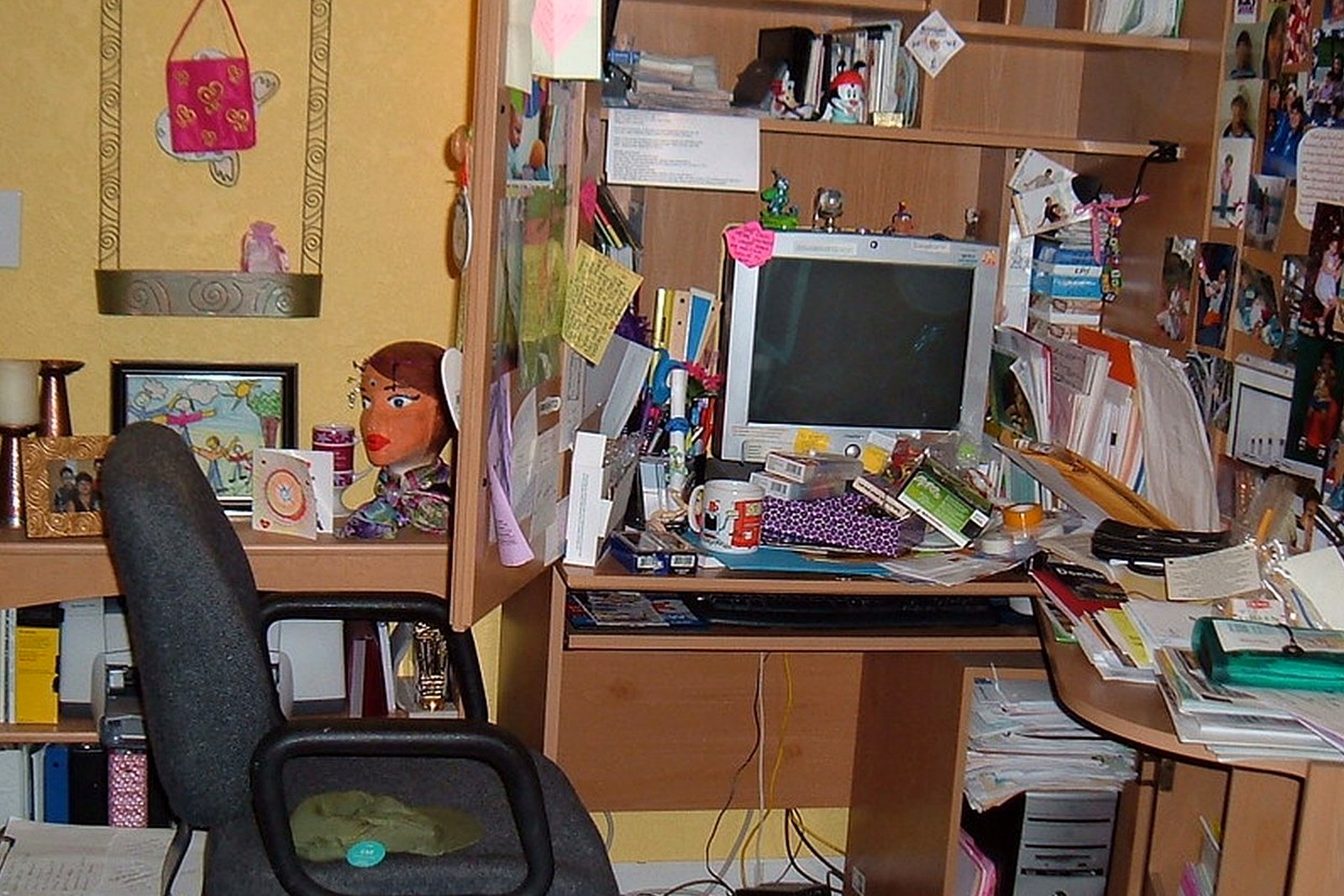
How to Organize Your Desk After Finishing a Big Task Cycle
Finishing a major task cycle can leave the desk in an odd in-between state. The hard part is over, but the materials are still sitting there as if the work might restart in five minutes.
Quick Answer
To organize how to Organize Your Desk After Finishing a Big Task Cycle:
- separate closed work from work that truly continues
- archive support materials instead of keeping them in the center
- clear the desk of tools that were only useful during the task cycle
- save one summary note instead of every visible reminder
- reset the workspace for the next kind of work you need to do
- use the transition to reduce visual noise before it builds again
The goal is not to make the desk look impressive. The goal is to make the next work session feel easier to enter and easier to sustain.
Why completion clutter lingers
A finished cycle often leaves behind review notes, extra accessories, temporary labels, tracking sheets, and “just in case” references.
Because the work was important, it feels risky to put those items away too quickly. So they sit out long after they are useful.
Distinguish closed from continuing work
Ask which materials are truly needed for follow-up and which only document what already happened.
Closed work can be filed, boxed, or photographed. Continuing work deserves one contained follow-up zone.
Reduce the evidence of effort
Big cycles leave visible proof of effort everywhere: stacks, tabs, cables, and support tools.
Once the cycle is done, that evidence becomes friction. Removing it helps the workspace feel available again.
Create a single handoff packet
If you may need to revisit the task later, keep one packet with final notes, key files, and the next checkpoint.
That is more useful than leaving the whole desk configured around work that has already moved on.
Give the next task a cleaner starting line
A completion reset is not a reward chore. It is the moment when you protect your next project from inheriting old clutter.
Even ten deliberate minutes can keep one finished cycle from turning into a permanent desk layer.
A Simple TidySnap Check-In
If you are not sure why this setup keeps getting messy, TidySnap can help you spot what is actually piling up in the space. A quick photo often makes it easier to see whether the real problem is paper spread, unstable tool zones, too many temporary items, or a layout that no longer matches the work.
Final Thought
A better workspace reset usually comes from making the next action obvious. When the desk clearly supports the work you are about to do, staying organized feels less like maintenance and more like relief.