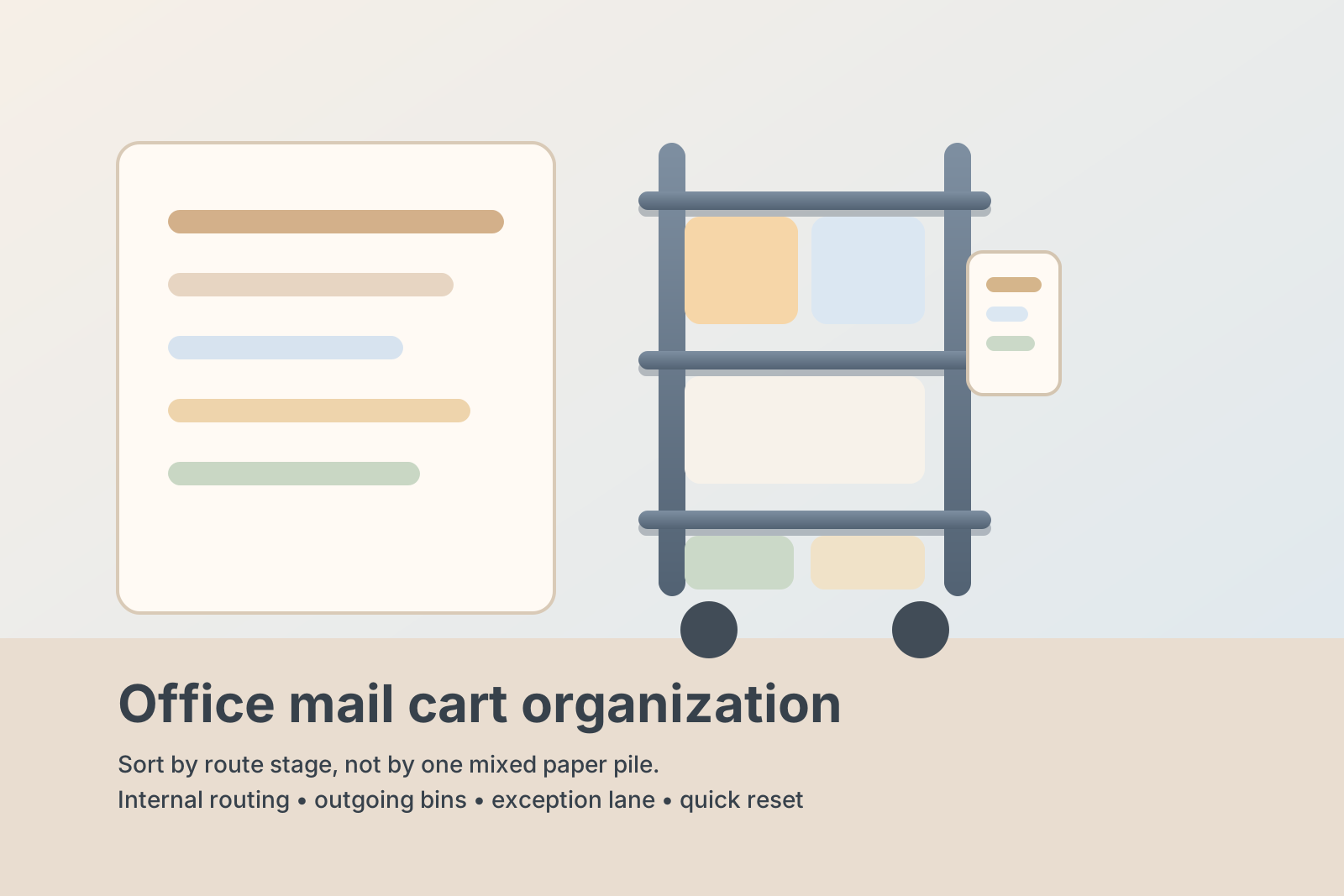
How to Organize an Office Mail Cart for Routing Rounds and Outgoing Bins
A fixed mail station is one kind of problem. A mail cart is another.
Once paperwork has to move through the office, clutter stops sitting in one place. Envelopes ride around with outgoing letters. Interoffice folders stay on the lower shelf because someone plans to drop them off on the next round. A few print packets get added because the cart is already headed that way. By midweek, the cart is still technically useful, but nobody can tell what is being delivered now, what is waiting to go out, and what should have come off two trips ago.
If you want to organize your office without letting paper travel become its own mess, the cart needs to be arranged around movement. The goal is not fitting more onto it. The goal is making each pass through the office easier to read.
Quick answer
To organize an office mail cart:
- separate internal routing, outgoing mail, and temporary drop-offs
- give each shelf or bin one stage in the delivery round
- keep one small supply zone instead of scattering labels, clips, and pens
- remove completed deliveries before the cart starts the next round
- stop using the cart as backup storage for random office paper
The best setup makes it obvious what is moving, what is leaving the building, and what needs a decision before the cart rolls again.
Why office mail carts get messy so fast
A mail cart usually becomes cluttered because it looks flexible.
That flexibility is exactly what gets it into trouble. Anything related to paper, routing, or quick handoff starts feeling close enough to belong there. One outgoing envelope becomes ten. One routing folder turns into a mixed stack of things for three departments. Someone adds labels, a tape roll, and a return slip because those are also mail-related. Then a half-finished packet rides around for two days because nobody wants to lose it.
The cart stops being a route tool and starts acting like a moving holding area.
Organize the cart by movement, not paper type
Sorting only by item type usually fails on a rolling cart. Two envelopes may look alike, but one needs to go to accounting right now and one is waiting for postage. A packet clipped for HR is not the same as a sealed outgoing mailer, even if both are made of paper.
A better setup is to organize the cart by what happens next.
| Cart zone | What belongs there | What should not stay there |
|---|---|---|
| top shelf or primary bin | items going out on the current round | yesterday’s leftovers or unopened supply packs |
| second shelf or return bin | outgoing mail, courier pickups, stamped items | internal routing folders |
| slim side bin or pouch | pens, clips, labels, route sheet, small tools | bulky backup supplies |
| short-term review slot | unclear-address items, items missing names, exception pieces | anything that could have been delivered already |
This gives the cart a readable flow instead of one mixed paper stack.
Build one clean route for internal delivery
If the cart handles internal handoffs, make that its main identity.
Keep active routing folders, interoffice envelopes, and department drop-offs together in the order they move through the building. You do not need a complicated color system unless several people share the route. Even a simple left-to-right sequence works well if everyone can tell:
- what is still on the current round
- what has already been delivered
- what needs to go back because something is missing
That clarity matters more than having lots of trays.
Give outgoing mail a boundary of its own
Outgoing mail creates a different kind of friction from internal routing.
Internal paper usually moves room to room. Outgoing mail waits for pickup, postage, or a final check. When both categories sit together, people hesitate. They do not want to grab the wrong envelope, and they stop trusting the cart as soon as it becomes unclear which pieces are office-internal and which are leaving the building.
Use one dedicated bin, basket, or clearly clipped section for outgoing items only. That area should hold:
- stamped letters ready to leave
- courier envelopes waiting for pickup
- pre-labeled outgoing packets
- small batches waiting for one final stop at reception or the mailroom
It should not hold routing folders, spare supplies, or printouts that just happen to be nearby.
Keep print packets and special drop-offs from taking over
Many office mail carts slowly turn into general delivery carts.
That is where the clutter starts to spread. Someone adds welcome packets, meeting handouts, or packets for signature collection because the cart is already moving. Sometimes that is fine. The problem shows up when those one-off items have no rule and no exit plan.
If the cart sometimes carries special drop-offs, give them one clearly temporary lane. Use a folder, upright sorter, or one marked bin labeled for this round only. Once the route is done, that lane should go empty again.
If it keeps staying full, the issue is not the cart. The issue is that the office has created a second paper workflow without naming it.
Limit the supply zone to what supports one round
A mail cart needs a few support tools, but not a whole drawer of office supplies.
Keep only the small items that directly help the route move:
- one pen that works
- a few binder clips or paper clips
- a short label stack if labels are part of the route
- one route sheet or department list if needed
- one small pouch for exception notes
Do not load the cart with extra tape refills, unopened stationery, bulk envelopes, or a backup pile of forms unless the cart is specifically built for that job. Too much support gear makes the moving surface smaller and the actual route harder to read.
Reset the cart at the end of each round
A mail cart usually fails between rounds, not during them.
While people are actively using it, the flow is visible. Trouble starts when completed deliveries, empty folders, exception pieces, and extra paperwork stay on the cart after the trip is over. The next round begins with leftovers already in place, which makes every new item harder to sort.
A short reset prevents that buildup:
- remove everything already delivered
- move outgoing mail to its next pickup point if the route is done
- clear the review slot so old problem items do not hide new ones
- restock only the few tools used every round
- start the next trip with visible empty space
That last point matters. Empty space on a cart is not wasted. It is what makes new paper readable.
When a cart should stop carrying certain categories
Sometimes the best organizing move is taking work off the cart.
If one category keeps traveling for no reason, ask whether it should live somewhere else entirely. Examples:
- archive papers that belong at a filing station, not on a route cart
- supply deliveries that should go to receiving or a supply cabinet
- oversized print jobs that belong on a project shelf or finishing table
- sensitive forms that should move in a closed folder, not an open basket
A cleaner cart is often the result of a narrower job description.
Use TidySnap to plan the cart before you relabel it
If your cart already looks overloaded, reorganizing it by memory is harder than it sounds. A quick photo helps you notice which bin is actually doing the work, which paper type is hijacking the route, and which supplies are just riding along because nobody removed them.
TidySnap lets you map the cart visually before you move everything around. That is useful when you want to test whether one shelf should be routing only, whether outgoing mail needs its own bin, or whether the cart is carrying too many exception items to stay readable.
A simple office mail cart setup you can copy
If you want a practical starting point, use this layout:
- top shelf: current internal routing round
- middle shelf: outgoing mail and courier items
- small side pouch: pen, clips, labels, route list
- one slim review folder: unclear or exception items only
- no floor storage: nothing parked underneath unless the cart is built with a true lower tray for active use
That setup is simple, but it gives every category a purpose and an exit path.
FAQ
Should an office mail cart carry office supplies too?
Usually no. A few route-support tools make sense, but a mail cart works better when it stays focused on movement, not general storage.
What is the difference between a mail cart and a mail station?
A mail station is a fixed sorting point. A mail cart supports circulation and handoff across the office. The organizing rules should follow that difference.
How often should the cart be reset?
Ideally after every routing round. At minimum, clear it before the next round starts so old items do not mix with new ones.
What if several people use the same cart?
Use the simplest shared system possible. Clear section labels, one review lane, and a small route checklist usually work better than a detailed coding system nobody maintains.
Can a small office still benefit from a mail cart?
Yes, if paper regularly moves between reception, departments, or pickup points. Even a compact cart can reduce desk clutter when it has a clear route and a quick reset routine.