How to Organize an Office Corner With Printer and Supplies
An office corner with a printer often starts as a practical support zone. Then it slowly becomes the place where everything related to paper seems to land.
Extra reams, toner, labels, scissors, misprints, envelopes, return forms, packing tape, spare cables, and office tools all gather there because it feels adjacent to useful work. The result is a corner that technically supports the office but visually drags down the whole room.
The best printer corners are not large. They are simply clear about what belongs there and what does not.
TidySnap helps when the print corner feels busy and you want to see which items support the workflow, which ones are just parked there, and how to reduce the clutter without hurting convenience.
Quick answer
To organize an office corner with printer and supplies:
- give the printer its own operating space
- separate active paper from backup paper
- keep supplies grouped by task, not by wherever they fit
- leave a clean landing area for print output
- remove unrelated storage from the corner
- restock with small limits instead of deep piles
A printer corner stays neat when it acts like a station, not a mini storage room.
Why printer corners get messy
Printers attract supporting items. That is normal. What creates clutter is when the corner starts supporting too many different categories at once.
Common clutter sources include:
- misprints that never leave
- open paper packs and backup paper mixed together
- toner and supplies with no bin or shelf boundary
- office tools that migrated there from desks
- mail or paperwork waiting for decisions
- random extras that only seem loosely related to printing
Once the corner becomes a catch-all, the actual printer task gets harder.
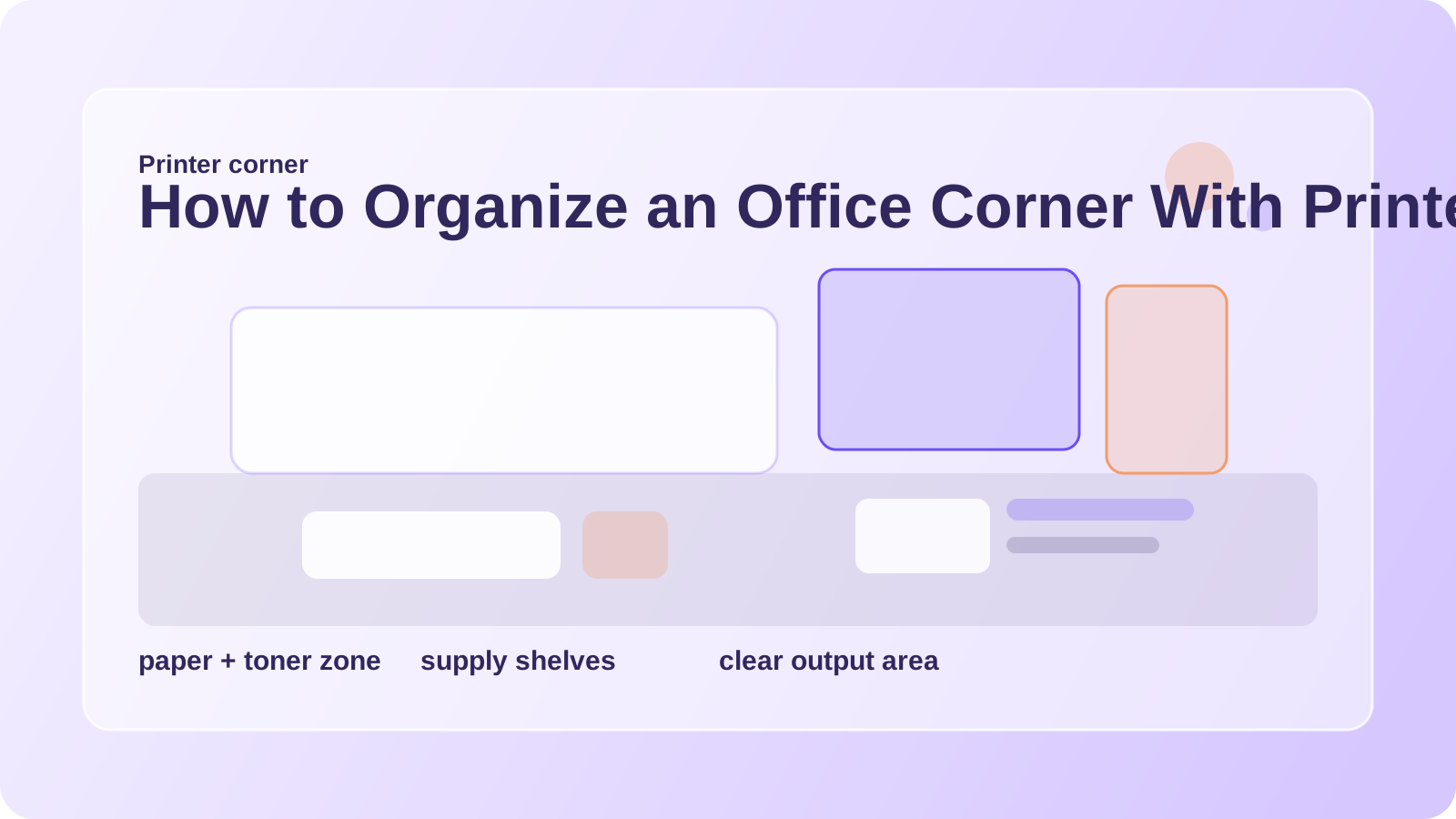
Separate the station into three zones
A strong printer corner usually has three simple zones:
| Zone | What belongs there | What does not |
|---|---|---|
| printer zone | printer, cable path, access to trays | stacked clutter on top |
| paper zone | active paper, labels, envelopes | unrelated office tools |
| supply zone | toner, scissors, tape, staples, cleaning cloth | old projects and archive piles |
When those zones blur, people start searching for basics and leaving more out than necessary.
Protect the top of the printer
Printer tops are famous clutter traps.
They often collect:
- incoming paper
- outgoing paper
- pens
- sticky notes
- envelopes
- random office tools
But the top of the printer is best used lightly. It should not become permanent storage. At most, keep one small tray or one temporary output stack if the machine design allows it.
Everything else should move beside the printer, below it, or into a defined bin.
Split paper by use level
Paper supplies are easier to manage when they stop behaving like one giant category.
Try this split:
- active paper: the sheets or labels used this week
- backup paper: extra stock kept sealed and stored nearby
- special paper: envelopes, cardstock, label sheets, or forms kept in one marked area
- misprints: one temporary reuse tray, emptied often
If all paper types stack together, the corner gets dense fast.
Group tools by the print task
Most printer corners need only a few support tools close by:
- scissors
- tape
- labels or label sheets
- stapler
- marker or pen
- one cleaning cloth
These work best in one handled caddy or one shallow organizer. That keeps the print task supported without letting the corner turn into general supply storage.
Watch the floor and side shelves
The visible clutter in a printer corner is often not on top. It is beside or below the station.
Keep an eye on:
- partial reams leaning against furniture
- shipping supplies stacked on the floor
- empty boxes waiting too long
- outdated forms
- cables and adapters with no reason to be there
Clearing those side areas usually changes the feel of the corner more than rearranging the pens.
Where TidySnap helps
Printer stations are hard to judge because they become cluttered in layers. TidySnap can help you see:
- whether the top of the printer is overloaded
- where backup supplies are crowding the active zone
- what should move out of the corner entirely
- how to keep a small output area visible
That makes the station easier to maintain instead of repeatedly re-cleaning.
FAQ
What should stay in a printer corner?
Only the printer, the paper you actively use, and a small set of truly related supplies.
Can I store extra office supplies there too?
Only if they directly support printing or mailing. Otherwise the corner gets crowded quickly.
How do I stop paper from piling on top of the printer?
Give printed output and misprints their own tray so the printer top does not become the default landing area.
An office corner with printer and supplies works best when every item supports the print task and the station still has room to operate cleanly.