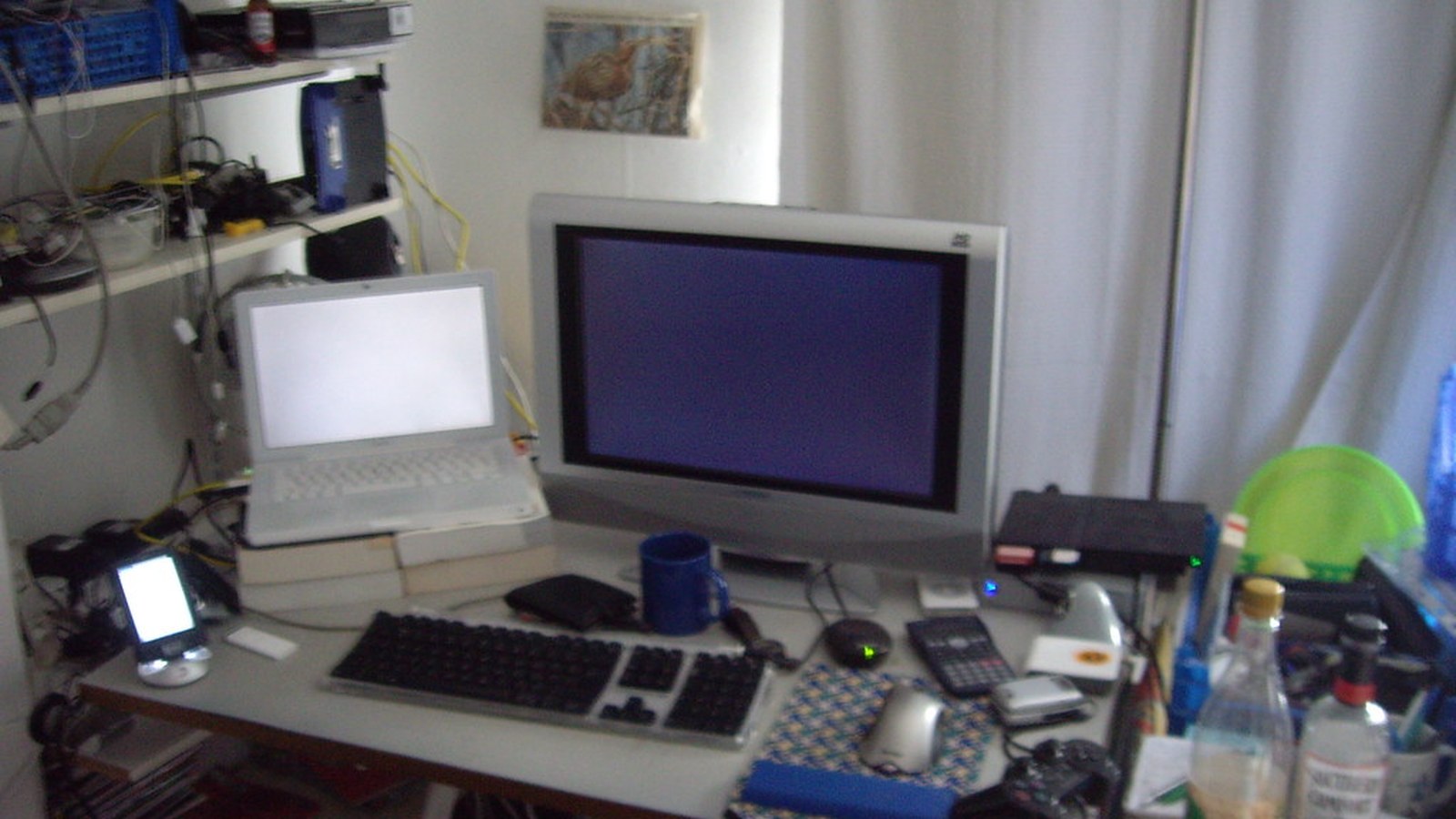
How to Organize a Workspace When You Can Never Find the Charger You Need
Charger clutter is usually a retrieval problem pretending to be a storage problem.
You may already own the right charger for your laptop, phone, headphones, tablet, or accessories. But if cables are mixed together, borrowed, half-plugged in, or left in random bags, you still waste time every day hunting for the one you actually need.
Quick Answer
To organize a workspace when you can never find the charger you need:
- separate daily chargers from backup chargers
- assign one home for each device type
- stop storing loose cables as one mixed pile
- label or group chargers by use case
- keep one active charging zone and one backup zone
- reset borrowed or moved chargers at the end of the day
The goal is not to own fewer chargers. It is to make the right one easy to find in one step.
Why Chargers Go Missing So Easily
Chargers disappear because they move between tasks, rooms, and bags more than most desk items.
Common causes include:
- one drawer or box holding every cable type together
- daily chargers mixing with old backup gear
- chargers being borrowed from other setups and never returned
- multiple similar-looking adapters with no labels
- the desk acting like a temporary parking lot for tech
When everything is technically nearby but never in the same place twice, the workspace feels unreliable.
Separate Daily From Backup Charging
Start by splitting chargers into two groups.
| Group | What belongs there |
|---|---|
| daily charging | the chargers you reach for most days |
| backup charging | travel, replacement, or occasional-use chargers |
Daily chargers deserve easy access. Backup chargers deserve containment, not desk space.
Create One Clear Charging Zone
A workspace works better when charging is a zone, not a scatter pattern.
A good charging zone usually has:
- one visible power entry point
- one short daily phone or device cable
- one known place for laptop charging
- one small holder or pouch for current adapters
What usually fails is letting chargers appear on both sides of the desk, behind the monitor, in a bag, and on the floor at the same time.
Group by Device Type or Connector Type
If chargers are easy to confuse, use a simple grouping rule.
Examples:
- laptop chargers together
- phone and tablet cables together
- watch or earbud chargers together
- older or special-use adapters stored separately
If several items look similar, a small label or tie can save more time than another organizer.
Keep Loose Cables Out of the Main Work Lane
Chargers become more annoying when they invade keyboard space and notebook space.
Protect the center of the desk by keeping:
- current charging on one support side
- spare cables off the surface
- longer cords routed along a rear or side edge
- low-use adapters in a pouch, bin, or drawer nearby
The desk should feel like a workstation first and a charging station second.
Use a Return Rule for Borrowed Chargers
Many charger problems come from chargers wandering.
A practical rule is simple: if a charger leaves its home for a meeting, couch, bedroom, or bag, return it to the same zone before the day ends.
That one habit usually matters more than buying new cable gear.
Where TidySnap Helps
TidySnap helps when the charging problem feels vague. A real workspace photo makes it easier to spot where chargers are spreading, which cable groups are competing for space, and whether the real issue is access, overflow, or too many mixed device types.
FAQ
How many chargers should stay visible on a desk?
Usually only the daily ones. Backup chargers and low-use cables are easier to manage off the main surface.
Should I organize chargers by device or by cable type?
Either can work. Pick the method that makes the right charger fastest to identify and return.
Why do I keep losing chargers even when I have a drawer for them?
Because a single mixed drawer often stores cables without retrieval structure. Separation and return rules matter more than hiding everything together.