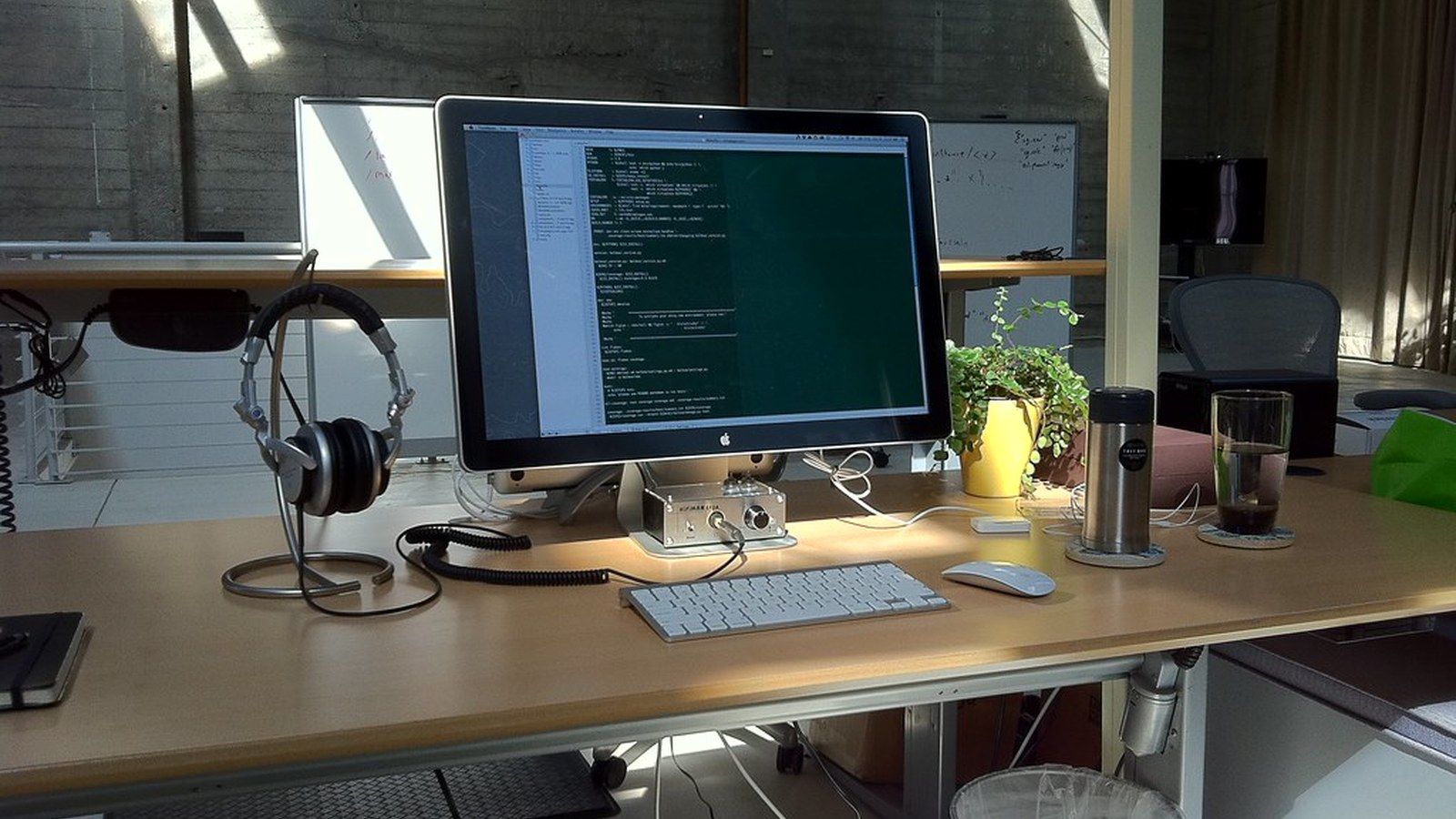
How to Organize a Workspace Around a Large Monitor Without Blocking Everything Else
A large monitor can make focused work easier, but it also changes the balance of the whole desk.
The screen becomes the visual center. The base or stand may eat more surface than expected. Accessories start hiding behind it or crowding around it. Then the workspace slowly turns into a setup built for the monitor rather than for your work.
Quick Answer
To organize a workspace around a large monitor without blocking everything else:
- center the monitor around your real seated position
- protect one side or lower zone for writing and temporary tasks
- move support tools to one defined side cluster
- keep monitor cables to the rear edge
- avoid storing small items around the base
- give the monitor room without letting it dictate every other decision
What Large Monitors Change
A large display creates both physical and visual weight.
That usually affects:
- the amount of surface left below the screen
- side access to notebooks or accessories
- where speakers, lamps, or chargers can live
- how open the desk feels even when it is tidy
The screen can be a great anchor, but it should not become a wall around your work.
Decide What Must Still Happen on the Desk
Before you organize around the monitor, decide what work still needs active surface space.
For many people that includes:
- keyboard and mouse use
- one notebook or planner
- occasional document review
- one drink or current reference item
If the monitor footprint eliminates all of that, the setup is oversized for the desk or arranged poorly for the work.
Protect a Working Lane Below or Beside the Screen
The desk needs one reliable lane for action.
| Working lane | Best for |
|---|---|
| lower center | typing, mouse work, one notebook |
| one side lane | handwritten notes or reference sheets |
| front edge margin | short temporary tasks |
The important part is that the lane stays open instead of getting swallowed by speakers, cable loops, or stacked accessories.
Keep the Base Area Clean
Monitor bases and stands create natural clutter zones.
They often collect:
- sticky notes
- flash drives
- charging cables
- pens
- reference cards
- receipts or paper scraps
That kind of clutter is especially distracting because it sits right in your sightline. Keep the monitor footprint as quiet as possible.
Group Support Tools on One Side
A large monitor works better when the rest of the desk is simpler.
Use one support side for:
- one charger or dock
- one tray for small tools
- one headphone home
- one notebook stack
- one active peripheral
That keeps the screen from being surrounded on all sides.
Be Careful With Speakers and Decor
Large displays already occupy a lot of visual space. Adding bulky speakers, decorative objects, or multiple desk accessories on both sides can make the whole setup feel blocked.
If you use speakers or decor, keep them pushed back and selective. The goal is balance, not symmetry at all costs.
Build a Rear Cable Exit Path
Large-monitor setups feel calmer when the wiring disappears toward the rear edge.
A simple rule works well:
- monitor power and display cables go back
- daily charging goes to one side
- backup tech stays off the desk
When charging lines cross below a large screen, the whole workspace feels busier immediately.
Where TidySnap Helps
TidySnap is helpful when a large monitor seems necessary but the desk still feels blocked. A photo-based plan can reveal whether the issue is the screen position, the support clutter around it, or the lack of a protected writing lane.
FAQ
Can a large monitor work on a small desk?
Sometimes, but only if the rest of the setup is simplified and one usable work lane remains open.
Where should I put notebooks if I have a large monitor?
Usually in one lower or side lane, not tucked behind the base or spread around both sides of the screen.
Why does my desk feel blocked even when it looks organized?
Because the monitor may be taking too much visual and physical space relative to what the desk still needs to do.