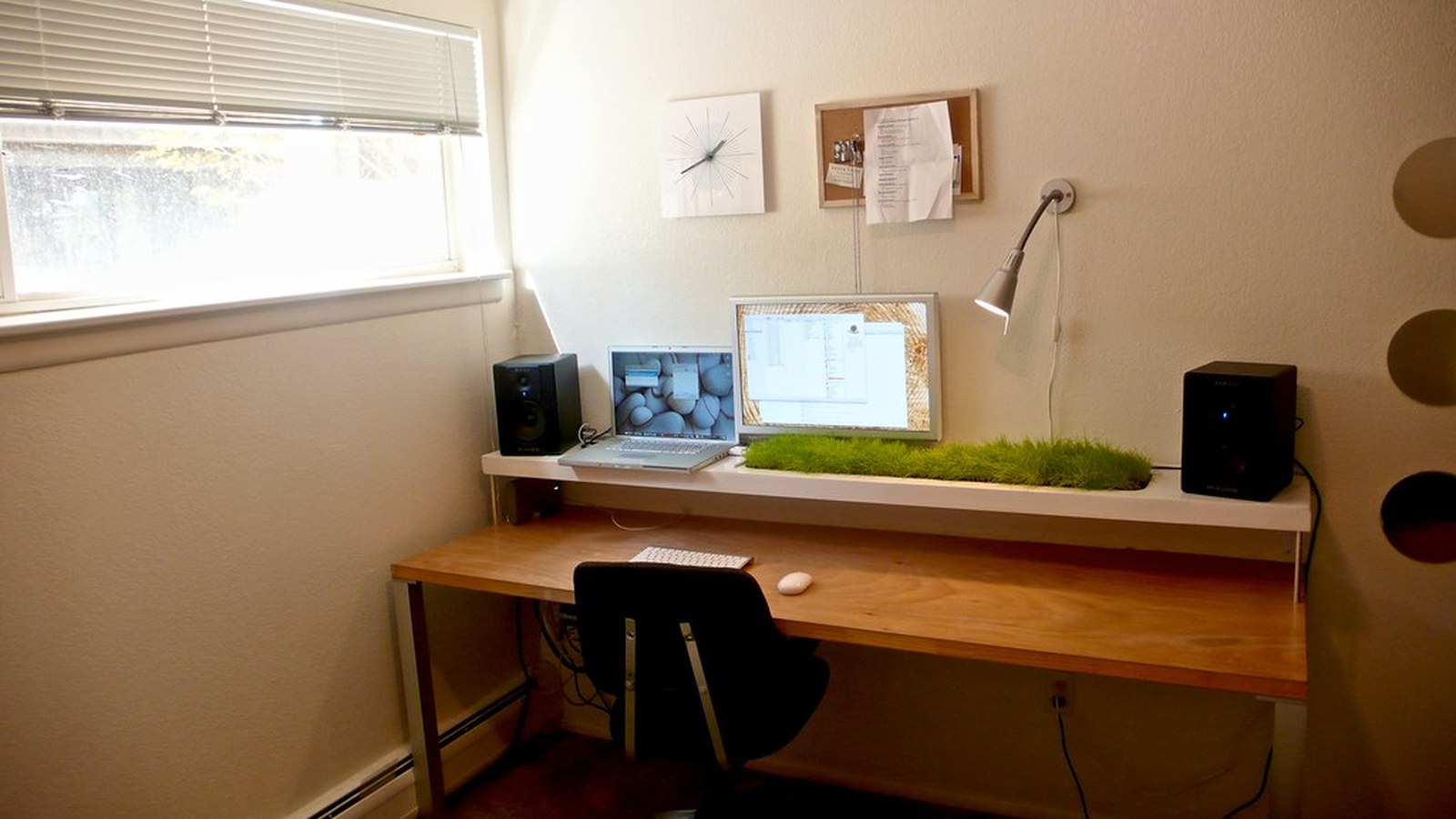
How to Organize a Wall-Mounted Desk for Everyday Use
Wall-mounted desks often look neat in photos but feel awkward in daily life because every object competes for a limited shallow surface.
TidySnap is useful when a desk technically has enough room but still feels harder to use than it should. Looking at a real photo of the setup can make it easier to spot which zone, accessory cluster, or cable path is creating the friction.
Quick Answer
To organize wall mounted desk setup, focus on a layout that supports the main task first and keeps support items from spreading across the surface:
- protect the main work surface
- keep accessories to one side
- use nearby wall support sparingly
- avoid storing heavy backup items on the desk
- give cables one clean route
- end each day with a quick reset
Why This Setup Starts Feeling Cluttered
Wall-mounted desks often look neat in photos but feel awkward in daily life because every object competes for a limited shallow surface. The fix is usually not adding more storage. It is making the workspace easier to read at a glance and easier to reset after each work block.
Treat it like a real workstation, not a display shelf
A wall-mounted desk works best when it supports your most common task first. Decorative extras and backup supplies should not push active work into a tiny leftover strip.
Prioritize the front usable edge
The useful part of this kind of desk is often shallower than it looks. Keep that front reach zone clear for hands, keyboard movement, and one active notebook.
Use one support side
A charger, headphones, or small tray can live on one side without overwhelming the desk. The goal is compact support, not mini-storage across the whole top.
Use adjacent storage, not surface overflow
If you need more than the desk can comfortably hold, move support outward to a nearby shelf, hook, or drawer instead of stacking on the work surface.
Keep the setup easy to restore
A wall-mounted desk stays useful when it can return to a simple baseline quickly. That matters even more if the desk sits in a bedroom, hallway, or multi-use room.
A Fast Reset That Keeps the Layout Working
Use this short reset at the end of the day:
- clear the center
- return accessories to one side
- remove low-value paper
- tuck cables back to the edge
- leave the desk ready for immediate use
A repeatable reset matters because these setups usually drift in predictable ways. When you return each zone to the same baseline, the desk feels easier to start using again tomorrow.
Where TidySnap Helps
TidySnap helps when you want to organize the desk around the way you actually work instead of copying a generic inspiration photo. A quick image review can highlight where your active zone is too crowded, which support items should move out of sight, and where a cleaner reset point should be.
Final Thought
A well-organized setup is not the one that stores the most. It is the one that keeps the surface clear enough for the work you do most often and simple enough to reset without effort.