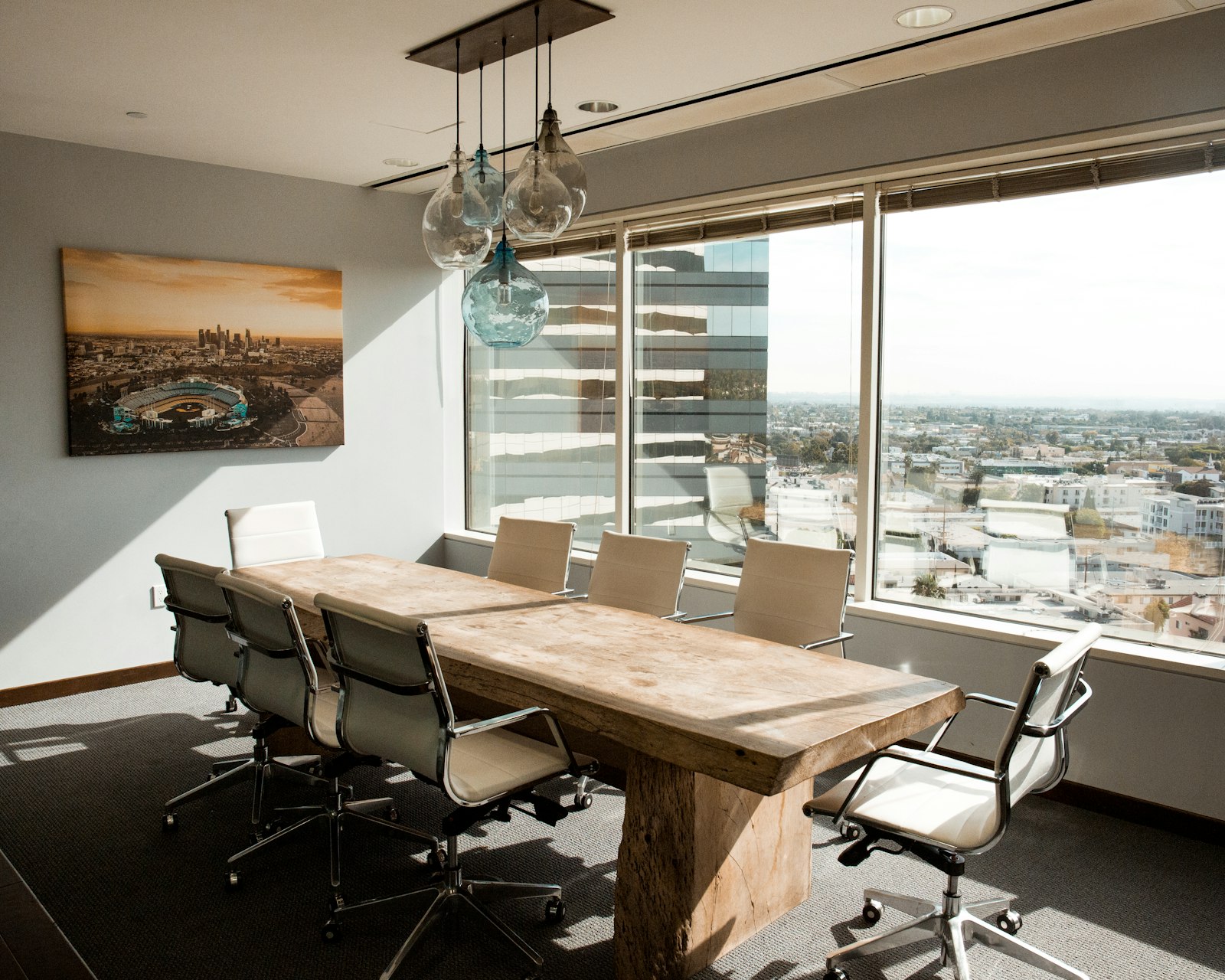
How to Organize a Small Office Meeting Room So It Stays Ready to Use
A small meeting room can look fine for most of the week and still feel unreliable every time someone needs it.
That usually happens because the room keeps absorbing leftover items from other workflows. A charger gets left behind. Extra chairs get pushed into awkward positions. Someone leaves notes on the table. A display cable stays tangled. Supplies from the last conversation are still sitting in the room because no one owns the reset.
That is why organizing a workspace is not only about individual desks. Shared rooms need structure too, especially when the room is small enough that every object changes how usable it feels.
TidySnap can help teams think visually about room setup as well. A photo of the room makes it easier to decide what should stay available, what should be hidden, and what should not live there at all.
Quick Answer
If you want to organize a small office meeting room, start here:
- decide what the room is actually for most often
- keep the table surface almost empty by default
- reduce visible tech to the minimum needed to start fast
- give chairs, cables, and supplies a standard reset position
- remove storage items that do not support meetings directly
- make the room ready for the next use before people leave
A small meeting room feels organized when setup is predictable, not when the room is decorated more heavily.
Why Small Meeting Rooms Get Unreliable
Shared rooms rarely become unusable because of one big mess.
They become unreliable because of repeated small leftovers:
- cables left out
- random office items parked in the room
- chairs pulled out and never reset
- markers, notes, or paper left from the last meeting
- equipment that exists but is never stored clearly
In a small room, those leftovers quickly affect the whole experience.
Be Clear About the Primary Use
A lot of small meeting rooms try to support too many modes without a default.
Possible uses include:
- internal team conversations
- client calls
- presentations
- interviews
- quiet solo work overflow
The problem is not having multiple uses. The problem is not knowing which use the room should be ready for by default.
For most offices, the default should be the most frequent low-friction use. That usually means a clean table, aligned chairs, and one clear connection path for a screen or laptop.
Keep the Table Nearly Empty
The meeting table should not behave like a storage shelf.
What can stay?
- one display accessory if it is truly part of every meeting
- one small centerpiece only if it does not interfere
- one clearly placed control or remote if the room uses it daily
What should not permanently live there?
- random adapters
- notebooks from prior meetings
- unused signage
- snacks or packaging
- office supplies that belong elsewhere
The clearer the table, the faster the room becomes usable.
Standardize the Tech Setup
Most meeting room friction comes from simple tech confusion.
A cleaner room usually has:
- one obvious screen connection method
- one power or charging location
- one place for remotes or adapters
- no loose cable pile on the table
If the room supports video calls, keep the setup easy enough that a person can enter and start without hunting for parts.
Give Chairs a Default Position
Chairs create visual disorder fast in small rooms.
When a room has no default chair position, it starts to feel messy even when nothing else is wrong.
A simple rule helps:
- chairs tucked in after each use
- one standard orientation around the table
- no extra chairs stored in the room unless truly needed
That one habit changes the room more than people expect.
Keep Supplies Limited and Intentional
Meeting rooms often accumulate supplies because everyone assumes a few extra items might be helpful.
That leads to:
- too many markers
- half-used notepads
- spare cables
- chargers that fit nobody’s current device
- random office tools
Limit the room to what directly supports the room’s job.
| Room item | Keep or move? |
|---|---|
| working cable or display adapter used often | keep |
| one small note-taking supply kit | keep |
| leftover project materials | move |
| general office storage overflow | move |
| duplicate chargers with no owner | move |
Reset the Room Before the Next Meeting, Not Tomorrow
Shared rooms decline when cleanup is delayed.
A fast reset should happen right after use:
- clear the table
- return cables to one spot
- tuck in chairs
- remove papers and handouts
- check whether the next person could start immediately
That is the right standard for a small room.
Where TidySnap Helps
Meeting rooms are easier to improve when people can see them clearly from the outside. A room photo makes it much easier to notice:
- where clutter keeps collecting
- whether chairs are crowding the space
- which items should not permanently live there
- how much cleaner the room could feel with fewer visible categories
TidySnap can help turn that visual review into a simple reset plan.
FAQ
What should stay in a small meeting room all the time?
Only the items needed for the room’s default use, such as table, chairs, essential display equipment, and one small note-taking setup if needed.
Should a meeting room also store office supplies?
Usually no. Shared rooms work better when they are ready for meetings, not acting as overflow storage.
Why does a small meeting room feel messy so quickly?
Because every visible object matters more in a smaller shared space. Leftover cables, papers, and chair positions affect the whole room.
How do I make a meeting room feel ready all the time?
Give it a default layout and a post-meeting reset rule that happens immediately.
A small meeting room does not need to be fancy to feel professional. It just needs to be predictable, easy to start, and easy to restore after every use.