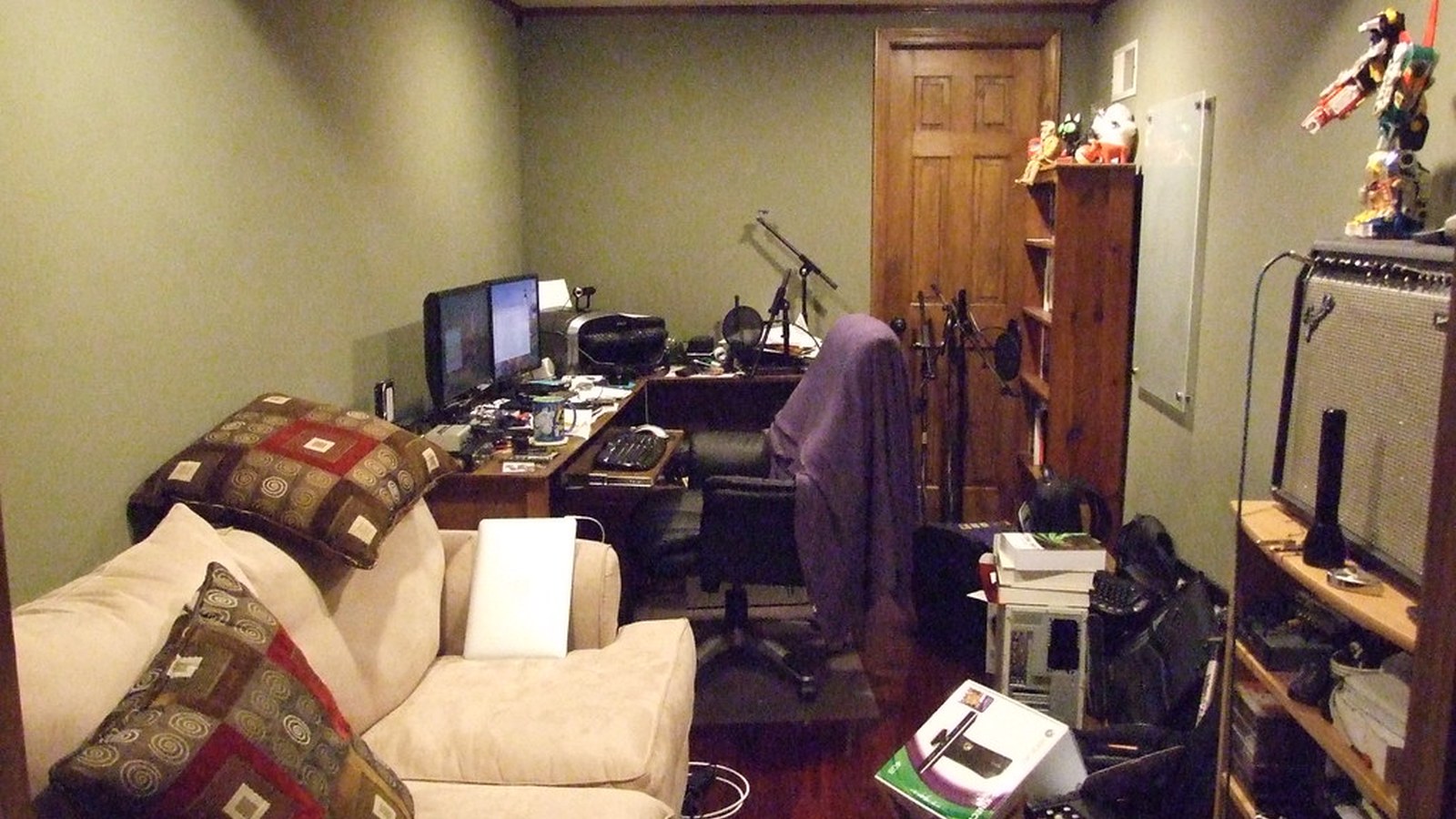
How to Organize a Family Workspace Used by More Than One Person
A family workspace works better when shared supplies, school materials, and admin paper all have a predictable lane.
Quick Answer
To organize how to organize a family workspace used by more than one person:
- split the space into personal zones, shared zones, and reset zones
- keep school, work, and household admin supplies visibly separate
- limit the desktop to current-use items instead of every possible need
- use portable bins or trays for each person’s in-progress items
- make the shared center easy to clear between sessions
- end with a short family reset that puts tools back in their home
The goal is not to create a perfect-looking setup. The goal is to make the space easier to enter, easier to use, and easier to reset.
Why family workspaces get messy so quickly
A family workspace collects different kinds of work at the same time: laptop tasks, forms, homework, chargers, mail, and random household notes.
Without visible structure, everybody leaves items out so they do not forget them, and the desk turns into shared overflow instead of a usable workspace.
Create three clear categories
Most family setups work better when the surface is divided into personal zones, shared supplies, and one temporary holding area.
That keeps one person’s notebook or headphones from drifting into another person’s work lane.
Give each person a portable work bundle
A pouch, tray, or slim basket for each person makes setup and cleanup faster.
It is much easier to protect the desk when unfinished work can move as one unit instead of spreading across the whole surface.
Keep household admin from swallowing the desk
Bills, permission slips, receipts, and forms need one dedicated landing zone instead of mixing with daily work tools.
When admin paper gets its own lane, the rest of the workspace stays easier to enter.
Use a short reset everyone can follow
The best family system is not perfect storage. It is a repeatable five-minute return-to-neutral routine.
If everyone knows where shared chargers, pens, and active papers go, the desk stops feeling permanently mid-task.
A Simple TidySnap Check-In
If you are not sure why this setup keeps drifting, TidySnap can help you spot what is actually piling up in the space. A quick photo often makes it easier to see whether the real problem is mixed zones, too many visible items, or a layout that no longer matches the work.
Final Thought
A more organized workspace usually feels better because the next action is clearer. When the setup makes it obvious where to begin and easy to put things back, staying organized takes less energy.