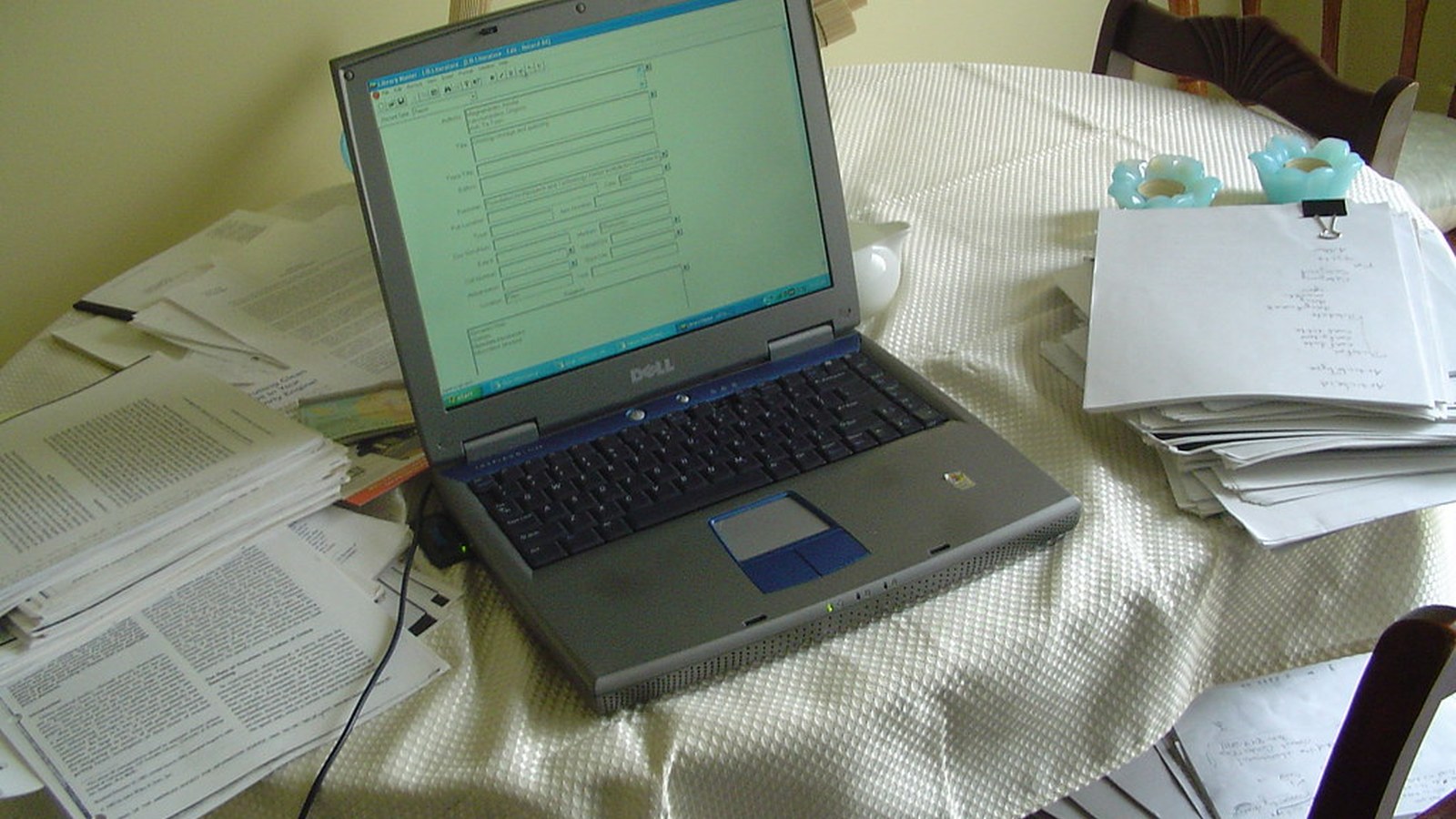
How to Organize a Dining Room Workspace Without Taking Over the Whole Space
A dining room workspace has a different problem from a temporary kitchen-table setup. The room may hold work for longer stretches, but it still belongs to shared life.
That means the challenge is not only packing things away. It is making work feel contained enough that the dining room still looks and functions like a dining room when you are not actively using the setup.
TidySnap helps when the room feels slowly overtaken by work even if the desk or table is not technically overloaded. From one real photo, it can help you identify spread, visible clutter, and what should change so the room feels balanced again.
Quick Answer
To organize a dining room workspace without taking over the whole space:
- define one clear work footprint
- stop work items from spreading onto every chair and side surface
- keep only current work visible
- use one contained support kit for accessories and paper
- limit cable visibility across open shared space
- keep the table or desk easy to scale down after work
- protect the room’s visual calm on purpose
Why Dining Room Workspaces Feel Larger Than They Are
Dining rooms usually have open sightlines and broad flat surfaces. That makes clutter spread look more dramatic.
The setup often feels too big because:
- paper lies flat across a wide table
- unused chairs hold bags and cables
- chargers stay visible near walkways
- work tools mix with dining items
- there is no obvious endpoint to the workday setup
The fix is to give work a tighter footprint than the room naturally invites.
Give Work One Defined Footprint
Pick one part of the room that carries the active work setup.
That may be:
- one end of the table
- one side desk or console
- one chair position with a fixed support zone nearby
Avoid letting the setup float loosely across the room.
Keep Support Items Together
Dining rooms feel calmer when work support items arrive as one group.
Good support-kit items include:
- charger
- notebook
- pen cup or tray
- paper folder
- headphones
If each object gets stored separately around the room, work becomes visually scattered even when there is not much of it.
Do Not Let Chairs Become Storage
This is one of the biggest dining-room-specific problems.
Unused chairs often become homes for:
- bags
- jackets
- charging cables
- folders
- backup tools
Once that happens, the room starts feeling occupied before you even look at the table.
Keep the Surface Ready for Mode Switching
Even if you work there most weekdays, the room still benefits from being able to switch roles.
A strong default setup usually has:
- one current task area
- one contained paper zone
- one support kit
- one easy place to move the laptop or accessories when needed
If scaling down the setup is difficult, the room will keep feeling like it belongs to work full time.
Focus on Visual Calm, Not Just Object Count
Some dining room workspaces are not crowded in terms of quantity. They are crowded in terms of visibility.
That is why it helps to:
- keep the center line cleaner
- reduce object variety on the surface
- move small loose items into one container
- keep shared room decor from mixing with work gear
Where TidySnap Helps
TidySnap helps when the room still feels overtaken even though you are trying to keep it tidy. It can show which parts of the setup are visually spreading through the room, which support items should be grouped, and how to create a work footprint that respects the room’s other role.
Final Thought
A better dining room workspace does not try to hide that work happens there. It simply keeps work from claiming the whole room.