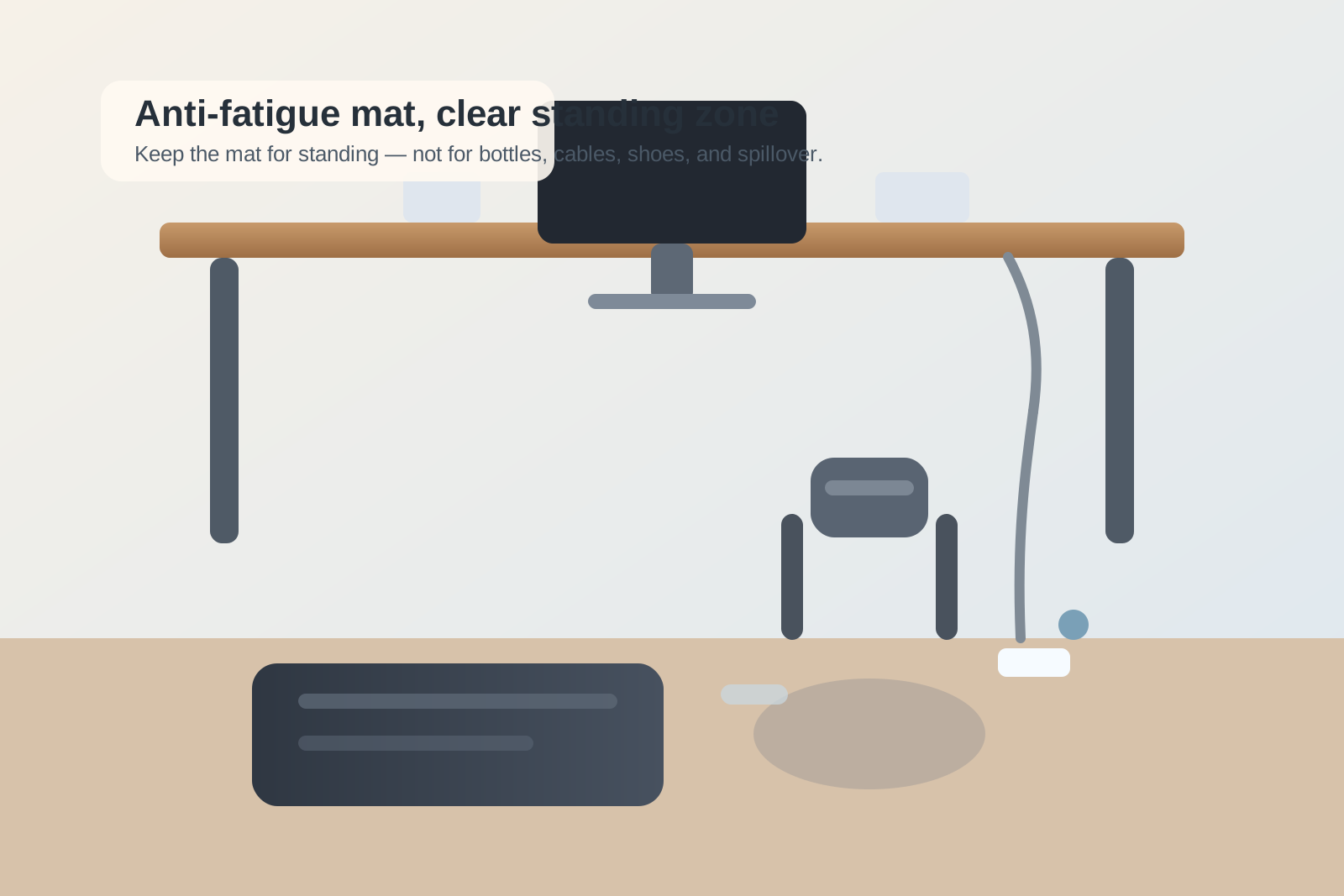
How to Organize a Desk With an Anti-Fatigue Mat Without Letting the Standing Zone Spread
An anti-fatigue mat is supposed to make standing at your desk feel better.
Instead, it often changes the behavior of everything around it.
Once the mat shows up, the floor zone stops feeling neutral. Shoes get kicked beside it. A footrest loses its normal home. The chair stops landing in the same place. A water bottle gets parked near the mat edge because it feels separate from the desk. Charging slack, slippers, and small comfort items start gathering nearby because that patch of floor now feels like its own little station.
If you want to organize a desk with an anti-fatigue mat, the goal is not only choosing the right mat size. The real goal is keeping the standing support zone contained so it helps your workday without slowly expanding into the chair path, cable path, and open floor around your desk.
Quick answer
To organize a desk with an anti-fatigue mat without letting the standing zone spread:
- define the mat as one standing surface, not the start of a whole floor-storage area
- keep the chair parking spot separate from the mat footprint
- stop bottles, shoes, and charger slack from using the mat edge as a drop zone
- decide where footrests and other floor tools go when you are standing
- keep the desk-side floor clear enough that switching back to sitting takes less than a minute
- treat anything that regularly lands next to the mat as part of the workflow, not as random clutter
That works because the problem is usually not the mat itself. It is the extra territory the mat quietly creates.
Why anti-fatigue mats create a specific kind of clutter
A desktop organizer does not change how your body moves.
An anti-fatigue mat does.
The moment you add one, the floor area around your desk starts handling more decisions:
- where the chair goes when you stand
- where your feet land when you sit back down
- where a footrest or stool lives between uses
- how far power cables hang near the front edge
- whether shoes, slippers, or a bag drift toward the same zone
- which nearby items start using the mat edge as a temporary shelf line
That is why this setup gets messy in a different way from ordinary desk clutter. The issue is not only visual. It is spatial. The mat changes the shape of the usable floor area, and everything that had a vague home before starts negotiating with that new boundary.
Start by shrinking the job of the mat
Many people let the mat become a general standing area.
That sounds harmless, but it is what causes the spread.
The mat does not need to support every standing-related object. It only needs to support your body while you work. As soon as the mat also becomes the place for slippers, a bottle, a footrest, a stool leg, a charging brick, or a stack of things you move “just for now,” the standing zone becomes hard to reset.
A better rule is simple:
The mat is for standing. The area around it is for staying clear.
That means the mat should not inherit nearby overflow just because it lives on the floor.
Separate the standing surface from the chair parking spot
A lot of anti-fatigue mat frustration is really chair frustration.
When you stand up, the chair has to go somewhere. If it rolls halfway onto the mat, catches the mat edge, or stops in the same lane you need for your feet, the workspace never feels settled in either mode.
Give the chair a deliberate parking spot that is:
- outside the mat footprint
- easy to reach again when you sit down
- not blocking a drawer, cabinet, or walkway
- stable enough that the chair does not drift back into the standing lane
If the chair shares floor territory with the mat, the standing zone will always feel bigger and messier than it really is.
Keep the front edge of the desk clear of floor clutter
The front edge of a standing desk or regular desk becomes more important once an anti-fatigue mat is in play.
That is where people often let things collect:
- charging bricks that used to hide under the desk
- cable slack hanging lower than usual
- shoes that come off during long work blocks
- a bottle or tumbler set on the floor to keep the desktop clear
- a footrest that no longer fits where it used to
Those items all compete with the same space your body uses when switching between standing and sitting.
A practical rule is to keep the first strip of floor directly in front of the desk readable at a glance. If you look down and see more than the mat, the chair, and one intentional support item, the zone is probably carrying too much.
Decide where the non-standing tools go
The mat is often blamed for clutter that actually comes from neighboring tools.
For example:
| Item | Better question | Better rule |
|---|---|---|
| footrest | do you use it every time you sit, or only sometimes? | if it is daily, give it a stable sitting-mode home away from the mat edge |
| shoes or slippers | do they belong at the desk at all? | keep one pair only, parked outside the standing lane |
| water bottle | does it need to live on the floor? | keep drinks on the desk or a side table instead of beside the mat |
| charger slack | does it need to cross the front floor zone? | route it behind the desk leg or up onto the desktop path |
| stool or balance tool | is it active now or just nearby by habit? | keep only the current tool in reach |
This helps because anti-fatigue mat clutter is usually support-item clutter wearing a standing-desk costume.
Treat the mat like a mode, not a permanent room
One reason the standing zone spreads is that people mentally promote it into its own mini area.
Once that happens, it starts attracting support objects the same way a nightstand or side table does. But a desk floor zone is not a room. It is a transition layer.
The setup works better when you treat standing as one mode the workspace enters and exits cleanly.
That means asking:
- what needs to be ready when I stand up?
- what should leave the area when I sit back down?
- what keeps ending up near the mat even though it does not help me work?
Those questions usually reveal that the clutter is not random. It is a repeated pattern around mode changes.
Build a small reset for standing-to-sitting transitions
The easiest way to keep an anti-fatigue mat from taking over the desk zone is to make the reset back to sitting extremely short.
A good reset usually looks like this:
- roll the chair back into its exact sitting spot
- make sure nothing is parked on the mat or touching its edge
- move any floor-only comfort items back to their actual home
- check that cables are not hanging where your feet or chair wheels will catch them
- clear the desk edge so the floor zone feels open again
This should take less than a minute.
If it takes longer, the problem is usually not discipline. It is that too many objects are sharing the standing zone.
Use one boundary rule for the mat edge
A mat edge is surprisingly tempting as a holding line.
People place things right beside it because it feels contained. But the edge of the mat is exactly where drift becomes visible. Once a bottle, charger, shoes, or notebook pouch lands there, the standing area starts looking like the start of a pile.
A good boundary rule is:
Nothing rests on the mat, half on the mat, or directly hugging the mat edge unless it is your body during active use.
That one rule solves more anti-fatigue mat clutter than most storage gadgets do.
When an anti-fatigue mat belongs in the setup at all
Sometimes the mat is not the problem. Sometimes it is just revealing that the desk already had a weak floor plan.
A mat usually helps when:
- you stand often enough to need real support
- the chair still has a stable place to go
- the floor path stays clear
- nearby tools have defined homes
- the desk does not rely on the front floor area as backup storage
If the mat only works when everything else gets pushed aside, the setup needs simpler floor rules before it needs more accessories.
Final thought
An anti-fatigue mat should make standing at your desk easier, not make the whole floor area feel like another category to organize.
If the standing zone keeps spreading, do not start with prettier storage. Start by reducing what the zone is allowed to hold. Keep the mat for standing, keep the chair path readable, and keep the nearby floor from becoming a comfort-item spillover area.
If you want a faster way to spot what keeps drifting into your standing zone, TidySnap can help you review your desk and floor setup visually so the mat supports your workflow instead of quietly redrawing it.