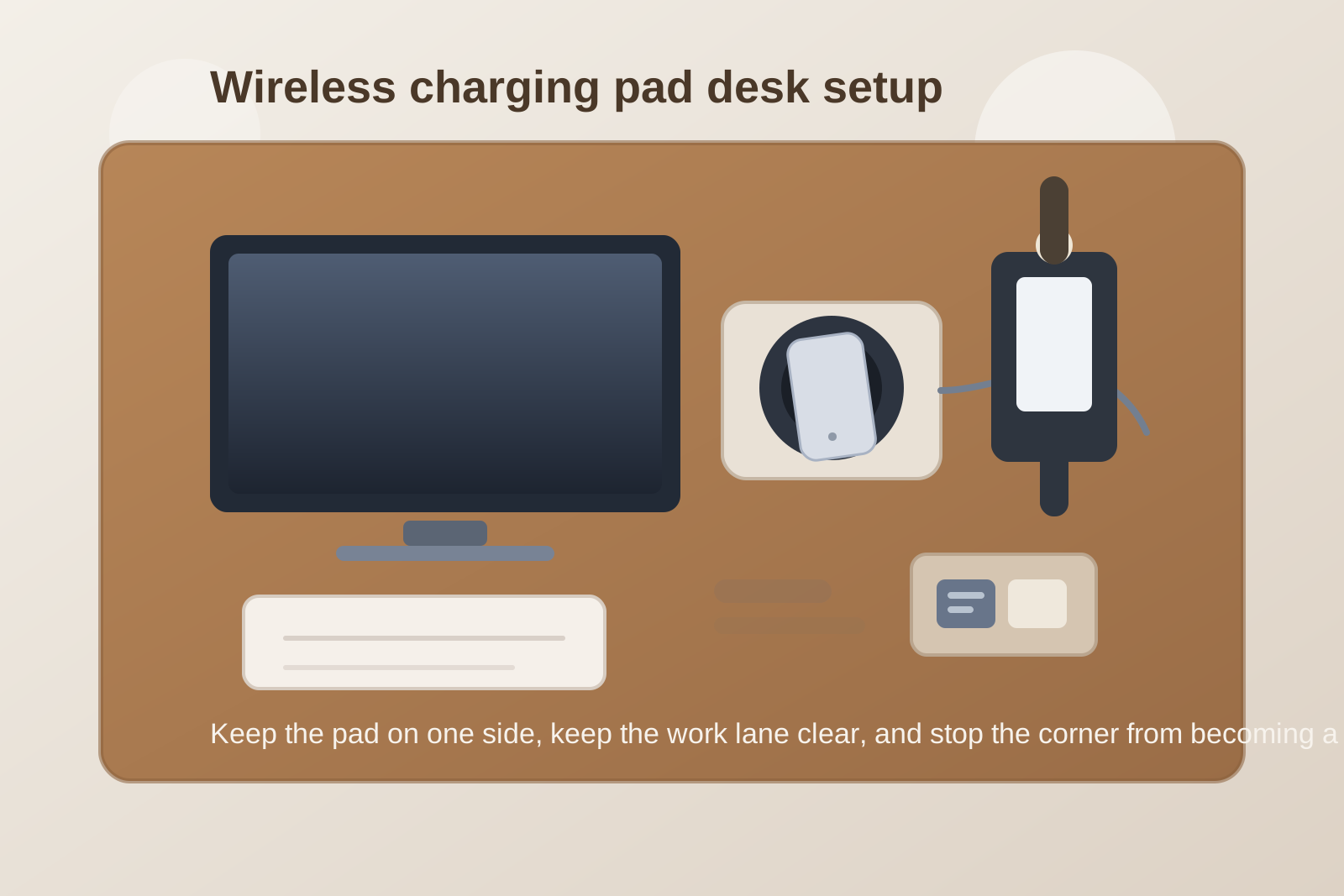
How to Organize a Desk With a Wireless Charging Pad Without Making It a Drop Zone
A wireless charging pad solves one obvious problem and creates one quieter one.
You get rid of the cable grab. Then the pad starts acting like a tiny landing strip for everything that feels phone-related. Your phone gets set down slightly off center and does not charge. Your earbuds case lands beside it. A watch cable joins the same corner. A sticky note or receipt gets tucked under the edge because the spot already feels occupied anyway.
That is why a desk with a wireless charging pad can still feel messy even when there are fewer visible cords. The real problem is not the pad. It is that the pad quietly becomes a drop zone.
Quick answer
To organize a desk with a wireless charging pad:
- give the pad one fixed parking spot instead of letting it float
- keep it outside your main writing and mouse lanes
- limit the charging area to one job: phone charging
- separate earbuds, watch chargers, and spare cables from the pad itself
- make alignment easy so charging works on the first try
- remove paper and tiny loose items from the charging corner every day
The goal is not just cleaner charging. It is a desk where one small convenience does not become a clutter magnet.
Why wireless charging pads create a different kind of mess
A cable charger usually creates visible clutter. A wireless pad creates invisible permission.
Because the pad looks simple, people let more categories gather around it:
- the phone
- earbuds or a watch
- a second backup cable
- a power bank waiting to be charged later
- loose receipts, badges, or keys dropped there for a minute
- tiny note scraps that feel safe near the edge
The mess builds because the pad looks like a neutral surface, not because it takes up much space.
Pick a spot that supports charging but not dumping
The best pad placement is usually a side-back zone, not the visual center of the desk.
Good placement often means:
- your less active side
- near the back corner of the desk
- close enough to reach without stretching
- far enough from paper, drinks, and your notebook edge
Bad placement usually means:
- directly in front of the keyboard
- at the front corner where your hand lands all day
- under document edges
- mixed into the mouse lane
If the pad sits in the middle of active work, it becomes something you work around instead of something that quietly helps.
Make the charging target easy to hit
Wireless charging only feels clean when it works without fuss.
If you keep setting the phone down and then checking whether it actually connected, the pad becomes a high-attention object. That tends to create more touching, more repositioning, and more nearby item creep.
A better setup makes the phone easy to place the same way every time:
- keep the pad fully visible
- do not bury it under cable slack
- leave enough empty border around it
- avoid stacking other items against its edge
- keep thick cases and unrelated accessories off the pad zone
You want one smooth action: place the phone, see it connect, move on.
Do not let the pad become the whole charging station
This is where many desks drift.
Once the pad is in place, it starts collecting other charging jobs:
| Item | Better home |
|---|---|
| phone | charging pad |
| earbuds | small tray or drawer nearby |
| watch charger | separate hook, tray, or nightstand setup |
| spare cable | off-desk tech storage |
| battery pack | shelf, drawer, or support bin |
The pad works better when it does one thing well.
Protect the nearby desk edge from small-item creep
Wireless charging pads often sit near the edge of a desk or at the edge of a monitor base. That nearby strip is exactly where loose small items start gathering.
Watch for these common extras:
- badge clips
- coins
- lip balm
- USB adapters
- folded receipts
- sticky notes with codes or reminders
None of these belong to phone charging. They just drift there because the area already looks claimed.
A simple rule helps: if an item does not help the phone charge, it does not stay in the charging corner.
Keep paper away from the pad on purpose
This matters more than it seems.
Paper does not only add visual clutter. It also makes the charging corner feel like general overflow space. Once one receipt or note sits there, the area stops reading like a device zone and starts reading like a temporary holding zone.
If your desk mixes paperwork and devices all day, keep the charging pad at least one small zone away from your active notes, signatures, or review stack.
That separation makes the desk easier to scan fast.
Use a quick end-of-day reset
Wireless charging pads stay tidy when you clear the surrounding inch or two, not when you reorganize the whole desk.
A useful reset takes less than a minute:
- put the phone back in its real charging position
- remove any paper that drifted into the corner
- move earbuds, keys, and adapters back to their own homes
- check that only one live charging item is still there
- leave the zone clear enough that tomorrow’s first placement is easy
That small reset usually matters more than buying a fancier pad.
Where TidySnap helps
A wireless charging area gets overlooked because it feels too small to matter. In a real desk photo, though, it often explains more clutter than people expect. TidySnap can help you see whether the real issue is pad placement, nearby paper drift, side-edge crowding, or too many charging categories trying to share one tiny corner.
FAQ
Where should a wireless charging pad go on a desk?
Usually on the less active side, slightly back from the front edge, where it stays easy to reach without sitting inside your main work lane.
Should I keep earbuds and a watch charger next to my wireless pad?
Only if you truly use them there every day and the area still stays controlled. In most setups, separate homes work better.
Why does my wireless charging pad area always get messy?
Because the pad looks like a harmless empty surface. Without boundaries, it turns into a landing spot for small tech and pocket clutter.
A wireless charging pad should make your desk simpler, not give loose items a new place to gather.