How to Organize a Desk With a Teleprompter Without Turning It Into a Recording Rig
A teleprompter changes a desk in a way most normal desk accessories do not.
It is not just one object sitting off to the side. It pulls several things into one recording lane at the same time: camera position, script visibility, monitor angle, light placement, microphone reach, and the small tools you use right before pressing record. That is why a desk can feel fine for regular work and suddenly feel crowded the moment a teleprompter enters the setup.
If you want to organize a desk with a teleprompter, the goal is not making the setup invisible. The goal is making recording mode clear, repeatable, and easy to shut down so the workspace can go back to normal work when you are done.
Quick answer
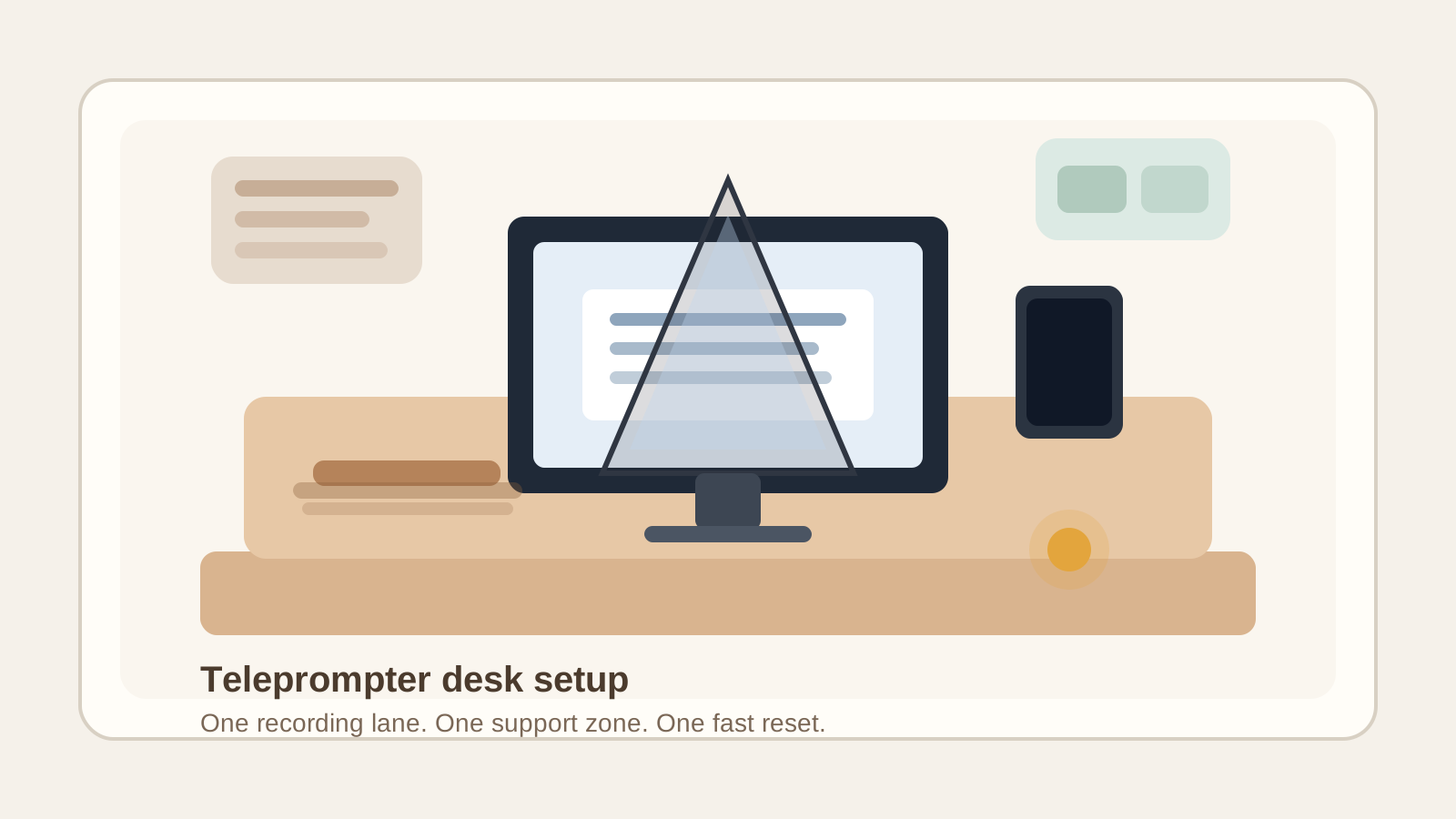
To organize a desk with a teleprompter, build the setup around one defined recording lane instead of letting camera gear spread across the whole surface. Keep the teleprompter, camera, and script display aligned in one controlled zone, move support tools into one sidecar area, protect your normal keyboard and mouse lane, and create a fast reset for the desk after recording.
That usually works better than treating the teleprompter like a temporary gadget that can land anywhere there is room.
Why teleprompter setups get messy so quickly
A teleprompter creates clutter because it combines visual gear with active work.
On a normal desk, the monitor line, writing lane, and side tools already compete a little. A teleprompter adds one more demand: a stable straight-ahead recording path. Then the nearby extras start collecting around it:
- a camera or phone mount
- script notes or a script-control device
- a keyboard moved out of the way but not fully parked
- a light or two shifted closer for recording
- a microphone, battery, dongle, or cable adapter
- one cloth, remote, or tiny support tool that never seems to leave
The problem is usually not the teleprompter alone. The problem is that the desk starts carrying recording mode and normal work mode at the same time.
Decide whether the teleprompter lives full time or deploys only when needed
This is the first decision that makes the rest easier.
If you record several times a week, the teleprompter should have a repeatable home. That does not always mean leaving it in the middle of the desk, but it does mean having one known position, one known cable path, and one known place for the related tools.
If you only use it for occasional updates, sales videos, lessons, or team announcements, treat it as a deployable setup. In that case, the most important thing is not hiding it in a closet. It is giving each part a proper parked state so setup and teardown are both fast.
Mess grows fastest when the teleprompter is neither permanent nor fully packed away. It stays half-installed, and the whole desk starts orbiting around an unfinished recording station.
Build one straight recording lane
A teleprompter works best when the desk makes the recording path obvious.
That lane usually includes:
- the teleprompter itself
- the camera or phone aligned with it
- the display that feeds the script
- enough front clearance to sit or stand and record comfortably
What should stay out of that lane:
- notebooks you are not reading on camera
- snack wrappers or drink cans
- spare charging cables
- paper stacks waiting for unrelated work
- backup accessories you only touch once per week
The recording lane should feel like a clean line, not like a corner you carved out of existing clutter.
Protect your normal input zone
One common teleprompter problem is that the setup steals the best part of the desk even when you are not recording.
The keyboard gets pushed too far back. The mouse ends up on a cramped side patch. A notebook starts living under the mic arm because the center is occupied. After a while, everyday work becomes slightly awkward all day just to preserve a setup you may use for thirty minutes.
Avoid that tradeoff by keeping one normal input zone intact:
- keyboard in its usual working depth whenever you are not actively recording
- mouse space that does not depend on moving gear first
- one writing spot that does not live under the teleprompter shadow
If the teleprompter cannot coexist with those basics, it needs a better parked position or a faster teardown routine.
Keep script tools together instead of scattering them across the desk
Teleprompter clutter is often script clutter in disguise.
What spreads is not always the glass or mount. It is the support layer around the script:
- printed lines with edits
- a phone used as a remote
- a small clicker or pedal
- a second pair of reading glasses
- sticky reminders about pace, names, or talking points
Put those items in one script-support zone only.
That can be a shallow tray, one small drawer, or one side area beside the recording lane. The important part is that the tools live together instead of landing on the monitor base, under the keyboard, and beside the mouse pad.
Separate recording support gear from normal desk tools
A teleprompter setup often attracts categories that should not stay mixed.
Recording support gear might include:
- remote or script controller
- mic accessory
- lens cloth
- adapter or short charging lead
- one small light accessory
Normal desk tools might include:
- pens
- planner or notebook
- daily paperwork
- chargers for non-recording devices
- reference items for regular work
If those categories blend together, the desk never really leaves studio mode. Keep the recording support items close to the teleprompter and keep normal desk tools in the work zones you already use when the camera is off.
Route cables by session role, not by whatever outlet is closest
Teleprompter desks feel messy faster when every recording session uses a slightly different cable route.
A cleaner setup usually has three cable behaviors:
- one stable power path for the main display or light
- one stable data or charging path for the camera or phone if needed
- one temporary path for anything session-specific that gets removed after recording
That matters because visible cable drift makes the desk feel more improvised than it really is. If a cable crosses the keyboard lane, hangs in front of the script display, or drops through the front edge, the whole setup starts feeling fragile.
Do not let script paper camp in the recording zone
Printed scripts create a special kind of desk creep.
One page stays nearby in case you need another take. Then a marked-up version sits beside it. Then old notes stay on the desk because they might still be useful next time. Soon the teleprompter area is holding live gear plus a small archive of past takes.
Keep only the current script in the recording lane.
Everything else should go into one of three states:
- next take
- done and keep
- done and recycle
If every script page keeps pretending it is still active, the desk will always feel like a shoot just ended.
Give the teleprompter a real parked state
A parked state is what keeps the desk from becoming a permanent recording rig.
That state might be:
- folded and moved to one shelf
- turned to the back corner of the desk
- stored with its cloth and remote in one tote or bin
- left assembled on a side table that does not disrupt daily work
The key is that parked does not mean “still half in the way.”
If the setup keeps blocking the center screen, trapping the keyboard, or holding the best corner of the desk long after recording ends, it is not parked.
Use a short recording reset instead of a full cleanup
Most people do not need a complicated studio breakdown routine. They need a two-minute reset they will actually repeat.
A useful post-recording reset looks like this:
- remove or park the current script
- return the keyboard and mouse to normal depth
- move the remote, cloth, and adapter back to the script-support zone
- clear any extra light or mic accessory that is not needed for desk work
- make sure the front desk edge is open again
That reset is what keeps the teleprompter from occupying mental space even when you are back to regular work.
A simple layout that works for many desks
If you want an easy starting point, try this:
| Zone | What belongs there | What stays out |
|---|---|---|
| recording lane | teleprompter, camera or phone, current script display | daily papers, spare chargers, unrelated tools |
| script-support zone | remote, one script copy, lens cloth, one adapter | planner, receipts, office supplies |
| normal work zone | keyboard, mouse, notebook, current task tools | teleprompter accessories and old take notes |
| parked gear zone | folded teleprompter parts, extra mount pieces, backup light | anything used in the next hour of desk work |
This works because it gives the recording setup a boundary instead of letting it borrow space from every other part of the desk.
When a teleprompter setup needs a bigger change
Small adjustments may not be enough if:
- you must move three other tools just to start recording
- your monitor stays trapped in recording position all day
- cables cross the desk surface every session
- you keep leaving old scripts in the same area
- your mouse or notebook still has no good home after the setup is installed
At that point, the issue is not tidying. It is that the desk is trying to serve two workflows without a clear switch between them.
That is a good moment to step back, take one honest photo of the setup, and rethink the zones from the camera lane outward.
Use TidySnap to spot what recording gear is stealing from the desk
If your teleprompter setup feels harder to organize than it should, TidySnap can help you see the overlap more clearly.
Upload a real photo of your desk, recording lane, and nearby gear. TidySnap can help you identify what belongs in the live setup, what should move into a side-support zone, and what is quietly turning a useful desk into a half-permanent recording rig.
The goal is not a perfect studio. It is a workspace that records smoothly and still feels normal the rest of the day.