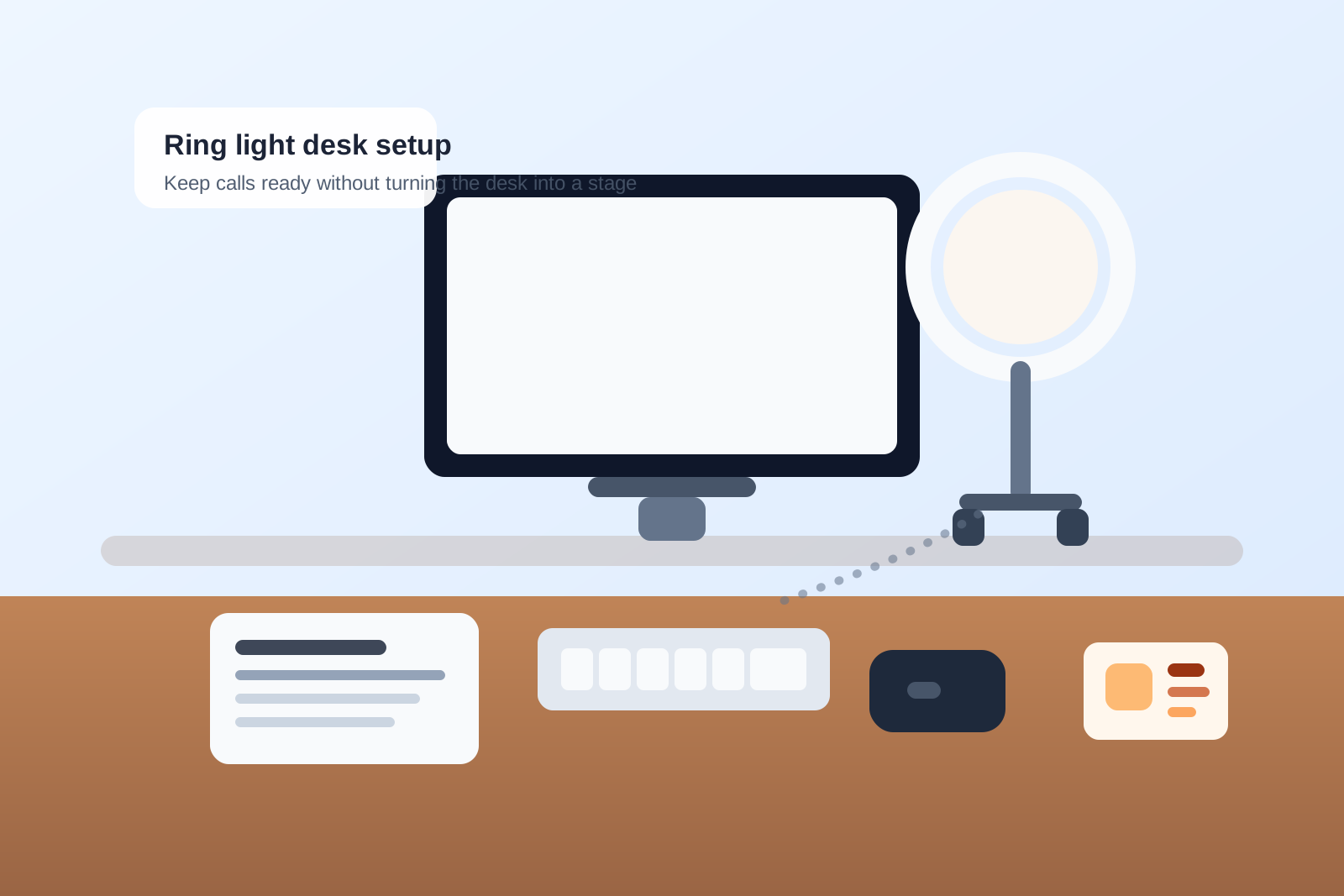
How to Organize a Desk With a Ring Light Without Turning It Into a Call Stage
A ring light usually shows up to solve one problem fast: bad lighting on calls. Then it starts claiming more of the desk than expected.
The stand or clamp needs a place to live. The power cable needs a route. The light pulls attention toward the front edge or the side of the monitor. Suddenly your desk feels set up for being seen instead of for getting work done.
The fix is not hiding the light after every meeting. It is deciding exactly where the light belongs, what it is allowed to share space with, and what should stay out of its orbit.
Quick answer
To organize a desk with a ring light, treat the light as one call tool with a fixed parking position instead of a floating accessory. Keep it off the main writing lane, route its cable away from the front edge, separate call items from everyday desk tools, and reset the area after meetings so the desk can switch back to normal work quickly.
Why ring-light desks get cluttered so quickly
A ring light creates a different mess than a monitor light bar or microphone.
A monitor light bar competes for the top edge of the screen. A microphone usually spreads across the center work lane with audio gear. A ring light tends to create a visual-performance zone near eye level, which makes people start stacking other call items nearby: webcam accessories, sticky notes, lip balm, earbuds, charging cords, and quick-reference papers.
That is why the desk can start feeling like a mini set. The light becomes the anchor, and everything related to calls gathers around it.
Pick one lighting position and keep it there
The fastest way to make a ring light messy is to move it every time.
Choose one of these positions and commit to it:
- just behind the monitor for a straight-on glow
- just to one side of the monitor if you need space for a webcam
- at the far corner of the desk if the light is only for specific calls
A fixed position keeps the base, clamp, and power path stable. It also stops the light from landing in your writing space whenever you are done with a meeting.
If the light is only occasional, give it a true parked position at the back corner rather than leaving it half-folded across the desk.
Keep the front edge for hands, not hardware
The front edge of the desk is usually where ring-light clutter turns annoying.
If the stand lands there, it steals the easiest reach zone for your keyboard, notebook, and mouse hand. If the cable crosses there, it catches on everything. If the remote sits there, it invites more little call leftovers to collect beside it.
Keep the light hardware behind the main task line whenever possible. The front edge should stay for your hands and the one paper or note you need right now.
Separate call items from normal work items
A ring light often attracts objects that do not belong together.
Call items might include:
- earbuds or a headset
- a mute button or remote
- a small mirror or lens cloth
- one charger for phone or battery-powered gear
Normal work items might include:
- pens
- sticky notes
- documents
- your notebook
- daily reference papers
Do not let these turn into one mixed pile under the excuse that they are all used at the desk. Keep call gear in one small container or tray near the light, and keep normal work tools in the zone you already use for actual desk work.
Do not let the light share a stand zone with paper
Paper and ring lights are a bad combination when they occupy the same corner.
Once printouts, forms, or handwritten notes start leaning against the stand, that corner becomes a storage wedge instead of a lighting setup. Then the light is harder to adjust, the papers look messy on camera, and you begin avoiding the area altogether.
If you need notes during calls, keep only the current page beside the keyboard or on a document holder. Do not use the light stand as a paper fence.
Route the power cable once, then stop touching it
Loose ring-light cables create more visual mess than the light itself.
Run the cable along the rear edge or down the back side of the desk. Give the slack one controlled loop instead of several little bends across the surface. If the light plugs into a nearby USB hub or wall outlet, make that connection part of the permanent setup instead of something you rebuild before each call.
The goal is simple: when the light is off, the desk should still look calm.
Decide whether the light supports every call or only certain ones
Not every ring light deserves full-time placement.
If you are on camera for most meetings, keep the light ready all day and optimize around quick on-off use.
If you only need it for interviews, client meetings, or recording short videos, store it in a folded-ready state with the cable already wrapped and the remote attached. That way it returns to the same spot when needed instead of becoming a permanent obstacle for work that does not require it.
Build a two-minute after-call reset
The ring light stops being clutter when the desk has a predictable reset.
After your last call, do four quick things:
- turn the light off and return it to its set angle
- put the remote or inline control back in its home spot
- remove any temporary notes or call-only papers
- clear the visible area around the stand or clamp
That short reset keeps the desk from staying in broadcast mode for the rest of the day.
Use TidySnap to spot what the light setup keeps pulling in
If your desk still feels crowded, the problem may not be the light alone. It may be the extra items that keep drifting toward it because that corner now feels like the call zone.
TidySnap can help you see which surfaces keep collecting call gear, small cords, spare accessories, and temporary notes so you can reset the area with a clearer boundary.
Final thought
A ring light should improve calls, not turn your whole desk into a set.
When the light has one position, one cable path, and one small support zone, the rest of the desk can stay focused on work. That is what makes the setup feel useful instead of theatrical.