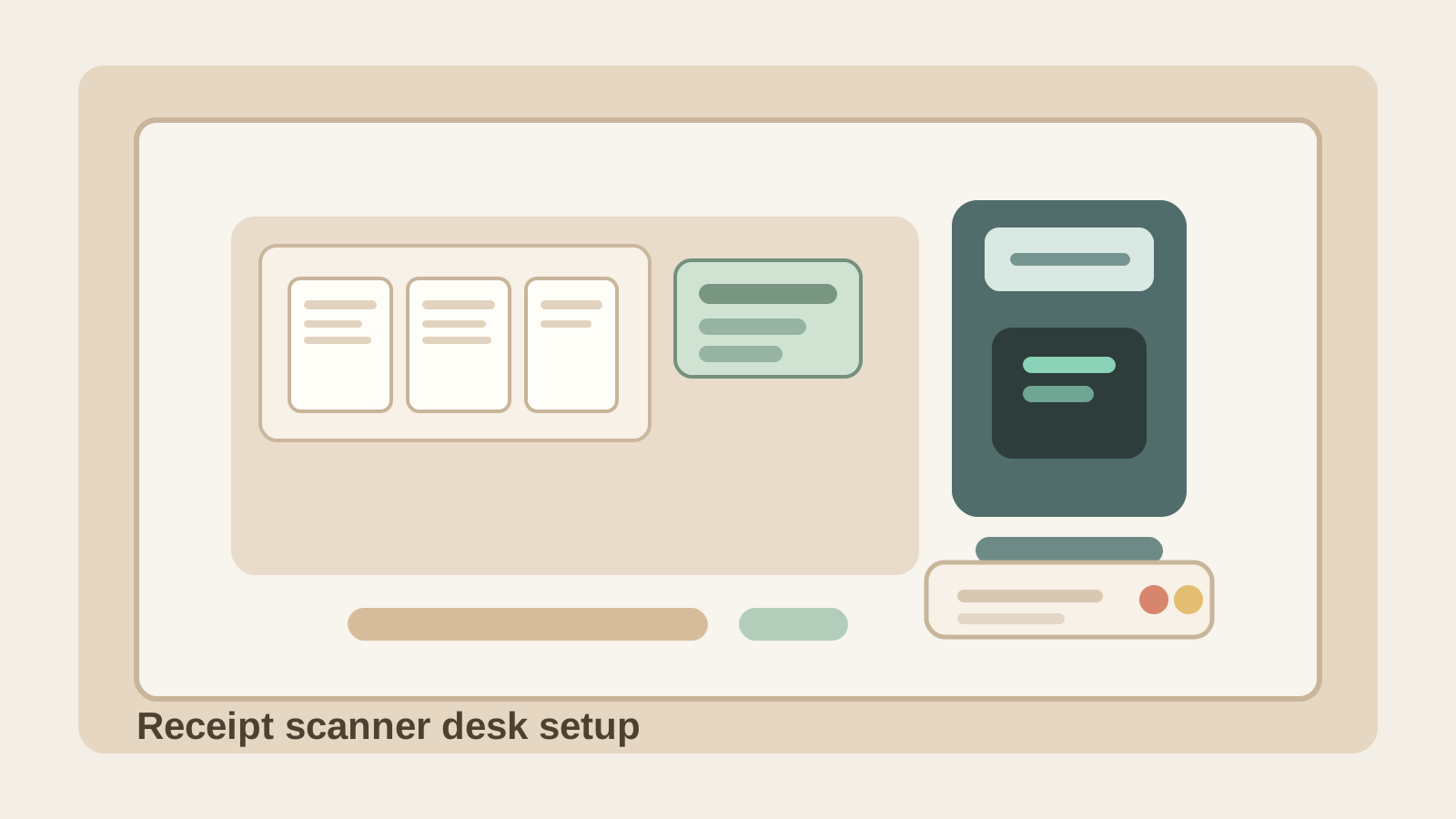
How to Organize a Desk With a Receipt Scanner Without Letting Expense Proof Take Over
Receipt clutter has a way of looking small while taking over a desk anyway.
A coffee receipt stays near the monitor because you still need to scan it. A fuel receipt sits under a notebook because it needs a category. A lunch receipt gets clipped to a reimbursement note. One longer store receipt curls beside the keyboard because you do not want to lose it before month-end. Then the receipt scanner itself stays out because you will probably use it again later. Suddenly one corner of the desk is carrying a whole little expense system.
If you want to organize a desk with a receipt scanner, the goal is not just storing the device neatly. The goal is making receipt capture fast enough that tiny proof-of-purchase paper does not keep camping beside your keyboard, mouse, or daily note-taking space.
Quick answer
A desk with a receipt scanner works better when receipts move through only four clear states: capture, scan now, needs follow-up, and done. Keep the scanner in one fixed side lane, give loose receipts one contained intake spot instead of several mini piles, separate unclear receipts from clean scannable ones, and move already-scanned slips off the desk immediately. The scanner should support fast expense capture, not become a reason small paper stays visible all week.
Why receipt scanners create a different kind of desk clutter
Receipt scanners are not like general document scanners.
A portable scanner usually handles mixed paperwork such as signed forms, letters, and scan-backs. A check scanner handles deposits and exceptions. A receipt scanner creates a much narrower problem: lots of small, easy-to-ignore paper that still feels important enough to keep nearby.
That usually means the desk is dealing with:
- tiny receipts that slide under other items
- long thermal receipts that curl and spread sideways
- faded receipts you want to scan before the print disappears
- reimbursement notes or category reminders
- already-scanned slips waiting for filing or disposal
- one or two exception items that need a clearer image or extra notes
Because each piece looks minor, the mess can stay longer than a stack of full documents would.
Start with one receipt capture spot
The biggest receipt-scanner mistake is letting receipts arrive in more than one place.
If some land beside the keyboard, others sit in a wallet tray, and a few get tucked under a planner, the scanner workflow is already broken before you scan anything. A desk works better when every new receipt goes to one capture spot first.
Good capture spots are usually:
- one slim tray on the non-dominant side
- one small upright pocket or envelope
- one shallow dish used only for incoming receipts
Less helpful capture spots are usually:
- the front edge of the desk
- under the monitor base
- inside a notebook
- mixed with mail, sticky notes, or business cards
A receipt should not need memory to be found later.
Keep the scanner in a side lane, not in the center of the desk
The scanner should feel available without acting like the center of the workspace.
For most desks, that means placing it:
- beside the monitor on the non-dominant side
- near power if it needs charging
- close to the receipt capture spot
- outside the main typing and writing lane
That placement matters because receipt work is usually brief. If the scanner sits in the center, the desk starts feeling like a constant admin station. If it has one side lane, you can run a quick scan block and then return to normal work without rearranging everything.
Separate clean scans from problem receipts immediately
Not every receipt should stay in the same pile.
Some are easy to scan right away. Others need a quick note because the vendor name is vague, the print is fading, or the purchase needs to be matched to a client, project, or reimbursement category. If those different states stay mixed together, you end up re-reading the same little scraps over and over.
A simple split works well:
| Zone | What belongs there | What stays out |
|---|---|---|
| capture | new receipts not scanned yet | already-scanned slips, unrelated mail |
| scan now | flat, readable receipts for the next scan block | faded or unclear items needing notes |
| follow-up | receipts needing category, match, or rescan | clean items ready for capture |
| done | scanned receipts waiting to be filed, shredded, or archived | new incoming receipts |
This is what keeps receipt clutter from becoming one long maybe-later strip across the desk.
Do not let already-scanned receipts stay visible
This is the habit that makes a receipt scanner feel more cluttered than it is.
After scanning, people often leave the receipt nearby because they might need to double-check the amount, export the file later, or enter the expense in another system. That makes the scanner zone carry two jobs at once: incoming capture and finished proof.
A better rule is simple: once a receipt is scanned, it leaves the active desk surface.
That does not mean throwing everything away immediately if your process requires keeping paper. It means moving scanned receipts to a defined next home, such as:
- one labeled envelope for this week or month
- one small folder for reimbursement backup
- one shred-later sleeve if the digital copy is enough
The desk should hold active capture, not archive decisions.
Keep category notes and reimbursement reminders out of the scan lane
Receipts create support clutter because they often need context.
You may need to remember:
- which client the meal belonged to
- whether the fuel stop was personal or work-related
- whether a receipt still needs reimbursement submission
- whether tax, tip, or item detail matters for your process
Those notes matter, but they should not all live physically beside the scanner. Otherwise the scanner lane becomes a mini bookkeeping station.
Use one short follow-up spot instead. That can be a note card, one digital task list, or one small paper lane reserved for exceptions. The key is that support notes stay tied to the few receipts that truly need them, not to every receipt that passes through the desk.
Flatten the scan block so the task actually ends
Receipt scanning works best in short bursts.
Instead of scanning one slip, leaving three more out, then returning later, batch the work into a small block:
- pull receipts from the single capture spot
- flatten or sort only the ones you can scan now
- move unclear ones into follow-up immediately
- scan the clean set in one pass
- move done receipts off the desk before starting the next task
That rhythm matters because receipt clutter usually comes from unfinished endings, not from the scan itself.
Protect the keyboard edge from tiny-paper drift
Receipt clutter rarely starts in the center of the desk, but it often ends there.
One slip gets set down beside the keyboard for just a minute. Another gets tucked near the mouse because it is the current one. A long receipt overlaps the desk mat. Soon your most useful hand space is sharing room with little pieces of paper you are afraid to lose.
Protect the keyboard edge on purpose:
- no loose receipts in front of the keyboard
- no current receipt parked in the mouse lane
- no scanner cable crossing the writing space
- no mixing receipts with sticky notes from unrelated work
If receipt capture is truly organized, your hands should not have to work around it.
What to remove from a messy receipt-scanner setup first
If the area already feels crowded, remove these before buying another organizer:
- already-scanned receipts
- duplicate category notes
- empty envelopes or old reimbursement forms
- unrelated paperwork that drifted into the same corner
- extra pens, clips, or adapters that do not belong to the receipt task
The scanner zone should support quick proof capture, not general paper overflow.
A simple desk layout that works for most receipt scanners
If you want a practical starting point, try this:
- side lane: receipt scanner
- next to scanner: one small capture tray or envelope
- narrow second lane: follow-up receipts only
- off-desk or drawer: archive, shred-later, or reimbursement file
- center lane: keyboard, mouse, and your main work surface kept clear
This works because the desk can support expense capture without turning into an all-day receipts-and-reminders setup.
Where TidySnap helps
Receipt clutter is easy to underestimate because it looks temporary and low-volume. One photo usually shows the real pattern faster: curled slips near the keyboard, scanned receipts still sitting out, and a scanner lane that has quietly turned into a catchall for expense proof.
TidySnap helps you turn that real desk photo into a practical layout plan so receipt capture, follow-up items, and everyday work stop competing for the same few inches of space.
Final thought
A receipt scanner should shorten expense admin, not give it permanent desk territory.
When receipts have one capture spot, the scanner stays in a side lane, follow-up items are separated early, and scanned slips leave the desk quickly, the whole workspace gets easier to trust. That is the real win: you can keep expense proof without letting it live in your hands’ way all week.