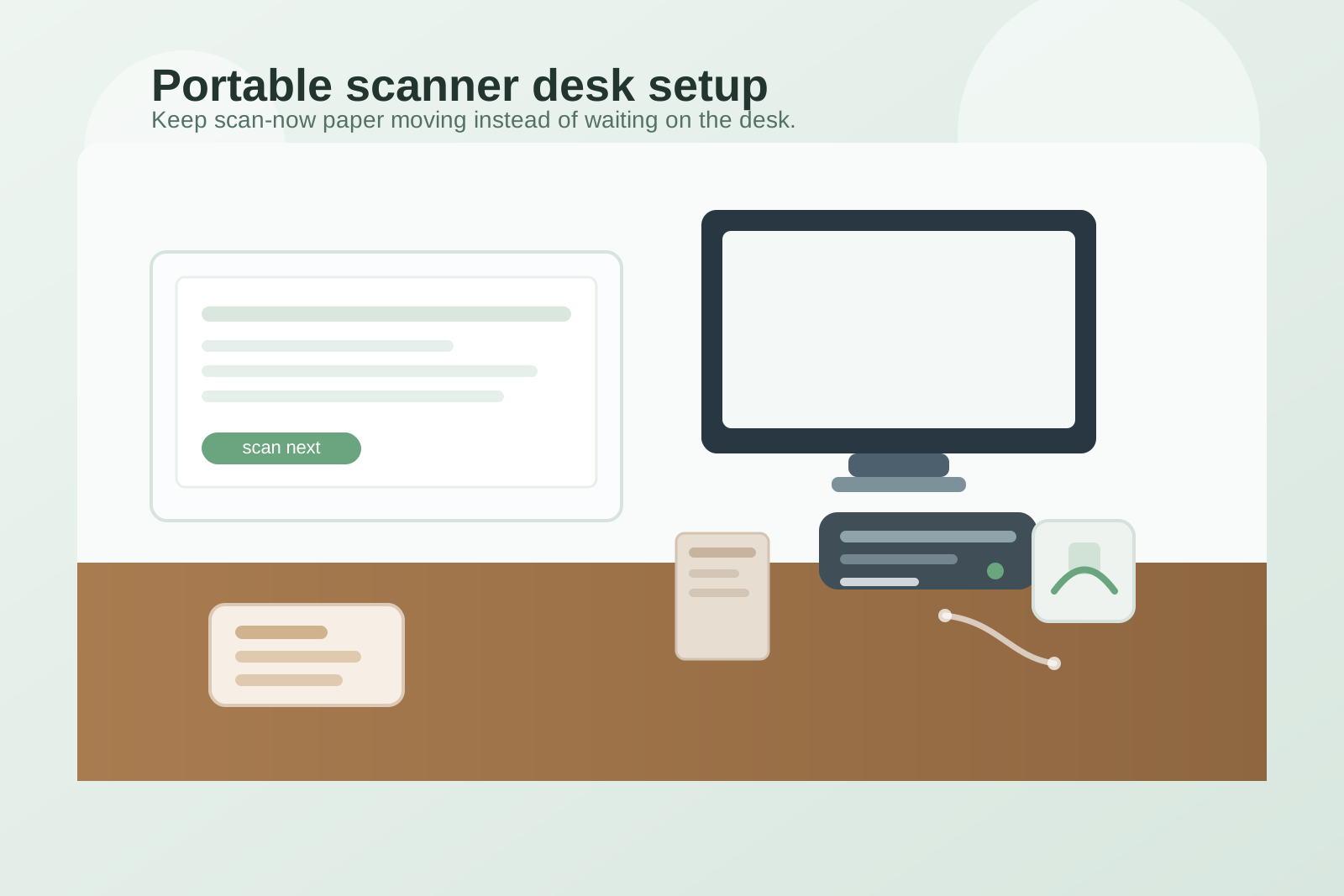
How to Organize a Desk With a Portable Scanner Without Letting Paper Wait There
A portable scanner seems like the kind of tool that should reduce clutter.
It is small. It handles one annoying job quickly. It feels easier than walking to a shared machine every time you need to scan a receipt, sign-back form, or a few pages for upload.
But that convenience creates a new trap. Once scanning becomes easy, papers start waiting beside the scanner instead of getting finished. A receipt stays there because you still need to rename the file. A signed form waits for one email. An envelope, return label, charging cable, and spare sheet all land in the same corner because they feel related. The scanner itself is not the mess. The scanner becomes the excuse for a paper holding pattern.
If you want to organize a desk with a portable scanner, the goal is not hiding the scanner when you are done. The goal is making the scan step fast enough that paper leaves the desk instead of collecting around the device.
Quick answer
To organize a desk with a portable scanner, give the scanner one fixed parking spot outside your main writing lane, create one small in-and-out paper path for items waiting to scan, keep upload tools and cables contained with the scanner instead of spreading beside it, and clear the queue after each scan block so documents do not stay on the desk as half-finished work.
Why portable scanners create a different kind of desk clutter
A printer takes over with size. A portable scanner takes over with unfinished status.
Because the device is compact, people assume the surrounding mess is temporary. They leave one document nearby, then another, then a return envelope, then a sticky note with a filename reminder. Soon the scanner zone is holding papers in several different stages:
- ready to scan
- already scanned but not uploaded yet
- scanned and waiting to be filed or mailed
- supporting paperwork that only belongs there because it feels connected
That kind of clutter is easy to ignore because it does not always look dramatic. It just keeps one corner of the desk permanently half active.
Start by choosing what the scanner is actually for
A portable scanner gets messy fastest when it quietly becomes the answer to every paper problem.
Decide what belongs in its workflow.
Usually that means things like:
- receipts you need to save digitally
- signed forms that must be sent back
- short document sets for reimbursement, records, or approvals
- reference pages you want to keep without storing physically
Usually it should not become the long-term home for:
- piles of paper waiting for review
- full filing projects
- unopened mail
- blank office supplies
- random desk tools that drift there because the scanner zone already looks busy
This sounds obvious, but it changes the setup. Once you know the scanner is for short conversion tasks, you stop building a mini paper archive around it.
Give the scanner one parking position, not a floating role
The scanner should have a home even when it is not being used.
Good positions are usually:
- the back corner of the desk on your non-writing side
- a side return or shelf just above desk height
- one edge position near power, if the cable can stay controlled
Less helpful positions are usually:
- directly in front of the keyboard
- the middle of the desk where active paper naturally spreads
- the same corner where you also drop notebooks, chargers, and incoming mail
A fixed spot matters because scanning is a short task. If the scanner floats around, every scan session starts by rearranging the desk. That makes it more likely that paper stays out after the task is done.
Build a two-step paper path instead of a paper pile
Most scanner clutter comes from papers that have no clear next stop.
A simple two-step path is enough for most desks:
- one small scan-next spot
- one immediate leave-the-desk spot
The first spot holds only the pages you are about to scan in the current block. The second spot is not permanent storage. It is a fast exit lane for papers that are already scanned and need to be filed, mailed, shredded, or returned to a project folder.
If you skip that second step, scanned paper stays parked beside the device because your brain still reads it as active.
Keep scanner support items together or remove them completely
The support clutter around a portable scanner is usually more annoying than the scanner itself.
That support clutter often includes:
- the USB or charging cable
- one envelope for something being sent back
- a pen for signatures or notes
- sticky flags or a short reminder note
- a small cloth or sleeve
- backup papers that are not part of the current scan task
Keep only the items that genuinely belong to the scan action.
A compact scanner kit works better than scattered helpers:
- scanner
- cable or charger
- one pen if signatures happen often
- one slim folder or tray for scan-next pages
Everything else should live somewhere else. If an object is only needed once a week, it should not be taking up room beside the scanner every day.
Protect the writing lane from paper spillover
A portable scanner often lives close to where paper gets handled.
That is exactly why you need a protected work lane.
Keep one clear area for normal desk tasks such as typing, note-taking, or reviewing a page. Do not let the scanner corner merge with the center of the desk. Once receipts, scan backs, and upload notes spill into the main hand space, the whole desk starts feeling like an admin station even if scanning only takes ten minutes a day.
If your desk is small, this matters even more. In that case, it can help to think of the scanner as a task-block tool rather than an all-day desk resident. It can still have a fixed home, but that home may be a nearby shelf instead of the primary work surface.
Use short scan blocks instead of all-day paper parking
Portable scanners work best when they support short bursts.
Instead of scanning one page, leaving the rest out, and returning later, group the task into a small block:
- collect the few items that truly need scanning
- scan them in one pass
- upload or rename files immediately if that is part of the job
- move physical papers to their next destination right away
That rhythm matters because the real desk mess is usually not the scan itself. It is the unfinished follow-up after the scan.
What to remove from the scanner zone first
If the area already feels crowded, do not start by buying another tray.
Remove these first:
- papers that were already scanned
- empty envelopes and packaging
- duplicate cables
- pens, clips, or stamps that really belong to a broader paperwork station
- unrelated receipts or notes you kept there only because the area already looked administrative
The scanner corner should support conversion, not become a museum of recently handled paper.
Where TidySnap helps
Portable-scanner clutter is easy to miss because it often stays in one polite-looking corner.
A quick photo makes it easier to notice what is actually happening: where papers are waiting, which support items keep multiplying, and whether the scanner zone is leaking into your main work area. TidySnap helps you look at the desk as a real layout problem, not just a stack problem, so you can reset the scanner area before it quietly becomes the default landing spot for every small document task.
A simple reset to keep the scanner from becoming a paper magnet
At the end of a scan block, ask four quick questions:
- Is there anything here that was already scanned?
- Is there anything here that belongs to filing, mailing, or shredding instead?
- Is the cable contained, or is it inviting more clutter into the same corner?
- Can I see open desk surface around the scanner again?
If the answer to the last question is no, the task is not finished yet.
FAQ
Should a portable scanner stay on the desk all the time?
Only if you use it often enough that moving it out and back adds friction. If scanning is occasional, a nearby shelf can be better than giving the scanner permanent desk space.
What is the biggest mistake with a portable scanner setup?
Letting scanned and unscanned papers sit together. That is what turns a small device into a permanent paper queue.
How do I keep receipts from taking over the scanner area?
Use one slim capture spot for receipts waiting to scan, then empty it during a short scan block. Do not let loose receipts collect around the scanner base.
What if my scanner shares space with other paperwork tools?
Separate by action, not by object type. The scanner zone should only support scan-now tasks. Filing supplies, full mail sorting, and long review stacks should not live in the same footprint.