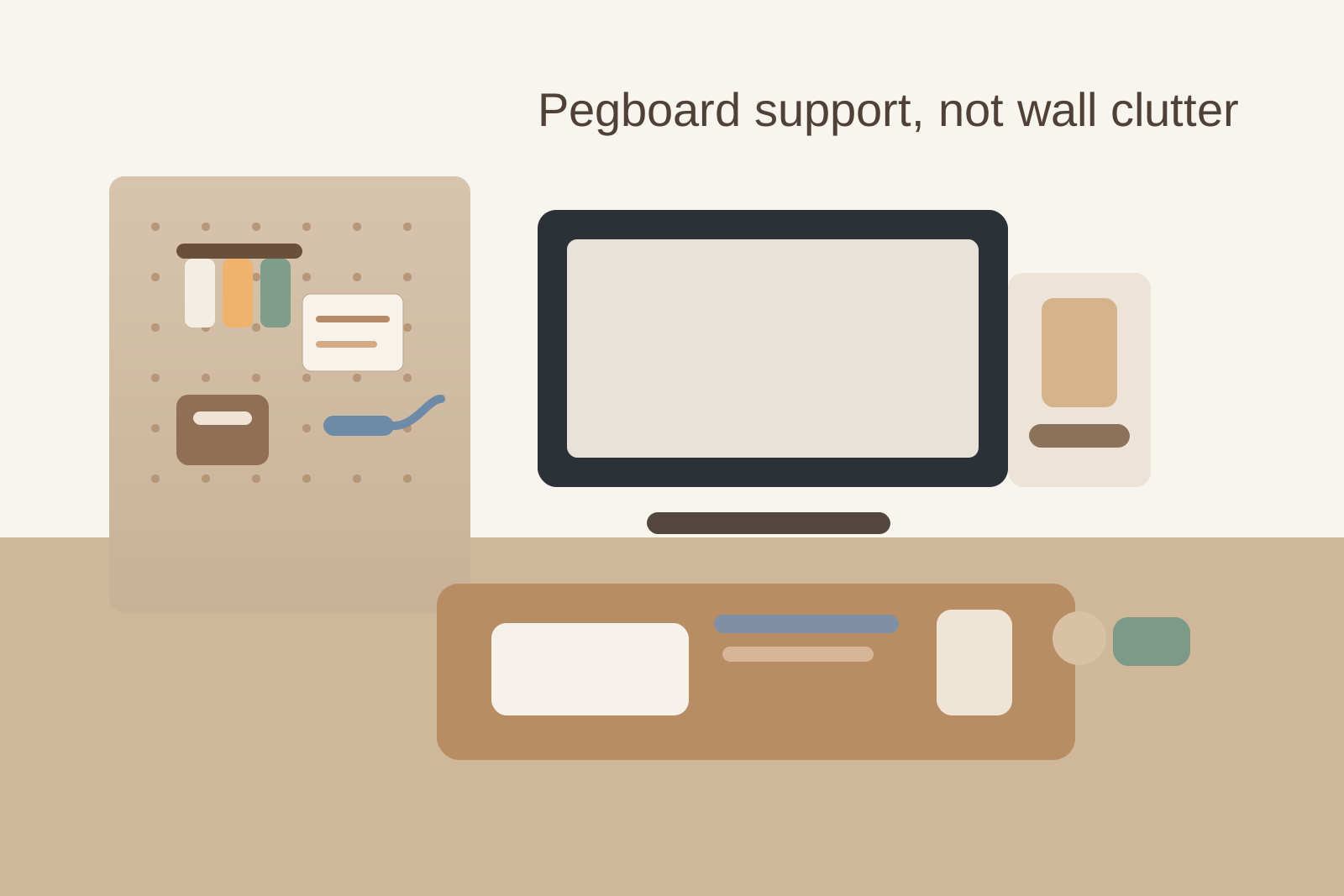
How to Organize a Desk With a Pegboard Without Turning the Wall Into Backup Storage
A pegboard usually enters the picture for a good reason.
The desk feels too full. Small tools keep spreading. Notes need to stay visible. You want to lift a few things off the surface without adding another drawer or shelf.
Then the pegboard solves one problem and creates a quieter one. The wall becomes a holding area for scissors, cables, envelopes, charging leads, sticky notes, earbuds, measuring tape, tags, and little containers full of items you might need later. The desktop may look cleaner, but the workspace still feels busy because the visual overflow simply moved upward.
If you want to organize a desk with a pegboard, the goal is not filling every hole or proving that vertical storage can hold everything. The goal is giving the desk a small, reliable support layer for the items that actually deserve to stay visible and within reach.
Start with the job the pegboard is supposed to do
Before moving anything onto the board, decide what problem it is solving.
A pegboard works best when it has one primary job, such as:
- holding a few daily tools off the desktop
- keeping one active note or checklist visible
- parking light accessories that otherwise drift across the work surface
- creating a clean grab zone for repeat tasks
It works badly when it becomes a general permission slip to keep more things in sight.
If every category lands there because it technically fits, the board stops reducing clutter and starts preserving indecision.
Build around daily reach, not storage capacity
Most pegboard clutter comes from organizing by available hooks instead of by actual use.
A board can hold far more than your desk needs to support. That does not mean the extra capacity should be used. The more items you hang, the easier it becomes to keep duplicates, backups, and low-frequency tools in your visual field all day.
A better test is simple: if you do not reach for an item most workdays, it probably does not need prime wall space above the desk.
That usually leaves a much smaller set:
- one or two writing tools
- one small pair of scissors or cutter if your work really uses it
- one active note surface or checklist
- one light accessory that would otherwise wander, like headphones or a charging cable
Everything else should earn its way back onto the board instead of starting there by default.
Give the pegboard zones with hard limits
Pegboards get messy when every hook is treated like general open territory.
Use a few fixed zones with clear limits instead:
| Zone | Good use | What stays out |
|---|---|---|
| active tools | 2 to 4 items you use most days | backups, duplicates, bulky gadgets |
| visual prompt area | one checklist, one calendar card, or one reference note | layered paper stacks and old reminders |
| light accessory spot | one item that drifts without a home | cable bundles, unopened tech extras |
| empty buffer | breathing room for change | decorative filler and just-in-case storage |
That empty buffer matters. A pegboard feels calmer when part of it stays unused.
Keep paper on the board only if it is still alive
Paper is where pegboards quietly go off track.
A pinned receipt, printed instructions, a meeting note, and an idea card all feel small. Together they create a wall of unresolved decisions. That is especially common in office and home workspace setups where the pegboard slowly becomes a low-grade bulletin board.
Only keep paper on the board if it is doing one active job right now:
- today’s checklist
- this week’s priority note
- one current reference card
- one temporary reminder with an end date
If a note no longer changes what you do today or this week, move it elsewhere or remove it. The pegboard should support action, not archive leftovers.
Do not let containers become mystery bins
Small pegboard cups and bins look tidy fast, which is exactly why they become risky.
They hide visual clutter inside vertical storage: spare adapters, random clips, old batteries, sticky tabs, extra charging ends, loose keys, and small objects that never got a real decision.
If you use containers on the board, keep them narrow and specific. Good examples are:
- pens only
- label cards only
- clips only
- one charging cable in active use
Bad examples are anything labeled mentally as misc, tech stuff, or small things. Once a pegboard bin becomes a mystery pocket, the desk has not become more organized. The clutter just moved out of direct sight.
Protect the space above the monitor line
Many pegboards create tension because they sit too close to the main sightline.
When heavy tools, bright notes, or crowded bins hover right above the monitor or main writing area, the desk feels visually loud even if the surface is technically clean. You start working under a wall of reminders and objects.
If possible, keep the most visually active part of the pegboard slightly off to one side rather than centered above the main work lane. Put the calmest, flattest items nearest your direct line of sight, and keep bulkier or darker objects farther out of the center view.
That way the board supports the desk without becoming the first thing your eyes have to sort through.
Use the pegboard to reduce motion, not to display identity
A pegboard is most useful when it removes small repeated frictions.
It should help you stop hunting for the one tool you always use, stop shoving headphones onto the desk edge, or stop letting one checklist slide under notebooks. It does not need to advertise every tool, hobby, or possible task connected to the workspace.
If the board starts looking like a display of everything you might do at the desk, it is probably no longer helping you do the work you actually sit down to do.
Reset the board faster than you reset the desk
A pegboard should be easier to review than a drawer.
Once or twice a week, take one minute and ask:
- what has been hanging here without being used
- which paper items have expired
- whether any container has turned into a small junk pocket
- whether something on the desk still has no home because the board is holding the wrong things
That short review keeps the board from becoming permanent background clutter. The point is not a perfect layout. It is preventing slow accumulation on the wall.
A practical pegboard setup for most desks
If you want a simple default, try this:
- keep the center of the desk for keyboard, writing, and current work
- place the pegboard on the non-dominant side or slightly off center
- hang only your daily-use tools
- allow one active note area
- keep at least a quarter of the board empty
- move backups, overflow paper, and spare tech into drawers or cabinets instead
That setup keeps the pegboard acting like support infrastructure instead of a second storage wall.
Where TidySnap helps
A pegboard can fool you because the desk surface often looks better before the workspace actually feels better.
That is where TidySnap helps. A quick photo makes it easier to spot whether the wall is still visually crowded, whether the pegboard is stealing attention from the monitor area, and whether too many small containers are hiding low-value clutter just above the desk.
Final thought
A well-used pegboard should make the desk simpler, not more decorated with useful-looking stuff.
If the board supports a few repeat actions, keeps only live items visible, and leaves empty space on purpose, it can be one of the easiest ways to organize a workspace. If it becomes backup storage on the wall, the clutter problem has only changed height.