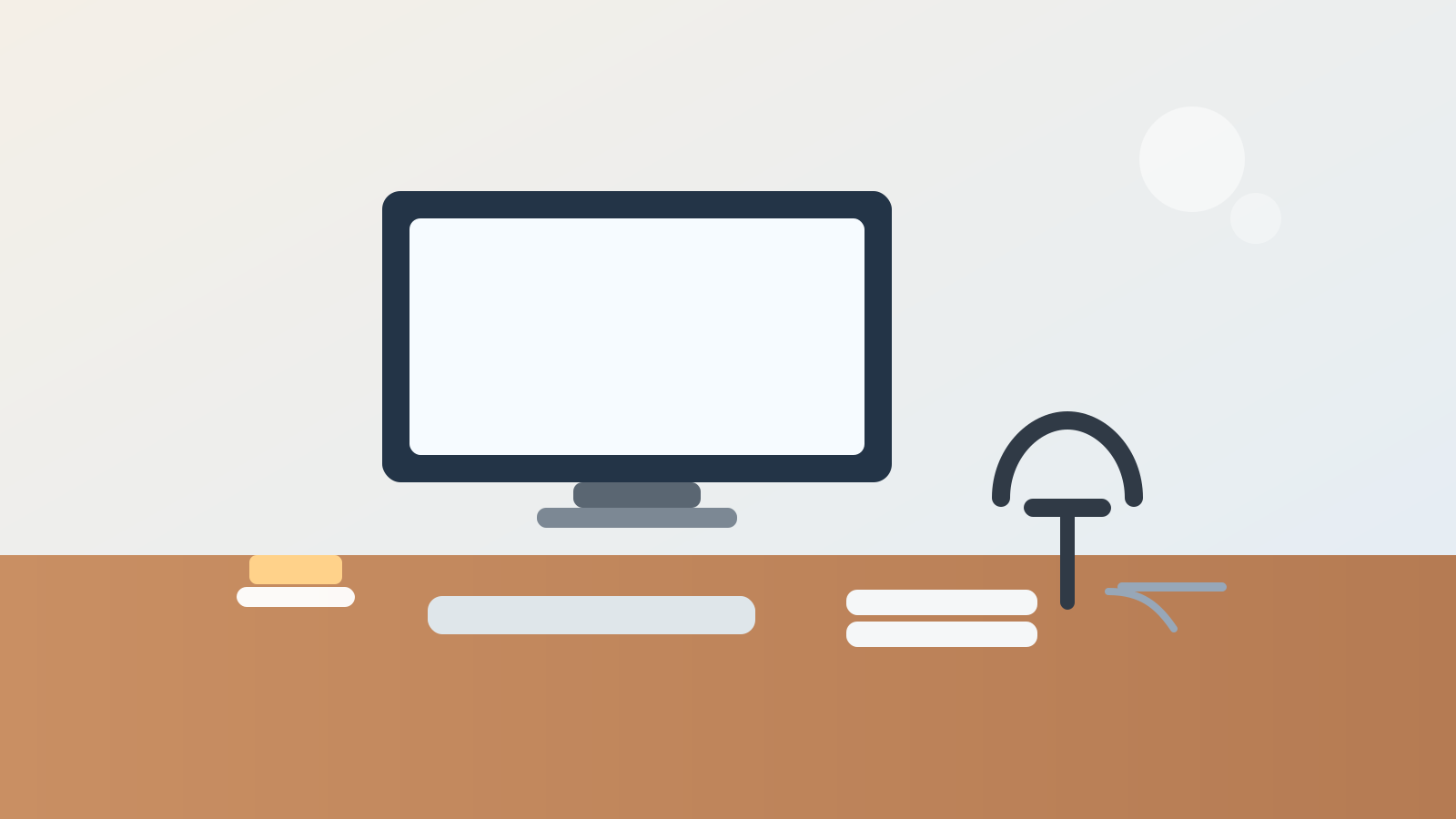
A headphone stand looks like a cleanup tool, but it often creates a new clutter anchor.
At first, the change feels helpful. Your headphones finally have a home. They are off the keyboard, off the chair arm, and off the top of the monitor.
Then everything related to the headphones starts drifting toward the same spot.
A charging cable stays there because it seems logical. An adapter lands beside the base after one call. Earbuds get dropped there because it feels like the audio corner now. A note from the last meeting sits under the stand because you were wearing the headphones when you wrote it. Before long, one simple stand has turned part of the desk into a small pile of half-related tech.
If you want to organize a desk with a headphone stand, the goal is not only giving the headphones a place to hang. The goal is stopping the stand from becoming a cable hook, spare-parts post, and meeting-leftovers zone at the same time.
Quick answer
To organize a desk with a headphone stand, keep the stand just outside the main typing lane, give the headphones one repeatable drop-off position, route charging separately from the stand itself, and keep other audio extras out of the same footprint. A headphone stand works best when it stores one thing clearly instead of attracting every small object connected to calls, music, or focus time.
Why headphone stands create clutter in a specific way
A headphone stand is small, vertical, and easy to reach.
That combination makes it feel like a natural home for anything loosely connected to audio:
- charging cables
- spare earbuds
- USB adapters
- dongles
- sticky notes from calls
- microfiber cloths
- battery packs
- little trays that appeared because the base looked empty
The clutter is usually not dramatic. That is exactly why it sticks around. Each item feels close enough to the headphones to seem reasonable, so the stand area slowly turns into a support cluster with no real limit.
This kind of mess also feels more annoying than it looks. The stand often sits near the monitor, on a side corner, or beside the keyboard where your eyes keep catching it. Even a few extra objects can make the desk feel busier than it is.
Treat the stand as parking, not storage
The stand has one main job: holding the headphones when they are not on your head.
That sounds obvious, but many desks blur the difference between parking and storage. Parking means one item lands there temporarily and predictably. Storage means the area starts absorbing related gear whether you are using it or not.
A cleaner rule is simple:
- the headphones belong on the stand
- one charging connection may belong nearby if the headphones truly charge there
- everything else needs a different home
When the stand stays narrow in purpose, the whole desk feels easier to read.
Keep the stand outside the main hand path
A headphone stand should be easy to reach without claiming prime desk space.
If it sits in the front corner where your mouse needs room, beside the notebook area where paper should open flat, or directly under the monitor where cables already gather, it will create friction even before clutter shows up.
A better default is to place the stand in one of these positions:
- rear corner on the non-dominant side
- just outside the monitor footprint
- side edge of the desk where the headphones are easy to hang without crossing the keyboard lane
What usually fails is the almost-convenient spot: close enough to touch all day, but close enough to bump, drape cables over, and use as a drop zone for whatever was in your hand.
Do not let the charging cable live on the stand
This is the habit that turns a clean stand into a clutter post fastest.
If the charging cable loops around the stand arm, hangs from the hook, or coils at the base, the whole area starts behaving like accessory storage. Then the cord attracts more cords, the extra slack catches dust, and the stand no longer looks like a simple parking place.
A better approach is to separate the two jobs:
- the stand holds the headphones
- the cable follows a fixed path nearby
If your headphones charge every day, keep the cable routed along the back edge or one side exit path and plug it in only when needed. If you want constant charging, place the cable so it reaches the stand cleanly without wrapping around it between uses.
The point is not hiding the cable completely. It is preventing the stand from becoming the cable-management solution for the whole audio setup.
Separate active headphones from backup audio gear
A lot of desk clutter comes from mixing current-use tools with backup tools.
Your active item is the pair of headphones you actually use at that desk.
Backup items might include:
- wired earbuds
- a second headset
- a USB-C adapter
- a Bluetooth transmitter
- a cleaning cloth
- replacement ear pads
Those things may all matter occasionally, but they should not live around the stand by default. If they do, the stand stops being a clean handoff point and starts acting like a little audio supply station.
Keep backup gear in one drawer, pouch, or side bin. The stand should support the next listening or meeting block, not every future headphone problem you might someday need to solve.
Keep meeting notes and call leftovers out of the stand zone
Headphones often come on during calls, deep-focus sessions, and video meetings. That makes the stand area an easy place for follow-up clutter.
You finish a call and leave behind:
- one note with a meeting code
- a sticky reminder
- a pen
- a badge
- a temporary adapter
- the snack wrapper from the call you took at your desk
None of that belongs to the headphones, but it all feels connected in the moment.
That is why the best rule is not “keep the stand tidy.” The better rule is “nothing meeting-specific stays under the headphones after the meeting ends.”
If call notes matter, move them to one notebook, one task tray, or one digital capture system right away. The stand zone should reset back to being just a parking spot.
Use the base area carefully
The space around a headphone stand base often looks available even when it should stay visually quiet.
That is where people start adding:
- a tiny dish for clips
- a spare charger
- a coaster
- a watch
- a pocket dump tray
Sometimes that works, but usually it makes the stand feel like furniture instead of a simple accessory. The more jobs you assign to the base, the faster the area grows into a clutter island.
If you want the desk to feel calmer, leave the base area mostly empty. Let the stand be a vertical object, not a platform for side habits.
Build a fast headphones-off reset
A good headphone-stand setup should be easy to reset in seconds.
When you take the headphones off:
- hang them in the same orientation each time
- unplug or tuck the cable back into its normal path
- remove any temporary note or adapter from the stand area
- leave the nearby work lane ready for the next non-audio task
That tiny routine matters because headphone clutter usually builds through repetition, not through one big mess.
When the stand should move off the desk
Not every desk benefits from keeping one out all day.
A stand may work better on a shelf or side cabinet if:
- you wear the headphones only once or twice a day
- the desk is already tight on side space
- the stand keeps stealing room from writing or mouse movement
- you mainly use earbuds and keep the headphones as a backup
- the stand attracts too many small extras no matter how often you reset it
That is still a good organization choice. A stand is useful only if it reduces friction more than it creates it.
Where TidySnap helps
If your desk looks mostly fine but one corner keeps collecting headphone clutter, TidySnap can help you spot whether the real problem is stand placement, cable drift, or a support-zone habit that keeps expanding. Sometimes the issue is not the number of items. It is one accessory turning a clean edge into a visual magnet.
Final thought
A headphone stand should clear the desk, not become a monument to audio leftovers.
When the stand holds the headphones, the cable follows its own path, and backup gear stays elsewhere, the setup feels lighter immediately. That is the real win: not just a prettier place to hang headphones, but a desk corner that stops collecting every little thing that happened while you were wearing them.