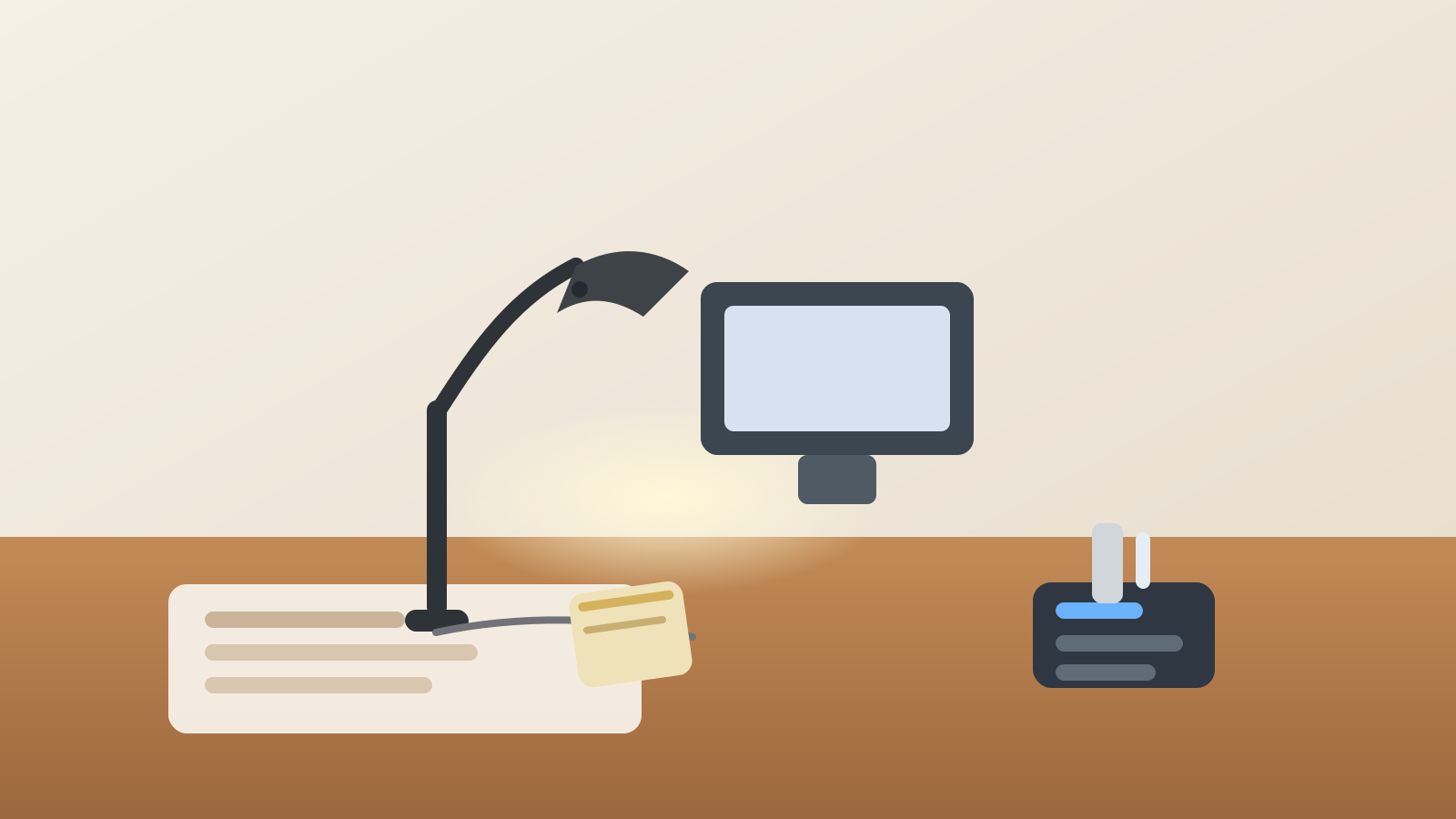
How to Organize a Desk With a Desk Lamp Without Losing Your Writing Space
A desk lamp usually arrives as a simple fix. One part of the desk feels too dim, so you add light and expect the problem to be solved.
Then the lamp starts claiming more than light.
The base takes the corner where you used to spread a document. The cord slips across the side lane where chargers and notebooks already compete. The brighter area pulls paper, pens, and quick-reference items into one spot until the lamp corner becomes its own little pile. The problem is not the lamp itself. The problem is that one lighting tool quietly changes how the whole side of the desk gets used.
If you want to organize a desk with a desk lamp, the goal is not hiding the lamp or buying a smaller one right away. The goal is giving the lamp a stable role, protecting your writing space, and stopping the lit corner from becoming a catch-all.
Quick answer
To organize a desk with a desk lamp, place the lamp so it lights your main task zone from the side, keep the base out of the center writing lane, route the cord along the back or rear side of the desk, and limit the lamp corner to lighting support only. Pens, active paper, and small tools should stay readable under the light without living under the lamp.
Why desk lamps create a different kind of clutter
A desk lamp does not usually create the same mess as a ring light, monitor light bar, or window setup.
A ring light turns the desk into a call stage. A monitor light bar crowds the top screen edge. A window changes the whole room as daylight moves. A desk lamp creates a smaller, more deceptive problem: it turns one side of the desk into high-value real estate.
Once one area is brighter than the rest, everything that feels important starts drifting there:
- the paper you need to review carefully
- a notebook opened for quick notes
- your favorite pen or highlighter
- reading glasses
- one charger or adapter that happened to land there once
- small tools that feel easier to keep in sight
That is why a desk lamp corner often gets cluttered even on otherwise tidy desks. The light makes the area useful, and usefulness attracts too many jobs.
Start by deciding what the lamp is supposed to help you do
A lamp setup gets messy fastest when it has no defined job.
Most desk lamps are there mainly for one of these reasons:
- lighting paper review or handwriting
- reducing eye strain during early-morning or evening work
- helping with detail tasks like reading labels, forms, or small print
- adding focused light without brightening the whole room
Pick the main role first.
If the lamp is mostly for handwriting, it should support the writing lane. If it is mostly for reading printed pages, it should support the paper zone. If it is mainly for detail work, it may belong slightly farther from the keyboard than you first expect.
A lamp that is trying to light every part of the desk usually ends up parked in the middle of too many workflows.
Keep the lamp out of the center work lane
The lamp should support your main desk work, not sit on top of it.
If the base blocks the notebook you open every day, if the arm cuts across your screen sightline, or if the cord lands where your mouse or forearm needs to move, the lamp is using the wrong kind of space.
For most desks, the safest default is:
- place the lamp just outside your primary writing hand path
- keep the base on a rear corner or far side corner
- let the light reach inward instead of making the lamp itself the center object
That usually feels better than putting the lamp in the front corner where it steals the easiest surface to reach.
Separate the lit zone from the storage zone
A bright corner should not become a storage corner.
This is where a lot of desk-lamp clutter begins. People leave a stack of forms under the light because they may need them later. Then a pen cup moves closer. Then a charger, sticky notes, and glasses settle there because the lamp already makes that area feel active.
A better rule is simple: the lamp may light active work, but it should not justify permanent overflow.
Keep these out of the lamp zone unless they are in use right now:
- backup pens and markers
- unopened mail
- charging bricks
- spare cables
- receipts or loose paper waiting for review someday
- personal items that only live there because the corner feels visible
The lit zone works best when it holds current work, not stored work.
Route the cord once so it stops creating a second clutter line
Desk lamps often create a second mess through the power cord.
A loose cord invites other cable behavior. People drape a phone charger over it, tuck earbuds behind it, or let paper sit on top of it because the corner already looks technical. Soon the lamp is no longer one object. It is the anchor for a cable pile.
Try to route the cord:
- behind the desk surface if possible
- down the back edge instead of the front edge
- along the less active side of the desk
- away from your notebook, mouse lane, and document path
The cleaner the power path, the less the lamp corner feels like a dumping ground for anything with a wire.
Match the lamp position to your paper habits
A lot of lamp frustration is really paper frustration.
If you often read forms, annotate printouts, or write by hand, the lamp should help that task without forcing paper to curl around the base. Give yourself one page-sized working zone that stays clear even when the lamp is on.
That might mean:
- lamp in the back-left corner for right-handed writing
- lamp in the back-right corner for left-handed writing
- a slightly elevated arm that throws light inward instead of downward onto the edge of the page
- keeping your current document in the center-side lane, not tucked under the lamp hardware
The right lamp position should make paper easier to use, not make paper bend around furniture.
Do not let the lamp compete with your monitor zone
On many desks, the lamp belongs near the monitor but not on the same line as monitor accessories.
If the lamp shade touches the edge of the screen, casts glare onto the display, or shares one crowded side with your webcam, speakerphone, dock, or charging hub, the setup starts feeling packed even when each item seems small on its own.
If your monitor area is already busy, move the lamp slightly farther toward the paper side of the desk. That keeps lighting support and screen support from collapsing into one crowded strip.
Keep only one active paper stack near the light
A lamp corner becomes cluttered when it starts holding multiple paper states.
Try to keep just one of these near the light at a time:
- the page you are reading now
- the notebook you are writing in now
- the form you are reviewing now
Move everything else elsewhere.
If the lamp area is holding active reading, waiting-to-read pages, finished pages, and a notebook all at once, the light is doing too much emotional work. It is making every paper feel urgent just because it is visible.
Build a small end-of-day reset for the lamp side
Desk lamps make one corner feel permanently available, which is why a quick reset matters.
At the end of the day, clear three things from the lamp side:
- loose paper that no longer needs the light
- small tools that drifted there because the corner was convenient
- any cable, charger, or accessory piggybacking on the lamp space
That short reset keeps tomorrow’s first task from starting inside yesterday’s bright little pile.
When a desk lamp setup usually needs a layout change
Your current lamp position is probably wrong if:
- you keep moving the base to open your notebook
- the cord crosses your arm path
- paper keeps bunching around the lamp instead of lying flat
- the lit corner keeps collecting unrelated objects
- the lamp helps reading but makes the rest of the desk feel tighter
When that happens, the answer is usually not more organizers. It is a better boundary for where the lamp is allowed to live.
A simple desk-lamp layout that works for most people
If you want a fast reset, try this:
- keep the lamp in the back corner on your non-dominant side
- leave one clear writing zone in front of you
- keep one paper or notebook under the light at a time
- move backup supplies away from the lamp base
- route the cord to the rear edge
- keep the monitor zone separate from the lamp zone
That gives you focused lighting without turning one side of the desk into a permanent side pile.
Final thought
A desk lamp should make work easier to see, not harder to stage.
When the lamp has one clear job, one stable position, and one protected paper zone, the desk feels calmer right away. You do not need the brightest setup or the most adjustable arm. You need a layout where the light supports the work and the corner under it does not turn into storage.
If you want to organize your desk faster, TidySnap can help you look at the whole setup from one photo and spot which zones are doing too many jobs before the clutter spreads again.