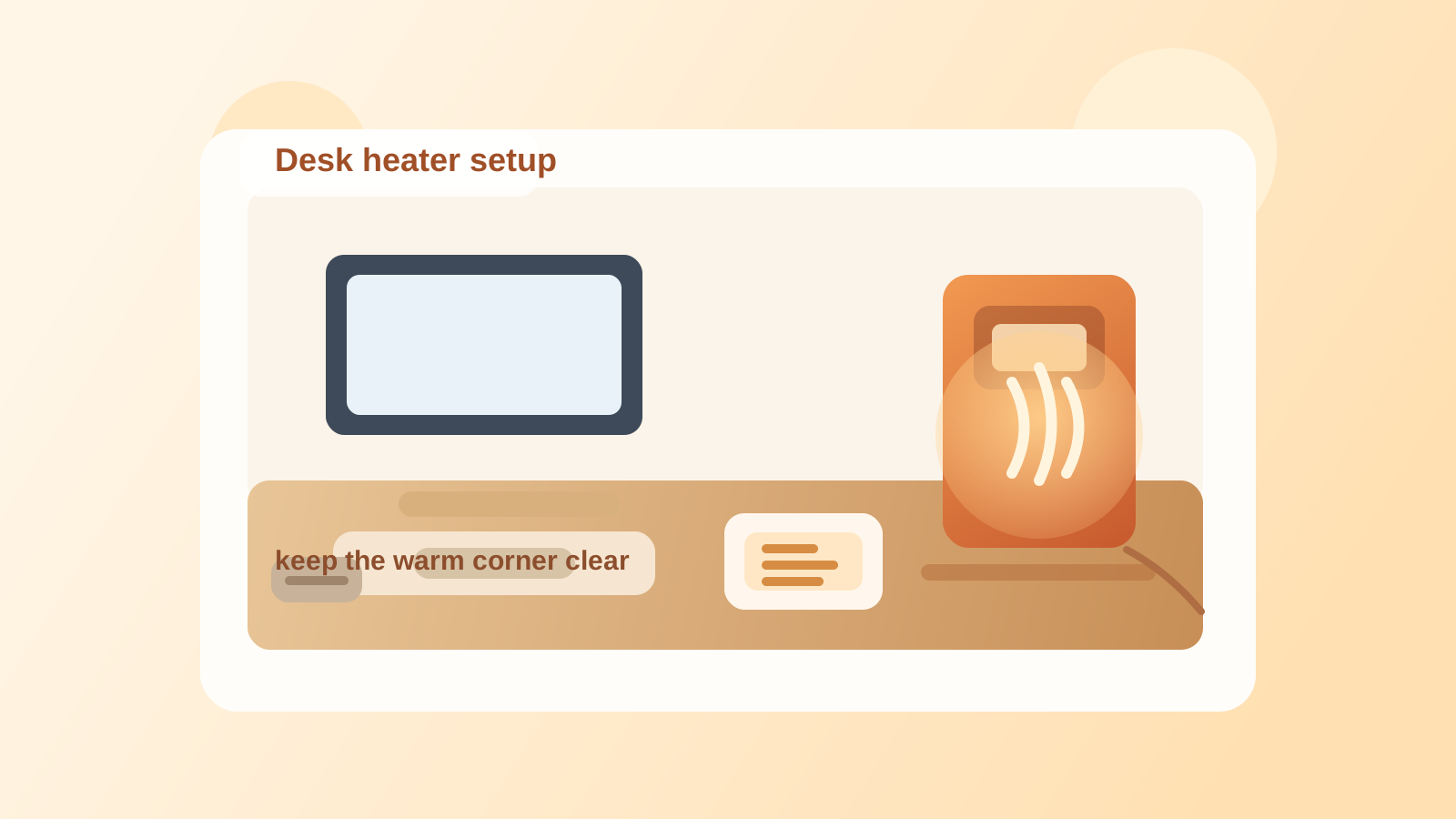
How to Organize a Desk With a Desk Heater Without Turning the Warm Corner Into Storage
A desk heater rarely creates clutter by itself. The clutter grows around the comfort zone it creates.
You set the heater near your legs or on one rear corner because that side of the desk feels cold. Then a throw blanket stays nearby because it feels related. A mug coaster moves into the same spot. Charging cables get rerouted around the heater base. A sticky note, hand cream, tissues, and a spare pair of socks start collecting in the warm corner because it already feels like the place for comfort items. Soon the setup is not only heated. It is crowded, awkward, and harder to reset.
If you want to organize a desk with a desk heater, the goal is not only making space for the heater. The goal is keeping warmth accessible without letting one comfort tool turn part of the workspace into permanent side clutter.
Quick answer
To organize a desk with a desk heater, give it one stable low-risk position, keep paper and fabric out of the heat path, separate comfort items from work items, and protect one nearby zone for actual desk use rather than heater support. The heater should solve a temperature problem, not create a new storage category on the desk or floor.
Why desk heaters create a different kind of clutter
A desk lamp changes the light. A fan changes the airflow. A treadmill changes the floor zone.
A desk heater changes behavior.
Once one part of the workspace feels warmer and more comfortable, people naturally start parking related items there:
- a cardigan or light blanket
- hand cream or lip balm
- tissues
- a mug or coaster
- phone chargers and spare cables moved away from cold outlets
- paper that should not really be near heat at all
That is why desk-heater clutter feels sneaky. The workspace can still look reasonable at a glance, but one corner quietly becomes a mixed pile of heat-sensitive, fabric, paper, and daily-use items that do not belong together.
Start by deciding whether the heater belongs on the desk or below it
This is the first useful decision because many heater setups get messy before the heater is even in the right place.
A desktop position may make sense when:
- the heater is very small and designed for desktop use
- the room is cold at hand level, not only at foot level
- cords can route safely behind the desk
- the heater fits without stealing your writing lane or mouse space
A floor or under-desk position usually makes more sense when:
- the cold problem is mostly around your legs or feet
- the heater body is too bulky for the work surface
- paper tends to collect on the part of the desk where the heater would sit
- the only available desk spot is your best working corner
If the heater only fits by taking over a prime work zone, the problem is not organization yet. The problem is placement.
Keep the heater footprint and the work footprint separate
A heater needs clearance. Your desk needs working room. Those are not the same thing.
Thinking in two footprints helps:
| Footprint | What belongs there | What stays out |
|---|---|---|
| heater footprint | heater, safe cord path, open air around vents, one simple on-off reach | paper stacks, fabric, chargers, notebooks, snack wrappers |
| work footprint | keyboard, mouse, notebook, active documents, daily tools | heater support clutter and comfort overflow |
Once the heater footprint starts absorbing work items, the whole setup gets harder to use. You stop seeing where the comfort zone ends and where the active desk begins.
Do not let the warm corner become the default drop zone
This is the pattern that ruins a lot of otherwise decent desks.
A warm corner feels pleasant, so it starts attracting whatever is in your hand:
- mail you plan to read later
- a receipt from lunch
- a cable you unplugged for a moment
- a sweater you took off after the room warmed up
- sticky notes you did not want in the center lane
That is not a storage solution. It is a comfort-colored clutter habit.
If you use a heater, choose one rule for the nearby area. A good rule is that the heater side can hold the heater and one deliberate support item only, such as a coaster or one small tray placed outside the heat path. Everything else should have another home.
Keep paper out of the heat lane
People often think first about fire risk, which matters, but day-to-day frustration usually starts earlier than that.
Loose paper near a heater creates several smaller problems before anything dramatic happens:
- forms curl or drift toward the unit
- sticky notes stop staying flat
- receipts, envelopes, and to-do scraps collect where warm air is moving
- the area starts feeling messy because paper never looks settled
If you handle paper often, do not place the heater in the same side zone where active documents, unopened mail, or note scraps usually land.
A better move is to keep paper in one protected lane on the opposite side of the desk or in a vertical holder that is not competing with the heater zone.
Keep fabric comfort items nearby, but not mixed into the heater zone
Blankets, scarves, cardigans, and extra socks are often part of the real desk-heater setup. Pretending otherwise does not help.
What does help is separating comfort storage from heater clearance.
For example:
- keep one sweater on a chair back or wall hook instead of draped beside the heater
- store a lap blanket in a nearby basket, drawer, or cabinet instead of over the desk edge
- avoid letting fabric sit where it visually blends into the heater base or cord area
When soft items stay too close to the heater, the workspace starts looking crowded even before it becomes hard to use.
Route the power cord like part of the layout
A heater cord is easy to ignore until it starts competing with everything else.
If the heater uses the nearest outlet without a clear route, you often get:
- a cable crossing the chair path
- extra slack caught near your feet
- a power strip placed in the same zone as warmth and dust
- charging cables clustering around the same outlet because it is already in use
Try these rules instead:
- route the heater cord along one outer edge or behind the desk
- keep extra slack off the floor zone where your chair or legs move
- avoid combining the heater outlet with a messy charging nest if possible
- keep the switch or controls reachable without dragging the cord across your workspace
Good cable management matters even more when the tool creates heat and invites nearby clutter.
Limit the heater-side accessories
Many desk setups get crowded because the heater does not arrive alone for long.
Soon that side of the desk also holds:
- hand lotion
- lip balm
- tea bags
- tissues
- a coaster
- spare USB cables
- a tiny trash pile from wrappers or packets
You do not need a comfort station on the desk. You need a short list.
Pick at most one or two heater-adjacent accessories that truly support the workday. Everything else should live in a drawer, a nearby shelf, or a separate personal-care spot.
That keeps the heater area from turning into an all-purpose winter corner.
Protect your best reach zone from comfort creep
The easiest desk areas to reach should still support work first.
If the heater pushes your notebook farther away, crowds your mouse side, or steals the corner where you naturally sort paper, the desk will feel annoying every day even if it looks tidy in a photo.
Usually the best setup is:
- heater on an outer edge or lower zone
- center lane protected for keyboard and active work
- one side lane reserved for notes or paper
- comfort extras moved just outside the main desk footprint
That way the heater stays useful without becoming the new center of gravity for the setup.
For office desks, keep the setup professional-looking
In a shared office, a heater corner can start looking messy faster than it feels messy.
A personal heater plus draped fabric, snack wrappers, lotions, and tangled cables can make one side of the desk look improvised even when the rest of the workspace is fine.
If you are organizing an office desk with a heater, aim for:
- one discreet heater position
- no visible fabric pile beside it
- no paper or folders in the same warm corner
- no multi-device charging cluster growing from the same outlet
- a quick end-of-day reset so the space still looks like a workstation, not a temporary winter nest
That matters if coworkers, clients, or managers can see the desk.
A simple desk-heater reset that works
A heater setup stays organized when the reset is easy enough to do in under a minute.
At the end of the day, check five things:
- is the heater back in its intended position
- is the area around it clear of paper and fabric
- did any comfort items collect in the heater corner
- is the cord still routed cleanly
- did a mug, receipt, or charger drift into the warm zone
If the answer to those questions stays clear, the heater will feel like part of the workspace instead of the reason one side always looks crowded.
Mistakes that make desk-heater setups harder to manage
Avoid these common habits:
- putting the heater in the exact corner you use for active paper review
- treating the heater side as a general winter storage spot
- mixing blankets, chargers, and notes in one small zone
- letting the cord share space with chair wheels or leg movement
- assuming anything related to comfort automatically belongs near the heater
The mess usually comes from overlap, not from the heater alone.
Final thought
The best organized desk-heater setup does not look like a comfort pile that happens to include work tools. It looks like a normal workspace with one controlled solution for staying warm.
That is the target. Keep the heater easy to use, keep the warm corner clear, and move comfort overflow out of the immediate desk zone before it becomes another daily clutter habit.