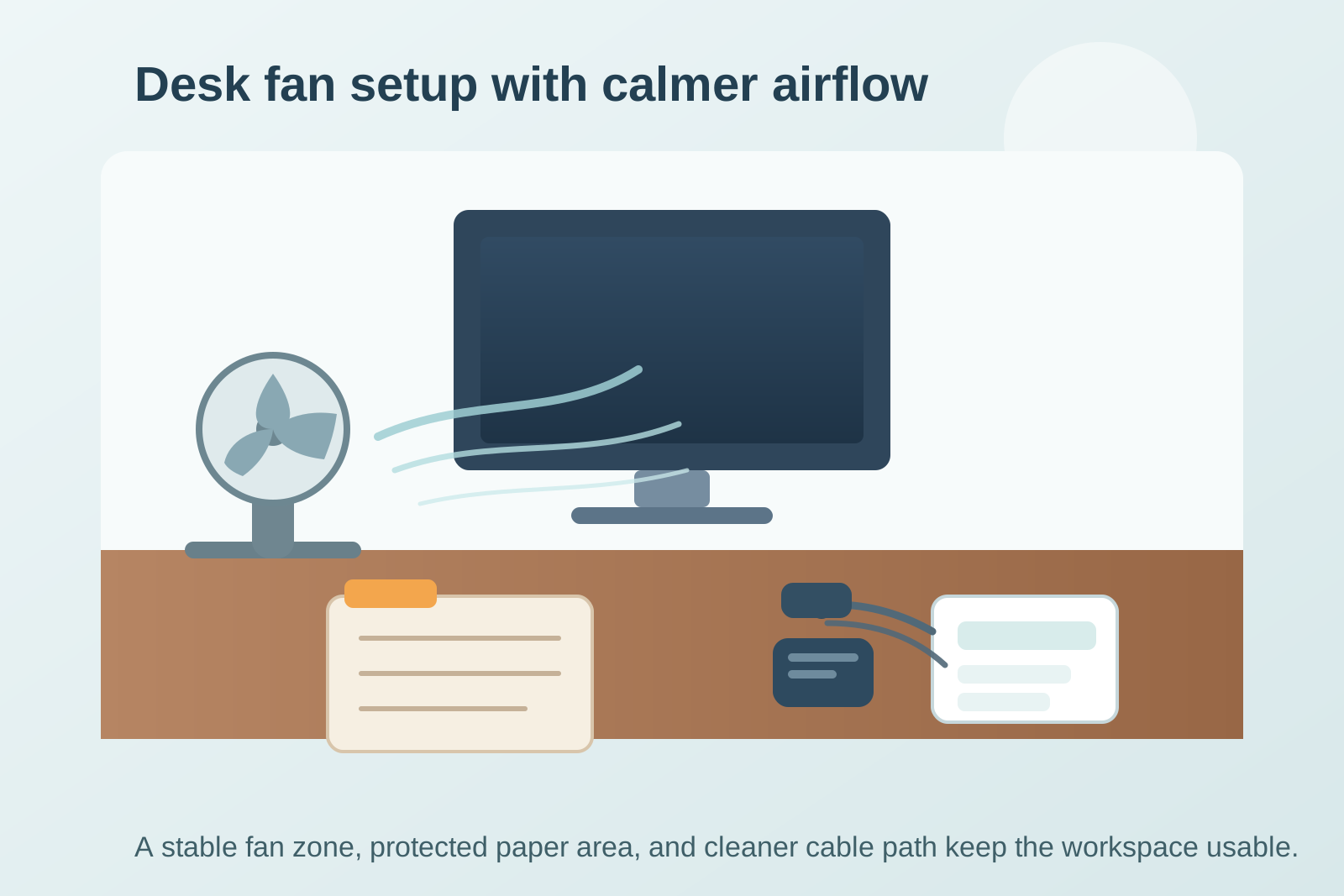
A desk fan usually looks like a tiny comfort upgrade until it starts moving everything except the air.
If the breeze keeps flipping papers, drying out sticky notes, pushing charging cables around, or making one corner of the desk feel chaotic, the problem is not only the fan. It is that airflow, loose items, and your daily work tools are competing for the same small surface.
Quick answer
To organize a desk with a desk fan, treat the airflow path as part of the layout. Keep light paper and receipts out of the direct breeze, give the fan a stable edge position instead of a random center spot, reduce loose cable slack near the airflow path, and create one protected zone for notes that need to stay visible. The goal is not hiding the fan. The goal is stopping the fan from turning your desk into a moving target.
Why a desk fan creates a different kind of clutter
Most desk clutter stays where you dropped it. Fan clutter moves.
That changes the problem. A stack of forms that would normally sit quietly can start sliding. A sticky note that seems visible in the morning ends up folded against a monitor stand by lunch. A charging cable that looked fine suddenly swings into your notebook every time the fan speed changes.
A fan also encourages temporary decisions. People tuck papers under keyboards, pin receipts under mugs, and lean notepads against screens just to keep things still. The desk starts looking organized only because everything is being physically trapped.
Start by choosing the fan role
Before moving anything else, decide what the fan is actually supposed to do.
Usually it is one of three jobs:
- cool your face and upper body during focused work
- move air across the whole desk in a warm office or room
- support a temporary comfort fix during part of the day
That job should decide where the fan lives.
If the fan is for your face, it usually belongs on one far corner, angled across you rather than straight over the middle of the desk. If it is for whole-desk airflow, it needs a fixed landing spot where the breeze path is predictable. If it is only used part of the day, give it a parking area so it does not sit in the prime work zone when it is off.
A desk fan becomes annoying when it has no defined position and keeps getting dropped wherever there is space.
Keep the airflow lane clear on purpose
Think of the breeze as a lane, not as a background detail.
Anything very light should stay out of that lane, including:
- sticky notes you still need to read
- loose receipts
- unsigned forms
- index cards
- spare envelopes
- thin charging adapters in plastic sleeves
Instead of spreading those items across the surface, keep them in one protected area outside the direct airflow. That can be a tray, a shallow bin, a clip folder, or a single weighted notebook area beside your main work zone.
The useful rule is simple: if an item can move when the fan turns to medium, it does not belong in the breeze path.
Give paper one shielded zone
A lot of people try to solve this by removing all paper from the desk. That is not realistic if you still need notes, mail, forms, or a short task list in sight.
A better approach is to create one paper zone that is physically calm.
Good options include:
- the side of the desk opposite the fan
- the space directly below a monitor riser or shelf
- a clipped writing pad instead of loose pages
- one small vertical file or sorter near the back corner
The point is to stop paper from spreading into every available open inch. When paper already has a protected home, the fan stops revealing how many half-loose piles you were tolerating before.
Stop using heavy objects as paper weights for everything
If your mug, stapler, charger brick, and tape dispenser are all being used to pin paper down, the desk is doing two jobs badly at once.
Paper weights are not the real system.
Instead:
- clip active pages together
- keep loose reference sheets in one folder or stand-up file
- limit visible paper to what matters today
- move completed pages out of the work zone fast
This creates a calmer surface and reduces the strange secondary clutter that happens when random heavy objects get dragged into places they do not belong.
Keep the fan cord out of the active writing area
A desk fan often brings one more cable into a desk that already has too many.
If the cord crosses the front edge of the desk, hangs over your notebook area, or loops through your elbow space, the fan feels more disruptive than helpful. Route the cord backward or along the least-used edge as early as possible.
A simple setup works best:
- place the fan near the edge closest to its power source
- run the cord behind the monitor or along the back line
- remove extra slack instead of coiling a large loop beside the fan
- keep the plug path separate from your phone charging zone if possible
The desk should feel like it has one fan, not one fan plus a new cable problem.
Separate comfort tools from work tools
Fans attract other temporary comfort items fast: lip balm, tissues, hand cream, eye drops, a cold drink, maybe even a small sweater or cloth. None of those are wrong to keep nearby, but they can quietly form a second clutter cluster.
Do not let the fan corner become the everything-that-makes-me-comfortable corner.
Keep the fan with only the items that support the fan setup directly, such as:
- one coaster if drinks always live there
- one small clip or tray if you need to secure a notepad
- one cable path or plug point
Everything else should either belong to your regular desk layout or leave the surface.
Use a stronger center and lighter edges
A fan-friendly desk works best when the center is stable.
That usually means the middle of the desk should hold the things you actively touch while working:
- keyboard or laptop
- mouse area
- main notebook
- current task tools
The lighter, more movable items should live farther from the airflow path and farther from your hand path. When the center is strong and predictable, the fan becomes a background tool instead of a layout problem.
What to do if the desk is very small
On a small desk, the fan can feel impossible because every inch matters.
In that case, do not solve the problem by shrinking your work zone even more. First ask whether the fan can live:
- on a side shelf
- on a nearby rolling cart
- on a window ledge or stable surface beside the desk
- on the least useful back corner instead of the front edge
If the fan must stay on the desk, keep everything around it minimal. A small desk cannot support a fan, loose paper, comfort items, spare chargers, and daily writing space all in one dense cluster without becoming frustrating.
A simple reset that keeps the fan from taking over again
At the end of the day, do a quick fan-zone reset:
- remove any paper that drifted into the airflow lane
- return the fan to its fixed position
- clear loose cable slack beside it
- move comfort items back to their real homes
- leave only tomorrow’s active note or pad in the protected paper zone
This takes less than two minutes and prevents the fan area from becoming a catch-all by the next afternoon.
Final thought
A desk fan should solve a comfort problem, not create a workflow problem.
When you organize the desk around the airflow path, paper stops drifting, cables stop creeping into the wrong places, and the fan no longer dictates where everything else has to go. That is the real win: a cooler desk that still works like a desk.
If you want a faster way to spot what on your desk keeps getting displaced, TidySnap can help you review the full setup from one photo and turn it into a simpler reset plan.