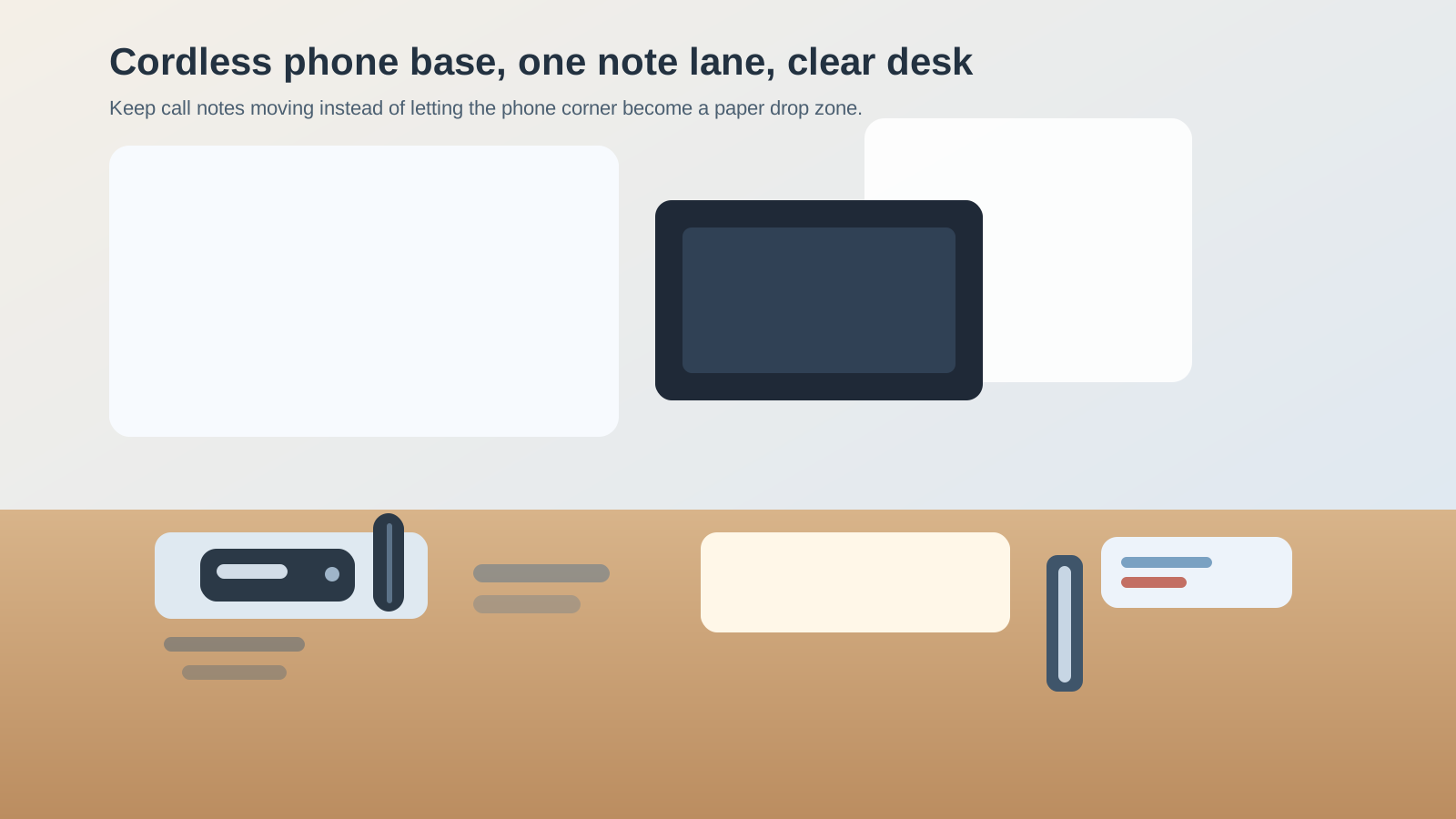
How to Organize a Desk With a Cordless Phone Base Without Turning It Into a Message Drop
A cordless phone base looks small until it starts collecting every loose thing connected to one quick call.
The handset goes back crooked, so you leave room to fix it later. A callback number sits on a sticky note because the call was supposed to take only a minute. An extension cheat sheet stays tucked under the base. The charging cord gets nudged aside for a notebook, then slips back into your writing lane. By the end of the week, one little phone corner is acting like a message center, charging spot, and paper pocket all at once.
If you want to organize a desk with a cordless phone base, the goal is not hiding the phone. The goal is keeping the call zone small enough that you can answer, jot one note, and go right back to normal desk work without leaving a trail of call clutter behind.
Quick answer
To organize a desk with a cordless phone base:
- give the base one fixed home outside your main writing and mouse lanes
- keep only one note tool and one current reference near it
- move callback slips and follow-up paper off the desk as soon as the call ends
- keep the charging path stable so the phone can dock cleanly every time
- stop treating the phone corner like a parking spot for random desk supplies
A cordless desk phone works best when it behaves like a quick-use tool, not a mini admin station that keeps growing.
Why cordless phone bases create a specific kind of clutter
A cordless phone base does not usually create big clutter. It creates small repeated clutter.
That is why the mess is easy to ignore at first. The base attracts things that feel temporarily related:
- one pen for taking names
- one sticky note with a callback number
- one printed extension list
- one charger or spare battery pack
- one receipt or reminder dropped there during a call
- one personal phone or headset set down for a minute
None of those items seem serious on their own. Together, they turn the phone base into a permanent holding zone for half-finished communication tasks.
Put the phone base in a side zone, not in the middle of active work
A cordless phone base usually belongs near the edge of the desk, not in the center.
The best spot is often:
- close enough to reach without twisting
- outside the main notebook or keyboard lane
- away from the place where current paper spreads out
- near a predictable power route
The wrong spot is usually wherever the base ended up when it was first plugged in. If it sits in front of your monitor stand, beside your mouse, or on top of the paper you review every day, the desk will keep reorganizing itself around incoming calls.
Give the phone area one live note rule
Most cordless phone clutter is really note clutter.
You answer quickly, write a name on whatever is nearby, and promise yourself you will move it in a minute. Then the note stays by the base because it still feels phone-related. After a few calls, the base is ringed with scraps that all look equally urgent.
A better rule is simple: only the note for the current call stays beside the phone.
Once the call ends, that note should do one of three things:
- move into your real task or message system
- go into one callback spot away from the base
- get thrown away if the call is finished
The base should not become long-term storage for proof that calls happened.
Keep one small reference, not a paper fan of phone helpers
Many desks grow a little phone library around the base.
That might include:
- printed extension lists
- a vendor contact sheet
- a transfer cheat sheet
- old voicemail reminders
- a page with account numbers or case IDs
Most of these begin as useful support, but together they make the phone area feel crowded before the phone even rings.
Keep only the one reference you use often enough to justify surface space. Move the rest to a drawer, wall file, digital note, or nearby stand-up holder that does not sit directly under the base.
Make docking and charging boring
A cordless phone area gets messy faster when the handset never returns cleanly.
If the charging contacts are fussy, the cord crosses your desk, or the base slides every time you pick up the phone, you will keep touching and adjusting the whole zone. That usually creates more note drift, more pen drift, and more little objects gathering nearby.
A calmer setup looks like this:
- the base has one stable surface
- the charging cord exits toward the back or side
- the handset can drop back into place without bumping paper
- nothing blocks the docking path
You want the phone to return to ready state without asking for attention.
Separate call tools from all the other almost-call tools
A cordless desk phone often gets mixed with items that are only loosely related to calls.
Examples:
- your mobile phone
- a headset you use sometimes
- extra chargers
- mail that needs a return call
- sticky note pads
- pens that migrated from another zone
These items create visual confusion because they all look like they belong to communication work. But if everything phone-adjacent lives in one pocket, the desk stops distinguishing between answering a live call and storing office leftovers.
The surface near the base should hold only:
- the base
- the handset
- one reliable writing tool
- one current-call note or one compact reference
Everything else should live one layer away.
Do not let the base become your default drop spot during busy moments
The phone corner often sits in the most reachable unused patch of the desk. That makes it a magnet for random set-down behavior.
People leave:
- badges
- receipts
- charging cables
- paper clips
- outgoing mail
- folded reminders
Once that happens, the next call starts with tiny obstacles. You move one thing to grab the handset, then leave it somewhere equally temporary.
If your cordless phone area always looks messy, the fix is often subtractive. The zone needs a smaller job. It is there to support quick calls, not to absorb anything small that lands nearby.
Build a 30-second call reset
Cordless phone bases stay organized through tiny resets, not through occasional desk cleanups.
After a call block, try this:
- return the handset neatly to the base
- move the callback note to its real next-step place
- throw away dead note scraps
- put the pen back in the same spot
- clear anything unrelated that drifted into the phone zone
That short reset is enough to stop the base from becoming a paper ring by the end of the day.
When the phone base should move off the desk entirely
Sometimes the cleanest answer is keeping the cordless phone base nearby, not on the main desk.
That is often true when:
- you only use the phone a few times a day
- most calls happen on your computer or mobile phone
- the desk is very shallow
- the base is mainly there for occasional inbound calls
- the phone is shared and makes more sense on a side cabinet or shelf
If the device is not part of your active work surface most of the day, moving it just off-desk can protect a surprising amount of space.
Where TidySnap helps
A cordless phone base is easy to ignore because it looks too small to be the real problem. In a real desk photo, though, it often explains a whole cluster of note scraps, drifting pens, and side-corner clutter. TidySnap can help you see whether the phone base is sitting in the wrong lane, carrying too many paper helpers, or acting like a catchall for every quick callback task.
FAQ
Where should a cordless phone base go on a desk?
Usually on the less active side of the desk, close enough to reach quickly but outside your main writing, mouse, and paper-review lanes.
What should stay next to a cordless desk phone?
Only the phone base, handset, one dependable pen, and the note or reference you need for the current call.
Why does my desk phone area always collect paper?
Because callback notes and extension lists feel temporary, so they get parked by the base instead of moving into a real follow-up system right away.