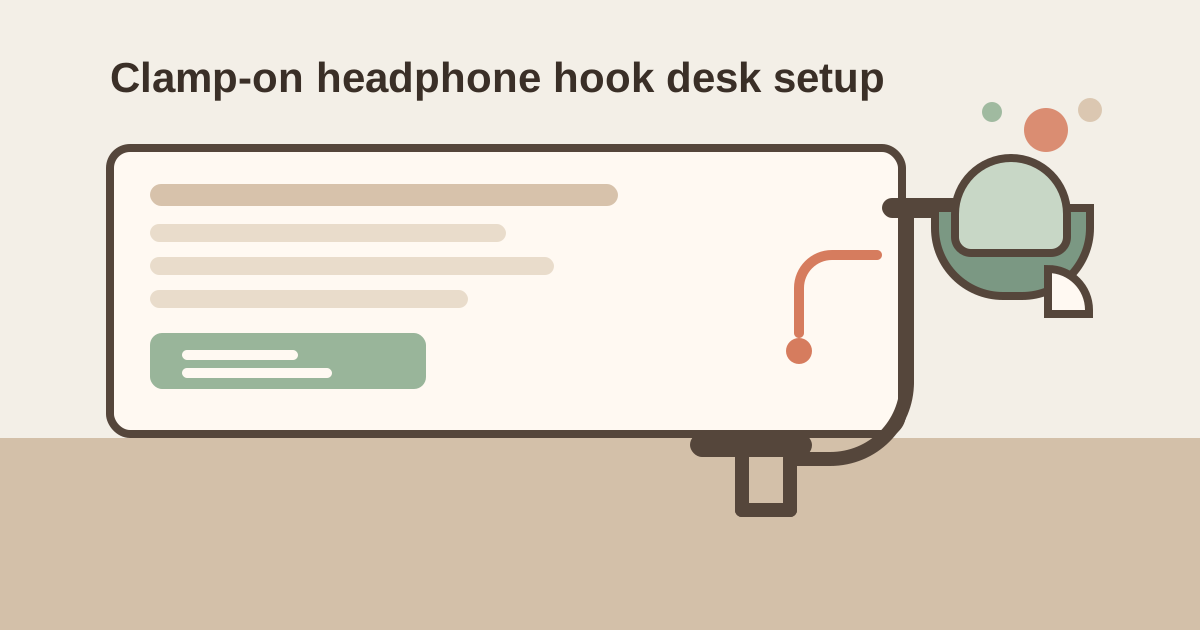
How to Organize a Desk With a Clamp-On Headphone Hook Without Creating an Under-Edge Catch Zone
A clamp-on headphone hook usually gets added after the desktop already feels crowded.
The headset is too big for the keyboard area, too easy to crush on the chair, and too awkward to keep draped over the monitor. So clipping a hook under the desk feels like the efficient fix. The headphones disappear from the surface. The desk looks cleaner. The setup feels handled.
Then the underside starts fighting back.
The hook sits where your tote strap brushes it when you stand up. A charging cable slips over the same corner. Your hoodie sleeve catches the headset band on the way out of the chair. Instead of visual clutter on top of the desk, you get physical clutter under the edge: small snags, bumps, and reset moments that keep interrupting the day.
If you want to organize a desk with a clamp-on headphone hook, the goal is not only getting the headset off the work surface. The goal is choosing one low-conflict mount point where the headphones stay reachable without turning the desk edge into a catch zone.
What works best
A clamp-on headphone hook works better when you:
- mount it behind the main sitting and standing path, not beside your knee or elbow turn
- keep it away from bag hooks, drawer pulls, and hanging cable drops
- use it for one primary headset instead of every audio accessory you own
- leave the space below it visually quiet so snags stay obvious
- reset the hook area whenever another object starts sharing the same edge
The real win is not only a cleaner desktop. It is a desk edge that stops grabbing things.
Why a clamp-on hook creates a different kind of mess
A headphone stand creates surface clutter.
A clamp-on hook creates edge clutter.
That difference matters because the underside of a desk is harder to notice and easier to feel. You may not see the problem until:
- your sleeve catches while you stand
- your chair arm bumps the hanging headset
- your bag strap snags the hook
- a cable loop slips over the same corner
- the headphones tap the side drawer every time you move
This is why a clamp-on hook can feel more annoying than a stand even when it takes up less visible space. The problem is not storage volume. The problem is movement interference.
Pick the hook location based on exit traffic, not empty space
Many people mount a headphone hook on the first open edge they find.
That usually means the hook goes in a place that is technically available but physically busy. A better question is not Where can this fit? It is Where do I rarely brush past the underside of the desk?
Check these spots before mounting:
- the side where you usually get in and out of the chair
- the edge where your backpack or tote already hangs
- the section above a drawer handle or cabinet pull
- the back corner where charging cables drop from the desk
- the front edge where your hands or wrists move when you reposition
For many desks, the best spot is on the non-dominant side and slightly behind the front corner. That keeps the headset accessible without placing it in the busiest edge zone.
Keep the hook out of the bag-and-sleeve path
A clamp-on headphone hook often fails because it shares space with soft-moving things.
Hard objects are easier to plan around. Soft objects drift. That includes:
- hoodie sleeves
- cardigan cuffs
- tote straps
- lanyards
- headphone cables
- jacket hems
Those items do not need much contact to make the setup feel clumsy. If the headset hangs where fabric and straps naturally swing, the hook becomes a low-level annoyance even when the desk still looks neat.
A simple rule helps: if you regularly brush that edge while sitting down, standing up, or grabbing your bag, it is the wrong place for the hook.
Separate the hook from charging behavior
This is where many clean-looking setups start getting messy again.
The hook holds the headphones, so it feels natural to let the charging cable live there too. Then the cord starts hanging from the same clamp, looping around the headset band, or draping into the chair path. Once that happens, the hook stops being a parking spot and starts acting like improvised cable storage.
A better setup is:
| Element | Best home | What to avoid |
|---|---|---|
| headphones | the hook | monitor corner, chair back, desk edge pile |
| charging cable | routed separately along the back or side | wrapped around the hook clamp |
| spare earbuds or adapter | drawer or pouch | balanced on the same edge |
| meeting dongles | task tray or tech pouch | hanging beside the headset |
If the headphones need frequent charging, let the cable reach the hook cleanly without becoming part of the hook itself.
Make sure the hanging height clears knees and drawers
The hook position is not only about the edge. It is also about what happens below it.
Before you commit to one spot, check for:
- your knee line when you pull in close
- a side drawer that opens upward or outward into the hanging area
- armrests that swing under the desk edge
- a trash can or bag parked below the same corner
- floor cables that would sit directly under the headset
A hook that hangs too low or too close to stored items turns a clean audio solution into another under-desk obstacle.
Do not turn one hook into the whole audio zone
A clamp-on headphone hook should do one job.
It should not become the place for:
- your backup headset
- wired earbuds
- a microphone adapter
- a call cheat sheet
- a USB dongle
- a cleaning cloth
- a badge you dropped there between meetings
That kind of clustering is how a simple hook becomes a mini accessory nest. Keep the hook for the headset you actually use at that desk. Everything else needs a different home.
Build a two-step reset after calls
Headphone clutter often builds after quick transitions, not big cleanups.
After a call or focus block:
- hang the headset the same way each time so the band and earcups do not jut into the walkway
- move any temporary cable, note, or adapter away from the hook area immediately
That tiny reset keeps the underside from collecting meeting leftovers one object at a time.
When a clamp-on hook is the wrong choice
Sometimes the right fix is not a better hook position. It is a different storage style.
A clamp-on hook may not be worth it if:
- you share the desk edge with a bag hook already
- your chair arms move high and wide
- the desk has shallow side drawers everywhere
- you wear bulky layers that keep catching under-edge accessories
- you use the headphones only occasionally and a drawer or shelf would be simpler
In those cases, a headphone stand, shelf, or drawer may create less friction even if it uses more visible space.
Where TidySnap helps
Under-edge clutter is easy to underestimate because you feel it more often than you see it. A desk photo can reveal the real problem fast: the hook mounted in the same corner as a tote strap, a cable drop, or a chair arm swing. TidySnap can help you spot whether the headset is truly stored well or just moved from the desktop into a less visible snag zone.
Final thought
A clamp-on headphone hook is useful when it clears the desk without complicating the way you move around it.
When the hook sits on a calm edge, the charging cable follows its own route, and the area below stays free of competing objects, the headset becomes easier to grab and easier to put away. That is the result you want: less desk clutter without adding one more thing that catches you on the way through.