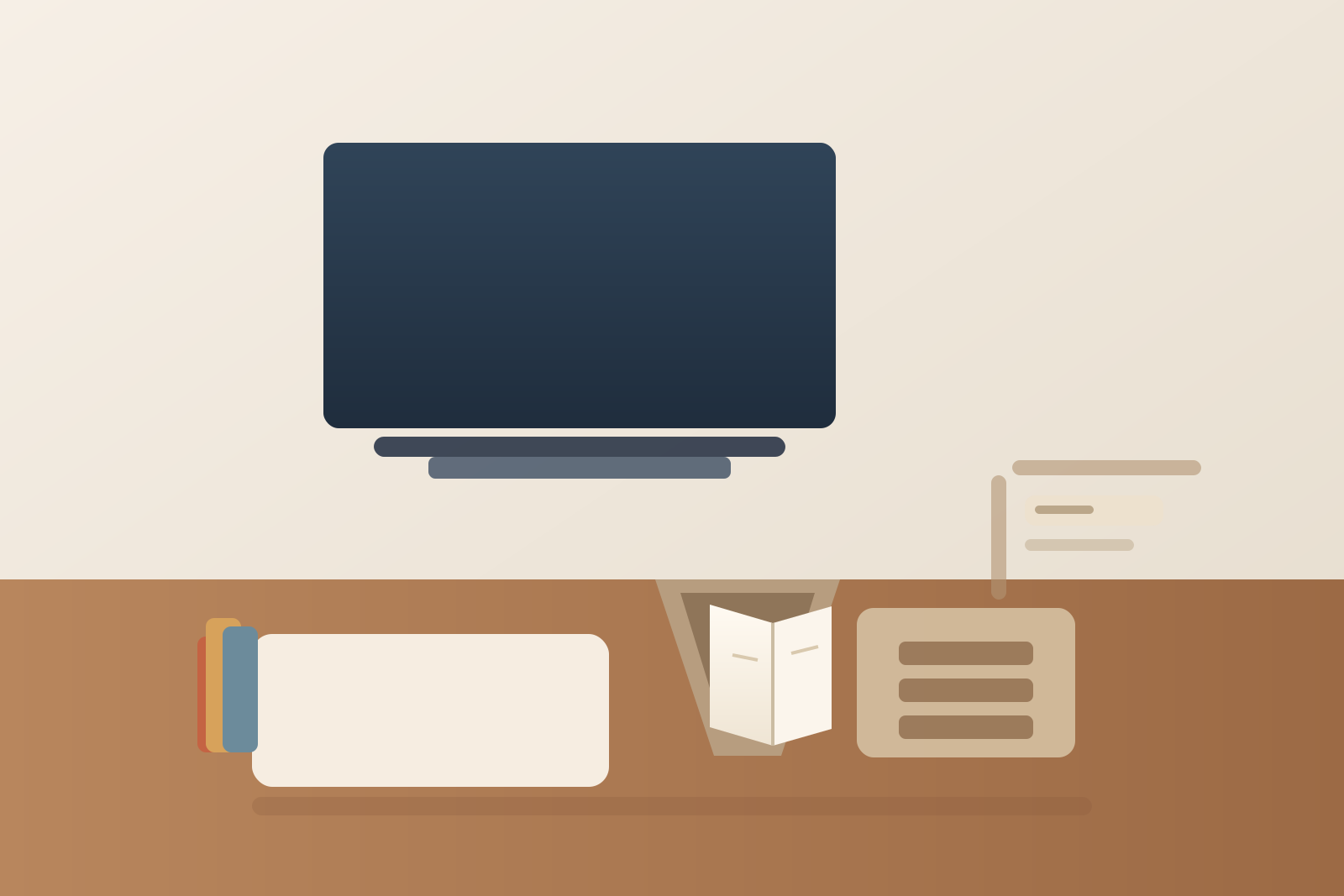
How to Organize a Desk With a Book Stand Without Letting Reference Books Take Over
A book stand solves a different problem than loose paper, but it creates clutter just as fast when the desk starts treating every useful book like it has to stay open all day.
One manual sits on the stand for the task you are doing right now. Then a second book lands beside it because you may need to compare a page later. Sticky flags collect near the base. A notebook gets parked under the edge of the stand. A pen cup shifts closer because that part of the desk has quietly become the reading corner. Before long, the stand is no longer supporting one live reference. It is anchoring a whole book zone that keeps stealing surface area from normal work.
If you want to organize your workspace around a book stand, the goal is not to make your desk look academic. The goal is to keep one current reference open and readable without letting heavy books, bookmarks, and side notes turn the rest of the desk into permanent backup storage.
Quick answer
To organize a desk with a book stand without letting reference books take over:
- keep only one active book on the stand at a time
- separate the current book from backup books immediately
- protect one writing or typing lane that stays clear during reading work
- keep page flags, pencils, and notes in a small tool limit instead of a growing pile
- decide whether the stand is a full-time fixture or a task-block tool
- reset the stand when the reading session ends
That usually works better than trying to build more storage around the stand while the real problem is that too many reading tasks are staying open at once.
Why book-stand desks get messy in a different way
A book stand creates bulk, not just paper spread.
Loose pages tend to drift outward. Books do something else. They create weight, thickness, and visual permission for more reference material to gather nearby. Once one open book looks intentional, another closed book feels fine beside it. Then a notebook, a highlighter, and a few marked printouts start feeling like part of the same zone.
That is why book-stand clutter often feels respectable instead of messy. It looks like active work. But the desk still loses space, and the reading setup stops resetting between tasks.
Start with one live reading position
A book stand should support the book you are actively using now.
For most desks, that means one of these:
- one manual you are checking while you type
- one textbook or workbook you are reading while taking notes
- one bound reference guide you need visible for a short work block
- one cookbook or instruction book you are following step by step at a worktable
What usually does not belong there:
- the next book you might open later
- finished reading that has not been put away yet
- a stack of similar books waiting for comparison
- unrelated paper that happened to land near the stand
If the stand is carrying more than one live reference decision, it has already stopped being just a reading tool.
Keep backup books somewhere that is close but not touching the stand
The biggest improvement is usually separating the active book from nearby backup books.
If you often compare sources, give the rest of the material one defined home such as:
- a shelf directly above or beside the desk
- one vertical file or magazine holder for thin manuals
- one short stack limit on a side table
- one cart or nearby cabinet shelf for heavier reference books
The important part is that backup books do not lean against the stand base or sit in a second pile on the same work surface. Once they stay physically attached to the stand area, the desk starts acting like the reading session never ended.
Protect a real work lane in front of you
A book stand often pushes clutter sideways and forward at the same time.
The stand itself claims depth. Then your notes, keyboard, mouse, or calculator start shifting around it. If you do not protect one real work lane, the stand turns the whole desk into a reference stage.
Keep one lane clearly usable for the thing you are doing with the book:
- typing from the page
- writing notes from the page
- checking details while working on a separate task
That lane should not also hold waiting books, sticky-flag packs, chargers, snacks, or unrelated office supplies. If you have to move reading leftovers every time you want to type, the stand zone is too large.
Keep page-marking tools on a short leash
Book-stand clutter often grows through tiny support items.
Bookmarks, page flags, pencils, glasses cloths, sticky notes, and annotation tabs all feel justified because they are connected to reading. The problem is not having them. The problem is letting every reading tool live permanently around the stand.
A cleaner rule is to allow only a very small live set:
- one pencil or pen
- one bookmark or flag set
- one notebook or note card for the current session
Everything else should return to your normal desk supply zone when you finish. The stand should not become a tiny bookstore counter.
Decide whether the stand is always out or only out for reading blocks
Some desks genuinely need a book stand every day. Others only need one during certain tasks.
If you use manuals, textbooks, or reference binders daily, the stand can stay out full time as long as it has a fixed footprint and the area around it stays limited. If you use it only for occasional reading, treat it like a task-block tool instead of permanent furniture. Bring it out, use it, and put it away when the session is done.
That decision matters because a part-time tool left out all week often invites more clutter than a full-time tool with a clear permanent home.
Do not let the stand base become a parking ledge
A lot of book-stand clutter forms at the bottom edge.
That is where people slide a phone for a second, tuck a note card, leave a ruler, or rest a half-used pad of flags. The base feels convenient because it is already interrupting the desk line. But once the base becomes a parking ledge, the rest of the reading setup starts accumulating around it.
Try to keep the stand base doing only one job: supporting the active book. If small items keep gathering there, move them into one nearby container or drawer instead of letting the stand define a new storage strip.
Reset the stand when the session ends
The fastest way to keep book clutter from becoming desk clutter is a short reset right after the reading block.
A simple reset looks like this:
- close or shelve the active book if you are done
- return backup books to their real shelf or holder
- clear loose flags, pencils, and note scraps from the stand area
- leave only the next true in-progress book if you will return to it soon
That reset keeps the stand from telling tomorrow’s desk that every open reference is still active.
A practical desk layout for a book stand
If you use a book stand often, this layout usually works well:
| Zone | What belongs there | What stays out |
|---|---|---|
| book-stand zone | one active book or binder | second-choice books, loose stacks, general desk supplies |
| main work lane | keyboard, notebook, mouse, or writing space for the current task | backup references and reading leftovers |
| nearby reference storage | shelf, holder, or cart for other books | active tools mixed with inactive reading material |
| small-tool zone | one pen, one bookmark, one note card in use | extra flags, duplicate pens, unrelated accessories |
That layout keeps the stand useful without letting the whole desk start orbiting around bound reference material.
When a book stand is helping versus hurting
A book stand is helping when:
- you can tell which book is active right away
- the desk still has a clear work lane
- backup books have a different home
- small reading tools are limited instead of spreading
It is hurting when:
- several books keep living around the stand
- the base collects loose note tools all week
- the stand stays loaded long after the task changed
- reading material keeps pushing normal desk work into smaller leftover space
If the stand is doing more storing than supporting, it needs a reset.
Use TidySnap to see when the reading zone is getting too big
Book-stand clutter often looks intentional because the books are upright, grouped, and obviously useful.
That is where TidySnap can help. Upload a real desk photo and TidySnap can show whether the stand is staying a single-task tool or quietly growing into a permanent reference zone that keeps shrinking your usable workspace.
Final thought
A book stand should make reading easier, not convince your desk to hold an entire library in progress.
If you keep one live book open, move backup references to a separate home, and reset the stand when the task ends, you can organize your workspace in a way that keeps reference material usable without letting it take over the desk.