How to Organize a Desk for Shift Handoffs Without Losing What the Next Person Needs
A shared desk can look fairly clean and still fail at the exact moment it matters most.
One person leaves a note about a callback. Another sets aside a form that still needs a signature. A charger gets left plugged in because the next shift may need it. A sticky note stays near the keyboard because it feels urgent, but nobody labels whether it is done, waiting, or still active. By the time the next person sits down, the desk is carrying information, but not in a way that is easy to trust.
If you are trying to organize a desk for shift handoffs, the goal is not making the surface look empty between workers. The goal is making the desk readable at changeover. The next person should be able to tell what belongs to the current shift, what needs action next, and what should not still be sitting out.
Quick Answer
If you need to organize a desk for shift handoffs, start here:
- separate live work from handoff information
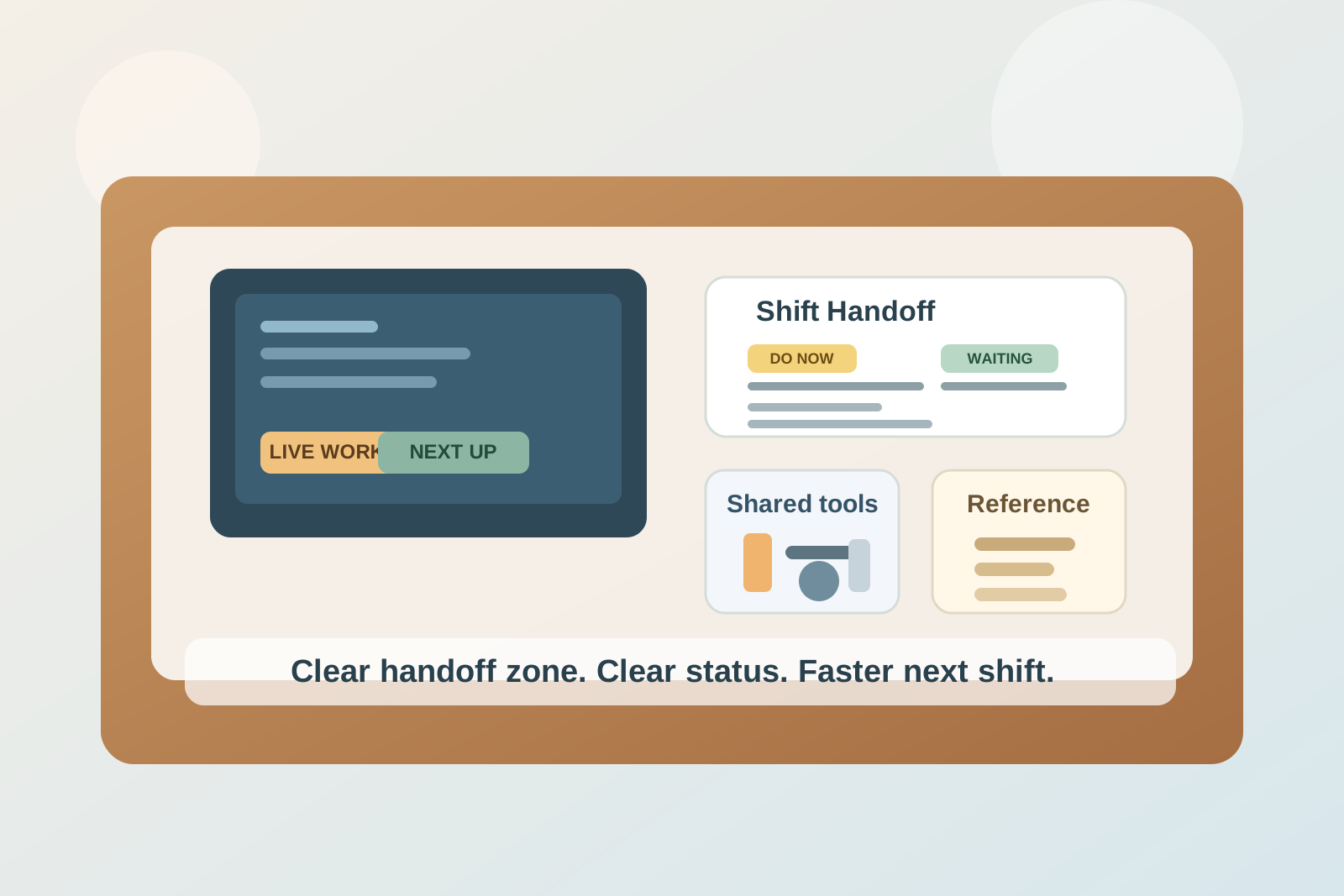
- keep one visible handoff zone instead of leaving notes across the whole desk
- label unfinished items by status, not just by topic
- limit shared tools to one repeatable setup
- clear personal items before the next person arrives
- keep the center of the desk open for the incoming shift’s active work
- use a two-minute reset before every handoff, not only at the end of the day
That usually works better than adding more trays without changing how information gets passed from one person to the next.
Why Shift Handoff Desks Feel Messy So Fast
A shift handoff desk creates a different kind of clutter from a solo desk.
The problem is not only the number of objects. It is that the desk is holding work from different moments at once:
- tasks that were just completed
- tasks that still need follow-up
- notes meant for the next person
- shared tools everyone needs
- personal items that should have left with the last shift
- paperwork that is still active but not urgent this minute
When those categories mix together, the next worker has to decode the desk before they can use it.
That is why even a fairly small amount of paper, notes, and equipment can make a shared desk feel unreliable.
Build One Handoff Zone Instead of Leaving Clues Everywhere
A lot of handoff desks fail because information is scattered in several small places.
That often means:
- one sticky note on the monitor
- one form left under a pen
- one note in a notebook margin
- one reminder beside the phone
- one item set aside near the keyboard because it looked important
Individually, each choice makes sense. Together, they turn the desk into a scavenger hunt.
A better setup is one handoff zone only. That zone can be:
- one side tray
- one upright folder
- one small standing file
- one clearly defined corner of the desk
The exact container matters less than the rule: if the next person needs to know it, it goes in the same place every time.
Separate Status Before You Tidy the Surface
People often try to clean up a shared desk by putting everything into neater piles. That helps visually, but it does not solve the real handoff problem.
The more useful step is to separate items by status first.
| Status | What belongs there | Better home |
|---|---|---|
| do now | tasks the next person should start with | handoff zone front or top position |
| waiting | blocked items, missing information, pending approvals | secondary slot or clearly marked folder |
| reference | schedules, contact lists, repeat-use instructions | vertical holder or off-center file |
| done | completed notes, old reminders, resolved paperwork | remove from the desk |
This works because the next shift usually needs clarity more than tidiness. A neat pile still creates friction if nobody can tell what the pile means.
Keep the Center Clear for the Incoming Shift
The middle of the desk should not be where yesterday’s context stays parked.
For most shared desks, the center needs room for:
- keyboard and mouse
- one current notebook or active form
- one live phone or scheduling task
- enough open space to start work without moving leftovers first
If the incoming shift has to slide old notes, stack forms, or unplug extra devices before doing the first task, the handoff already added delay.
A simple rule helps: the center of the desk belongs to the person who is about to work there, not the person who just left.
Standardize the Shared Tool Setup
Shift desks often get messy because useful tools are technically available, but never in the same arrangement twice.
That may include:
- phone headset
- charger
- pens
- stamp or labeler
- clipboard
- key box or badge tools
- note pad
A repeatable setup is easier to maintain than a flexible one.
Try keeping the shared tools in one consistent support cluster on one side of the desk. That way the incoming person is not searching for basics before they can process the handoff.
| Tool type | Better position |
|---|---|
| phone or headset | same rear corner every shift |
| pen and marker | one small cup or tray |
| forms or clipboard | one vertical slot or flat side lane |
| chargers | one side path, not across the center |
| special-use item | one labeled spot only |
If a tool keeps moving, the desk will keep feeling less organized than it really is.
Remove Personal Spill Before It Becomes Shared Clutter
A lot of shift handoff friction comes from objects that are not really part of the shared work at all.
That often includes:
- drinks
- snacks
- jackets
- earbuds
- personal notebooks
- cosmetic items
- extra bags or pouches
These do more than take space. They blur the line between shared tools and private leftovers.
Before a handoff, personal items should leave first. That one habit makes the desk easier to read right away.
Use Short Written Handoffs, Not Visual Guesswork
A messy handoff desk often means the space is trying to communicate what should have been stated more clearly.
For example, instead of leaving:
- a form with no note
- a sticky note with one name
- an open notebook with no obvious next step
leave one short handoff note that answers:
- what still needs action
- what is waiting on someone else
- what the next person should check first
That does not need to be long. It just needs to reduce guesswork.
A desk feels more organized when it does not rely on memory to explain the objects sitting on it.
Create a Two-Minute Handoff Reset
Most shared desks do not need a full cleanup between shifts. They need a reliable reset.
A two-minute handoff reset can be enough:
- remove personal items
- clear trash, cups, and wrappers
- move all next-shift information into the handoff zone
- throw away old sticky notes and resolved reminders
- return shared tools to their standard positions
- leave only the current essentials visible
This is faster than a full reorganization and much more realistic for busy desks.
A Simple Layout That Works for Many Shared Desks
If you want a basic default, try this:
| Desk zone | Best use |
|---|---|
| center | active work for the current shift |
| handoff corner | next actions and short notes for the incoming shift |
| support side | phone, pens, clipboard, charger, repeat-use tools |
| reference edge | schedule, contact list, recurring instructions |
The benefit is not that the desk looks perfect. It is that the next person can understand it quickly.
When the Desk Still Feels Chaotic
If the desk keeps getting messy even after you tidy it, the problem is usually one of these:
- too many handoff notes are staying visible at once
- unfinished work has no defined status
- personal items are blending with shared items
- the team has no standard reset before changeover
- the desk is doing extra jobs that belong somewhere else
In other words, the desk may not need more storage. It may need a clearer handoff rule.
Where TidySnap Helps
If your shared desk keeps slipping back into handoff clutter, it can help to see the layout instead of only talking about it.
TidySnap lets you upload a photo of the real desk and get a visual organization plan based on the actual phone, forms, trays, chargers, note spots, and shared tools in the space.
That can make it easier to decide what should stay visible, what should move into the handoff zone, and how to make the desk easier for the next person to step into.
Final Thought
The best shift handoff desk is not the emptiest one. It is the one that tells the next person what matters without making them decode the whole surface first.
If the next worker can sit down, see the current priority, find the shared tools, and start without clearing leftovers, the desk is organized enough to do its job well.