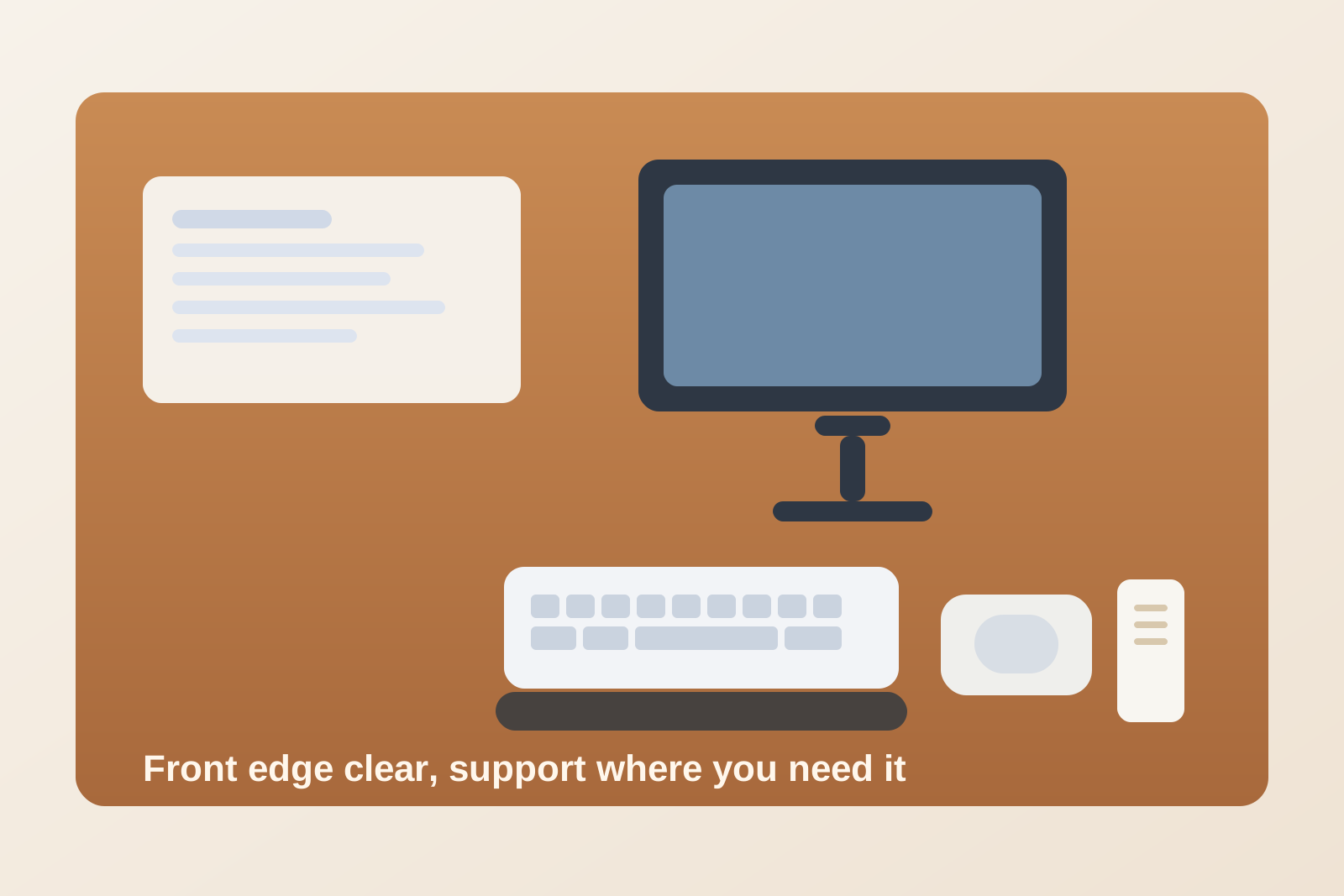
Desk Organization When a Wrist Rest Keeps Taking Over the Front Edge
The part of your desk that should feel easiest to use is often the part that gets crowded first.
A wrist rest seems small, but it changes how the whole front edge works. Once it is in place, the keyboard can slide backward, the mouse starts landing too far out to the side, and quick paper tasks suddenly have no natural spot. Then pens, sticky notes, cables, and little one-minute items start collecting around the wrist rest because it feels like a boundary line. Instead of making the desk more comfortable, the front edge becomes a bottleneck.
If you are trying to organize your workspace around a wrist rest, the goal is not just keeping one padded strip on the desk. The goal is protecting the front edge as a working lane so typing stays comfortable without crowding out everything your hands need to do nearby.
Short answer
A desk with a wrist rest usually works better when you treat the front edge as a limited-use zone.
That means:
- anchoring the keyboard so the wrist rest does not drift into the writing area
- giving the mouse its own support space instead of letting it compete with the keyboard edge
- keeping loose tools off the padded strip and off the immediate reach line
- protecting one small spot for quick handwriting or page review
- resetting the front edge before clutter hardens into your daily posture
The point is not making the desk look empty. It is keeping the part you touch most from becoming the most annoying part of the setup.
Why wrist-rest desks get crowded in a specific way
A wrist rest creates a visual and physical ledge.
That ledge attracts anything that does not have a better home. A charging cable gets dropped there because it is easy to reach. A pen lands on top of it because there is no tray nearby. A small note gets tucked between the keyboard and the pad because it might be needed again in ten minutes. None of those items seem serious on their own, but together they make the front edge busier than the center of the desk.
This kind of clutter feels worse than normal clutter because it lands exactly where your body works. You notice it every time you type, reach for the mouse, or pull a notebook closer. That is why a desk with a wrist rest can feel messy even when the rest of the surface looks fine.
Start by fixing the keyboard position
The keyboard should decide where the wrist rest goes, not the other way around.
If the pad keeps floating forward, sideways, or at an angle, the whole desk starts adapting around it. You end up pulling the keyboard back, typing too far from the edge, or parking other items in the leftover gap.
A cleaner setup usually starts with one stable keyboard position:
- centered to your monitor or main work view
- close enough to the edge that your shoulders stay relaxed
- far enough back that the wrist rest supports your hands without hanging off the desk
Once that position is consistent, the wrist rest becomes part of a defined typing zone instead of a movable object that keeps redrawing the desk layout.
Give the mouse its own lane
A common mistake is letting the wrist rest define the mouse area too.
If the mouse has to live partly above the pad, partly behind it, or too far to the side, the whole front edge starts feeling cramped. You keep adjusting your arm around the support instead of using the support to make movement easier.
It usually works better to think in two separate lanes:
- a keyboard lane with the wrist rest directly in front of it
- a mouse lane that stays clear, flat, and easy to reach without crossing cables or paper
That matters even more on a small desk or shared office surface. When the wrist rest and mouse start competing for the same front-edge inches, every small object nearby feels bigger than it is.
Do not let the wrist rest become a storage shelf
A wrist rest is support, not parking.
If clips, earbuds, sticky notes, or adapters keep landing there, the problem is usually not that you need more storage. It is that your smallest active tools do not have a defined home within reach.
A simple fix is to move those quick-grab items one step away from the typing edge:
- one cup or tray for pens and small tools
- one spot for temporary notes
- one cable drop point that is not directly in front of the keyboard
That keeps the front edge from turning into a catch-all strip. It also makes the desk easier to clean because you are no longer lifting five tiny objects every time you want to wipe the pad or reposition the keyboard.
Protect a small write-now space
Many desks with wrist rests fail at quick paper tasks.
You need to sign something, jot down a phone number, or review a short printed page, and suddenly there is nowhere comfortable to do it. The front edge is occupied, the keyboard is too close, and the wrist rest makes the desk feel narrower than it really is.
The solution is not a giant second work zone. It is one intentional write-now space that stays clear enough for fast analog tasks. That space can sit beside the keyboard, between the keyboard and monitor stand, or just off to your dominant-hand side. What matters is that it remains usable without moving the wrist rest every time.
If your workspace handles both typing and quick notes, this one change often makes the desk feel much more organized immediately.
Clean the front edge like it is its own category
The front edge deserves a reset rule of its own.
Most people tidy the whole desk in broad strokes and miss the narrow strip that causes the most friction. A better approach is to ask three fast questions at the end of the day or after a busy session:
- is the keyboard still in its intended position?
- is anything resting on the wrist rest that does not belong there?
- can I reach the mouse and one writing space without shifting objects first?
If the answer to any of those is no, the desk is already starting to drift.
When removing the wrist rest is actually the better fix
Not every desk benefits from keeping one out all day.
If the rest forces the keyboard too far back, blocks your only writing area, or creates more front-edge clutter than it prevents, it may work better as an occasional tool instead of a permanent fixture. Some setups improve faster when the support comes out only for long typing sessions and then stores away once the task changes.
That is still a valid organization decision. The goal is not loyalty to the accessory. The goal is a desk that feels easy to use.
Final thought
A wrist rest should reduce strain, not claim the most useful strip of your desk.
When the keyboard position is stable, the mouse has its own lane, and the front edge stops acting like spare-item storage, the whole workspace usually feels calmer. If your desk still looks tidy in photos but feels awkward in use, TidySnap can help you spot whether the real problem is the front edge, the accessory mix, or the way small items keep gathering around your hands.