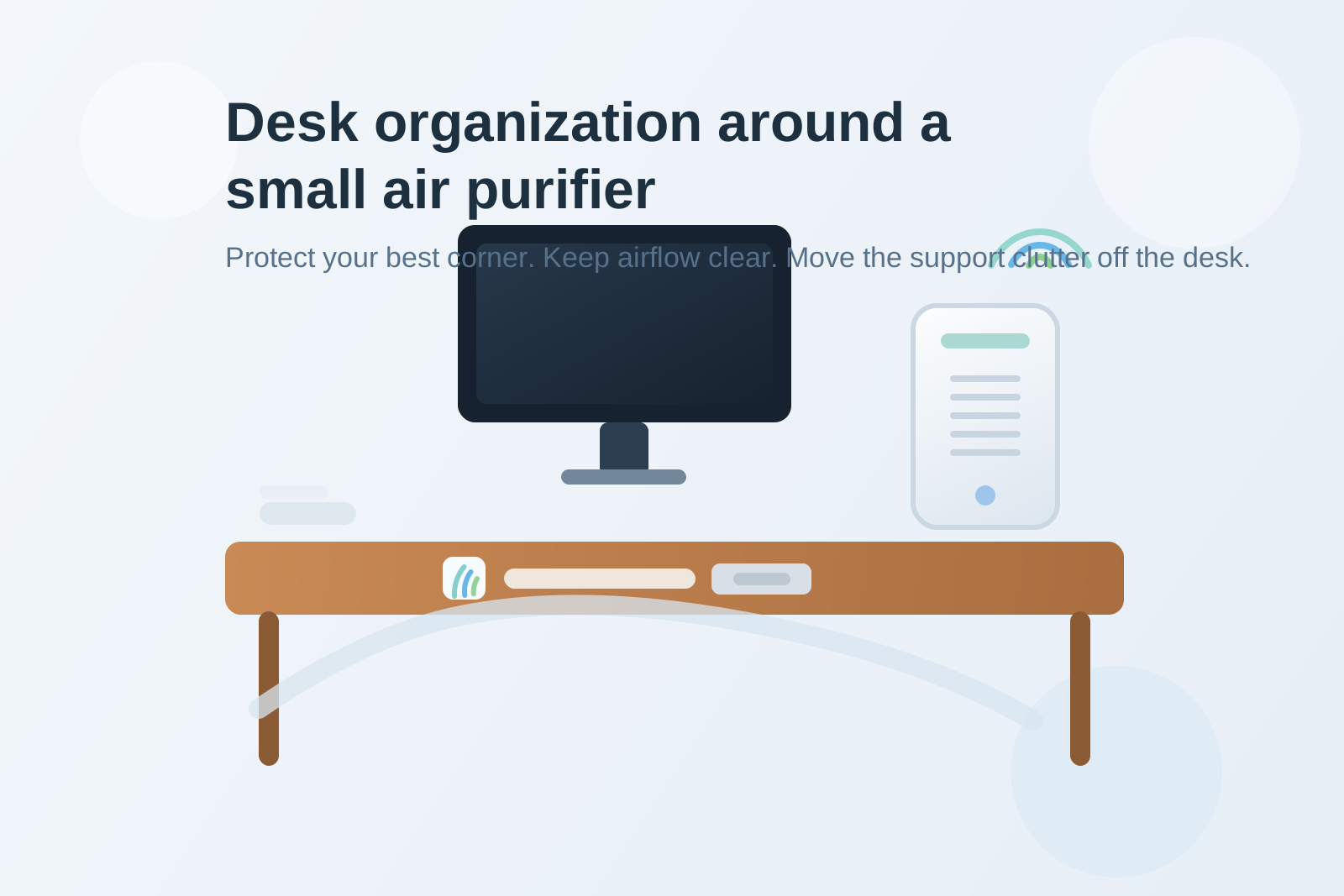
Desk Organization Around a Small Air Purifier Without Losing Your Best Corner
A small air purifier looks harmless until it starts shaping the whole desk around itself.
It needs one stable spot. It needs air intake clearance. It should not blow directly into paper or your face. Then a spare filter ends up nearby because it feels related. A tissue box lands beside it during allergy season. A dusting cloth stays out because the purifier made you notice everything collecting around the vent. Before long, one good desk corner is no longer a work corner. It becomes an air-quality support zone.
If you want to organize a desk with an air purifier, the goal is not hiding the machine or pretending it takes no space. The goal is making the purifier easy to use without letting it quietly absorb your best surface, your active paper lane, or your everyday workspace reset.
Quick answer
To organize a desk with a small air purifier, give it one edge or rear-corner position with open airflow, keep paper and loose lightweight items out of the intake path, move replacement filters and cleaning supplies off the main desk surface, and protect one nearby work lane that stays for actual desk tasks only. The purifier should support the room, not become a second storage category on top of your desk.
Why air purifiers create a different kind of desk clutter
An air purifier does not usually create the same mess as a desk lamp, fan, or speakerphone.
A lamp attracts paper into a bright corner. A fan creates moving clutter because airflow starts pushing things around. A speakerphone pulls meeting gear into one zone.
An air purifier creates a quieter problem. It encourages support clutter.
That often includes:
- spare filters
- tissue boxes
- dusting cloths
- allergy medicine or eye drops
- unopened mail or paper that gets parked just outside the intake
- charging cables or plugs rerouted around the purifier footprint
None of those items look dramatic on their own. Together, they turn the purifier area into a permanent side pile that feels half practical and half unexplained.
Start by deciding whether the purifier belongs on the desk at all
This is the first useful question.
Sometimes the desk is the right home for a purifier. Sometimes it is just the first available flat surface.
A desk placement usually makes sense when:
- the room is small and the desk is where you spend most of your time
- you need the purifier near your breathing zone rather than across the room
- nearby furniture blocks airflow more than the desk does
- the purifier footprint is truly small enough that it does not erase your main work lane
Desk placement is usually a bad fit when:
- the purifier crowds your keyboard, writing area, or monitor line
- papers keep drifting against the intake or exhaust area
- the machine only fits in the exact corner you need for real work
- every related support item ends up living on the desk too
If the desk is only acting as emergency shelf space, the best organization move may be relocating the purifier to a nearby stand, shelf, or side table.
Protect the purifier footprint and the work footprint separately
A purifier needs breathing room, but your desk does too.
That is why it helps to think in two footprints:
| Footprint | What belongs there | What stays out |
|---|---|---|
| purifier footprint | purifier base, open intake or exhaust clearance, one stable cable path | paper stacks, cups, spare filters, mail, random storage |
| work footprint | keyboard, mouse, notebook, active paperwork, daily tools | purifier support items and bulky machine-side clutter |
This matters because desks get frustrating when the purifier footprint starts expanding into the work footprint. What began as one machine becomes one machine plus filter box plus tissues plus cloth plus plug clutter.
Keep the purifier on the edge, not in the prime work lane
For most desks, the purifier should sit on an outer edge or rear corner.
That usually works better than putting it:
- beside the keyboard where it steals elbow room
- in the front corner where it blocks writing space
- directly under the monitor where it competes with the center work zone
- in a paper-heavy corner where intake airflow keeps interacting with loose items
The best spot is often the place where the purifier can stay stable and ventilated without asking your hands to work around it all day.
If you keep bumping it while reaching for a notebook, coffee, or dock, it is in working space, not supporting space.
Do not let filters and cleaning supplies become desk decor
Air purifiers attract support items because they feel like part of the same system.
That is true, but they do not all need desk-level access.
Keep off the desk:
- backup filters
- packaging from recently changed filters
- cleaning wipes or cloths not being used now
- allergy supplies that have their own better home
- manuals or product inserts you forgot to throw away
Keep near the desk only if truly needed:
- one tissue source if you use it daily at the desk
- one cable path for power
- one simple reminder for filter replacement if you will actually use it
The purifier area should not turn into a tiny maintenance station.
Watch the intake zone the same way you would watch a paper pile
A purifier often creates a false safe spot right next to itself.
People park envelopes there for a minute. They slide one form behind it. They lean a notebook against the side because the corner already looks occupied. But the intake zone is not neutral storage. It is the exact place where lightweight clutter will gather dust fastest and make the whole setup feel stale.
If something keeps landing beside the purifier, ask why.
Usually the answer is one of these:
- that corner has no real boundary
- nearby paper has no defined home
- the purifier took over a former drop zone and nothing replaced it
- the desk already had too many side items before the purifier arrived
Fix the drop behavior, not only the machine placement.
Keep cords and outlets from turning the purifier corner into a tech pile
Many desk purifiers add one more plug to an area that already has a lamp, laptop charger, monitor cable, or phone cord nearby.
That is when one practical machine starts pulling in unrelated cable clutter.
A cleaner setup usually means:
- one direct power path along the rear or outer edge
- no loose coil of extra cord beside the purifier
- no using the purifier corner as the default charging area for other devices
- no balancing the purifier on top of or beside outlet adapters and bricks
The machine should read as one object with one power path, not as the anchor for a multi-device cable corner.
Give paper a deliberate home away from the purifier
Air purifiers may not scatter paper the way fans do, but they still compete badly with paper-heavy desks.
Forms, printouts, sticky notes, receipts, and mail often end up too close to the purifier because the machine already claimed a corner and changed how the rest of the desk gets used.
The easiest fix is not banning paper from the desk. It is giving paper a different landing zone.
Try one of these:
- a tray on the opposite side of the desk
- a notebook lane beside the keyboard
- a vertical sorter behind the main monitor line
- a single review stack well outside the purifier footprint
When paper has a home, the purifier stops becoming the accidental boundary marker for every loose sheet.
A simple layout that works for most office desks
If you want a practical default, try this:
- rear outer corner: air purifier
- center lane: keyboard, mouse, and active task space
- side lane opposite purifier: notebook, current paper, or daily tools
- off-desk nearby storage: spare filter, cleaning cloth, backup tissues, and maintenance items
- rear cable path: purifier power routed with minimal visible slack
This layout keeps the purifier part of the desk environment without making it the main story of the workspace.
Build a one-minute purifier-side reset
A purifier desk setup stays organized through small resets, not occasional deep cleaning.
At the end of the day:
- remove any paper or mail that drifted near the purifier
- clear cups, wrappers, or random small items from the purifier corner
- check that the intake and exhaust areas are still open
- return tissues or one daily-use item to their proper place if they spread
- leave only the machine and its clean power path in the purifier footprint
That reset matters because purifier clutter grows through convenience. The corner looks useful, so everything starts parking there.
Common mistakes that make purifier desks feel cramped
Treating the purifier corner like general side storage
A purifier can share a desk. It should not become the reason every leftover item stays there too.
Keeping backup filters in sight
That makes the machine feel larger than it is and turns maintenance stock into visual clutter.
Letting the purifier replace a real paper system
If paper had nowhere clear to go before, the purifier will expose that problem quickly.
Sharing the same corner with too many powered devices
A lamp, dock, charger brick, and purifier can make one side of the desk feel crowded even if each item seems small alone.
Where TidySnap helps
An air purifier setup can feel harder to fix than it looks because the problem is usually not the machine by itself. It is the way one object changes your corner usage, cable path, paper landing habits, and visible support clutter.
TidySnap helps you work from a real photo of the desk so you can see whether the purifier belongs there, which items are crowding its footprint, and what should move off the surface entirely.
Final thought
Cleaner air should not cost you your clearest work zone.
When the purifier has one stable edge position, support supplies live elsewhere, and paper stops drifting into the same corner, the whole desk feels more usable again. That is the real goal: not just fitting an air purifier on the desk, but keeping the workspace around it calm enough to work in.